Ventas
8 min de lectura
Updated on:
Oct 6, 2025
Informe diario de ventas : Guía y plantilla
¿Quieres implementar informes de ventas diarios? Aquí tienes tu guía.
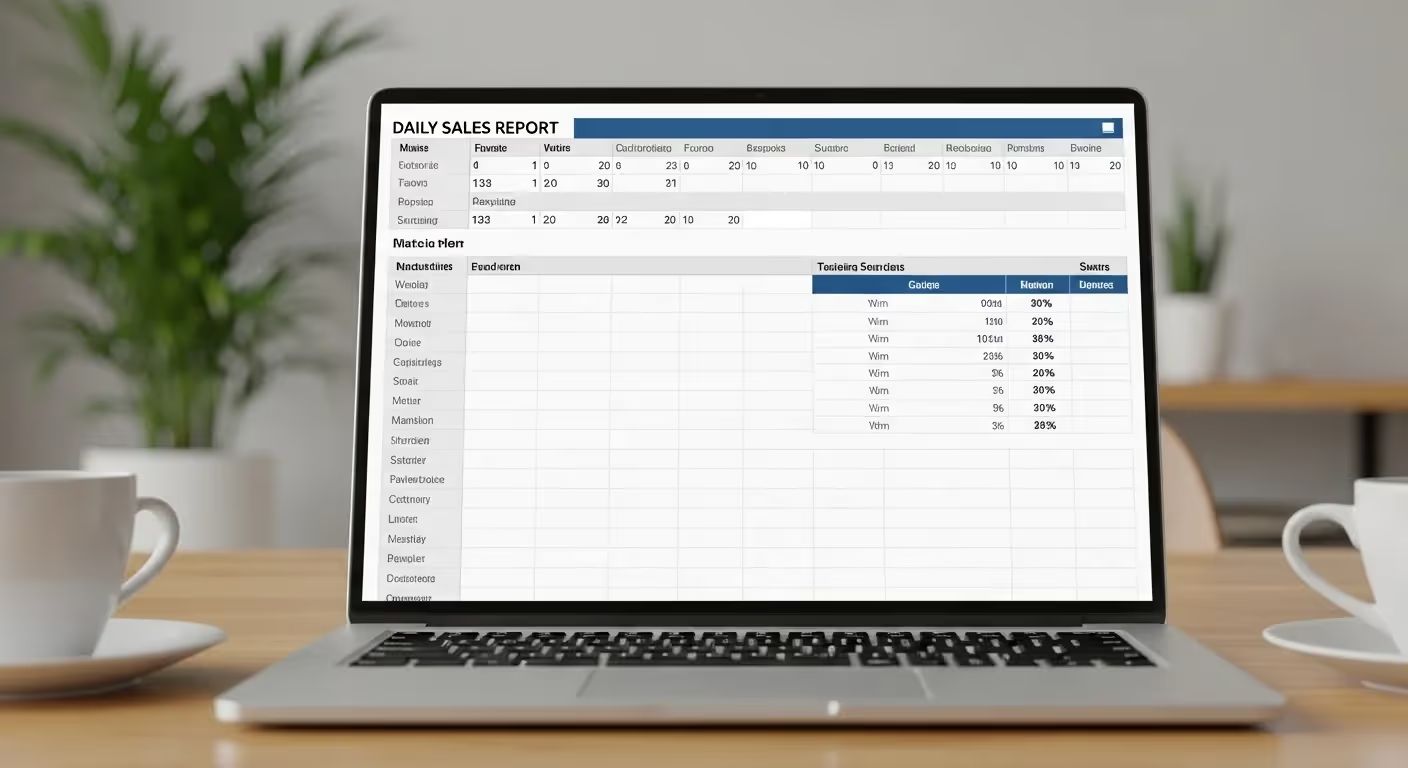
Cuando se hace correctamente, un informe diario de ventas se convierte en la torre de control de su equipo.
Le muestra, de un vistazo, dónde está ganando impulso y dónde está perdiendo fuerza.
En este artículo, aprenderá a convertir ese informe rutinario en un motor de crecimiento.
¿Debería implementar un informe diario de ventas en su equipo?
Existen muchas razones para promoverlo en su equipo. Los informes diarios le ofrecen un sistema de alerta temprana. Detectará bajo rendimiento u oportunidades a tiempo para corregir el rumbo. Muchos equipos de ventas dinámicos confían en las métricas diarias para mantener su agilidad.
Los informes diarios también refuerzan la responsabilidad. Como los resultados son visibles cada día, cada representante sabe que su actividad y sus logros importan ahora mismo, no solo a fin de mes. Esa visibilidad tiende a aumentar la constancia y la motivación.
Sin embargo, en algunos casos, los informes diarios pueden convertirse en ruido en lugar de información útil. Si su equipo maneja ciclos de venta largos (varios meses), gran parte de los datos diarios serán superficiales. En ese caso, las métricas diarias podrían no correlacionarse con resultados reales.
Si su volumen de ventas es bajo o su equipo es pequeño, el coste (tiempo, atención) de informar diariamente puede superar sus beneficios.
Plantilla de informe diario de ventas
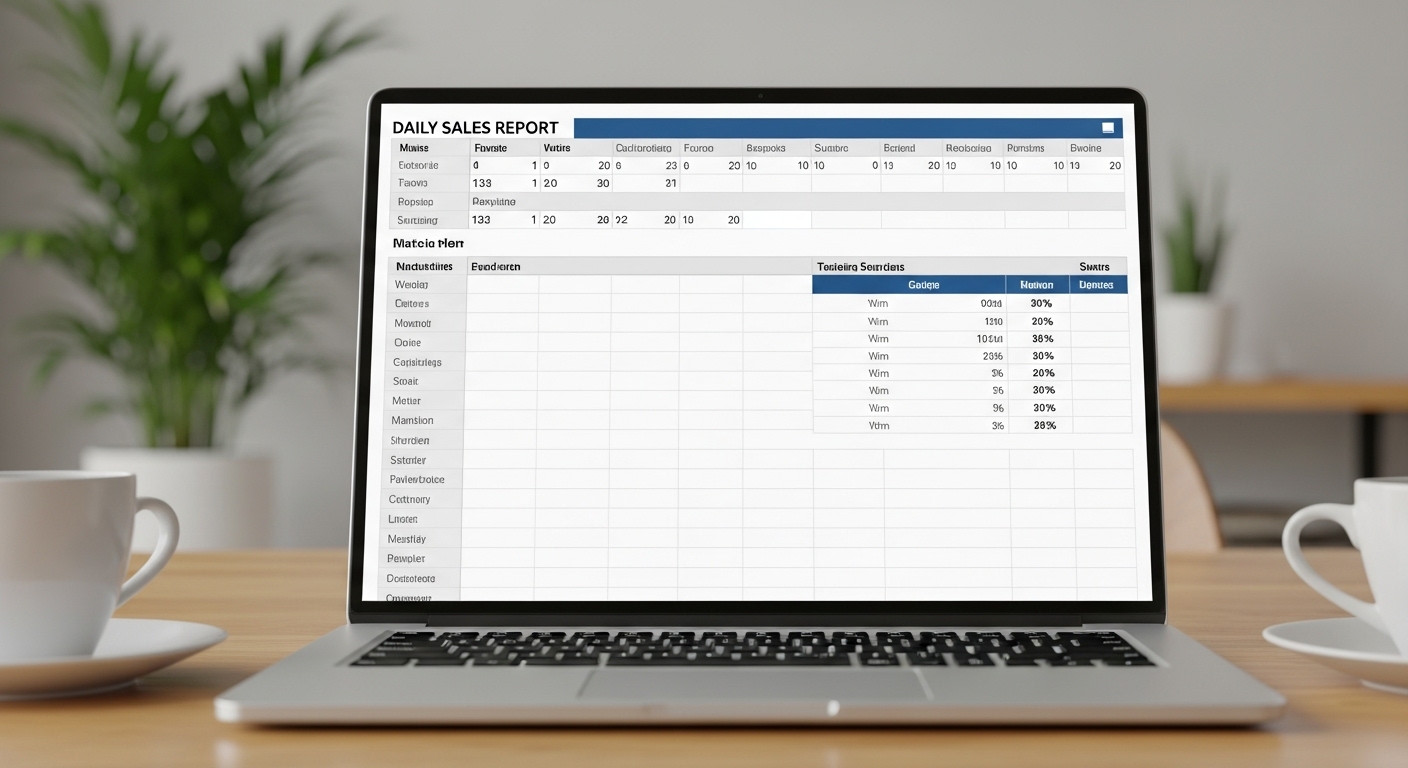
Aquí tiene una plantilla sencilla de informe de ventas en hoja de cálculo.
Cómo utilizar esta plantilla
Complétela diariamente antes del cierre de la jornada o programe una exportación automática desde su CRM. Sea objetivo y conciso.
Utilice los campos de comentarios para capturar el contexto y los próximos pasos, no para escribir una novela.
Buenas prácticas para el informe diario de ventas
3.1 Seleccione solo los KPI adecuados: menos es más
No abrume a su equipo con métricas. Elija un conjunto enfocado de indicadores de rendimiento que impulsen la acción.
Las métricas deben responder a: ¿Estamos cumpliendo los objetivos? ¿Dónde hay fricción? ¿Qué es prioritario ahora?
Utiliza tanto métricas de actividad (llamadas, reuniones programadas, correos enviados) como métricas de resultados (pipeline generado, tratos cerrados, ingresos) para que puedas ver tanto el esfuerzo como el resultado.
3.2 Mantén la consistencia y la estructura
Usa siempre el mismo diseño, orden de campos y convenciones de nomenclatura. Esta consistencia te permite detectar desviaciones rápidamente.
Bloquea los campos en tu plantilla para que los miembros del equipo sepan exactamente dónde completar sus métricas. Evita cambiar encabezados o añadir columnas aleatorias a mitad de semana; eso confunde a los lectores.
3.3 Contexto sobre números brutos
Un número significa poco sin contexto. Acompaña siempre las métricas clave con un breve comentario: qué impulsó el número, qué riesgo surgió y cuál es tu plan.
Tus secciones de “Aspectos destacados” y “Riesgos / Obstáculos” se convierten en la narrativa; no obligues a las partes interesadas a adivinar qué implican los números.
3.4 Usa elementos visuales con criterio
Las tablas están bien, pero un vistazo rápido debería contar la historia. Usa minigráficos, gráficos de barras pequeños, flechas de tendencia o códigos de color condicionales (verde/rojo) para resaltar desviaciones o el impulso.
Ten cuidado de no sobrecargar; los elementos visuales deben subrayar las señales clave, no distraer.
3.5 Automatiza los datos siempre que sea posible
La entrada manual de datos es propensa a errores y consume tiempo. Usa tu CRM, flujos de datos o herramientas como Zapier para completar los números automáticamente.
Deja solo los campos que requieren juicio humano (riesgos, acciones a seguir, comentarios) como entrada manual. Eso reduce la fricción y garantiza datos limpios.
3.6 Establece una cadencia fija y responsabilidad
Establece una hora fija cada día para recibir tu informe (por ejemplo, las 17:30). Esa constancia fomenta la disciplina y crea expectativas.
Revisa el informe en tu reunión matutina o sesión de seguimiento; no dejes que se quede acumulando polvo en la bandeja de entrada de nadie.
Combínalo con responsabilidad: cada representante debe ser capaz de explicar su propio informe si se le pregunta. Eso fomenta el sentido de propiedad.
Informes de ventas automatizados con Noota

No querrás pasar tus tardes redactando informes. Así es como Noota puede automatizar tus informes de ventas diarios y ahorrarte horas de trabajo.
- Grabación y transcripción de llamadas y reuniones: Cada llamada de ventas se graba y transcribe automáticamente. No pierdes contexto ni detalles; tu informe siempre cuenta con datos reales de los que extraer información.
- Resumen con IA y extracción de puntos clave: Noota condensa largas conversaciones en resúmenes digeribles con puntos de decisión, objeciones y próximos pasos. Obtienes contenido listo para leer que puedes insertar en tu plantilla diaria.
- Sincronización con CRM y sistemas: Las perspectivas, los resúmenes y las métricas de llamadas pueden enviarse a tu CRM automáticamente. Te ahorras la entrada manual de datos y mantienes tu información centralizada.
- Plantillas de informes listas para enviar: Noota admite plantillas estructuradas para llamadas de ventas y resúmenes diarios. Tu equipo no tiene que reinventar el formato cada día.
- Seguimientos y tareas automatizados : después de una llamada, Noota puede generar tareas o sugerir acciones de seguimiento. Cierra el ciclo más rápido y no dejes que nada se escape.
PRUEBA NOOTA GRATIS AHORA
Conoce al autor

Preguntas frecuentes
Selecciona KPIs clave, mantén estructura consistente, automatiza datos del CRM y añade contexto a números.
- Elige métricas de actividad y resultados
- Usa el mismo formato cada día
- Incluye análisis y planes de acción
La consistencia permite detectar desviaciones rápidamente y facilita el seguimiento de tendencias reales.
- Mismo layout y orden de campos
- Nomenclatura uniforme en encabezados
- Facilita comparación día a día
Noota automatiza 80% de tareas administrativas, ahorra 6.4h/semana y genera reportes en 80+ idiomas automáticamente.
- Automatización 80% más eficiente
- Integración CRM sin manual data entry
- Reportes multiidioma en segundos
Noota automatiza reportes diarios con 4.9/5 en G2 y 5000+ equipos confían en ella. Prueba Noota gratis — sin tarjeta de crédito.
- Exporta datos CRM automáticamente
- Genera insights contextualizados
- Ahorra tiempo administrativo