Noota verbindet sich mit Aircall


.svg)
Verbinde Noota mit einem einzigen Klick
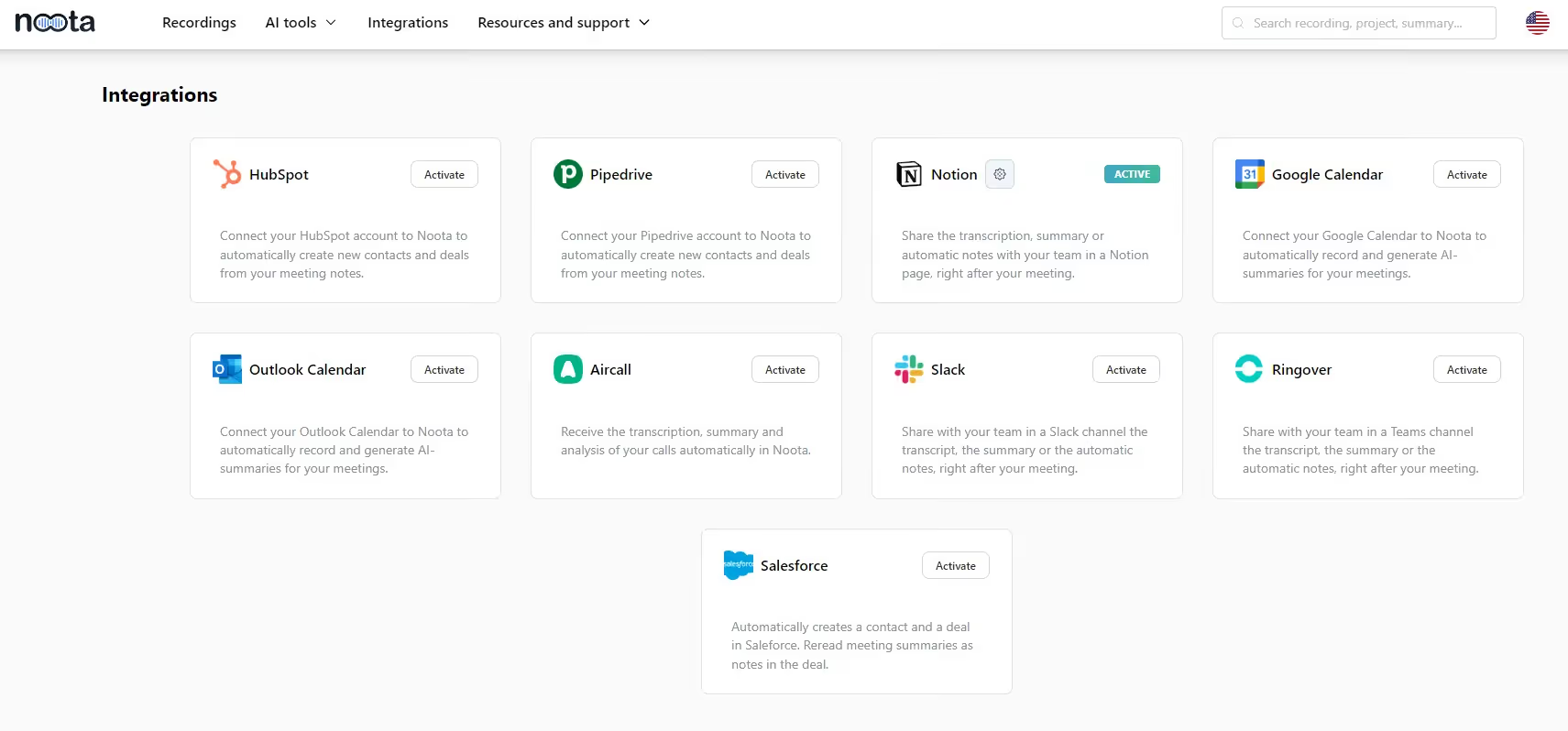
Gehen Sie zur Noota-Integrationsoberfläche und autorisieren Sie den Zugriff auf Ihr Aircall-Konto.
Wählen Sie die Nummer aus und aktivieren Sie die Selbstaufzeichnung auf der Aircall-Oberfläche für Ihre eingehenden und/oder ausgehenden Anrufe.
Definieren Sie Ihre benutzerdefinierte Zusammenfassung, falls Sie dies noch nicht getan haben, um nur wichtige Informationen aus Ihren Anrufen zu extrahieren.
Tätigen Sie Ihre Anrufe
.avif)
Führen Sie Ihre Anrufe wie gewohnt auf Aircall durch. Alle Ihre Anrufe werden automatisch aufgezeichnet.
Greifen Sie auf das Protokoll und das Protokoll zu
Wenn der Anruf beendet ist, erfasst, transkribiert und fasst Noota Ihren Aircall-Anruf automatisch zusammen.
Sie können direkt in Ihrem Noota-Dashboard auf das Protokoll, den Bericht und die Analyse zugreifen.
Sie können die CRM-Kontakt- und Opportunity-Felder aus diesen Daten auch automatisch ausfüllen.

Andere ähnliche Integrationen



FAQ
Im ersten Fall können Sie die Aufnahme direkt aktivieren, sobald Sie an einer Videokonferenz teilnehmen.
Im zweiten Fall können Sie Ihrer Videokonferenz einen Bot hinzufügen, der alles aufzeichnet.
Mit Noota können Sie Ihre Dateien auch in über 30 Sprachen übersetzen.
Erledigen Sie die Arbeit für jedes Meeting
.svg)