Noota verbindet sich mit Pipedrive


.svg)
Schalten Sie die Integration mit einem Klick ein
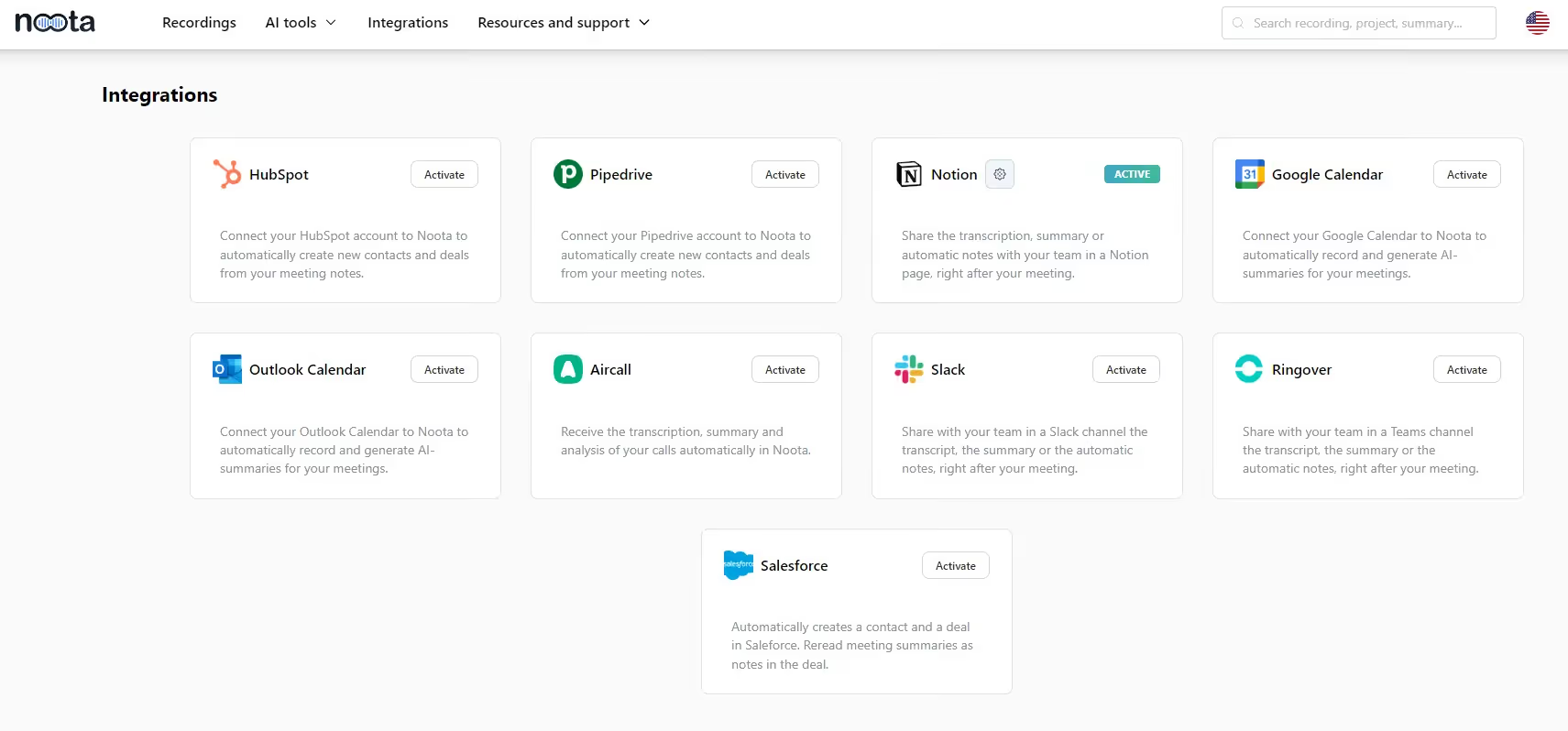
Gehen Sie zur Integrationsoberfläche von Noota und verbinden Sie Ihr Pipedrive-Konto.
Definieren Sie Ihre individuelle Zusammenfassungsstruktur, falls Sie dies noch nicht getan haben, damit nur die wichtigen Details Ihrer Besprechung gespeichert werden.
Automatisierte Deal- und Kontakterstellung
Verwenden Sie den Noota-Bot, die Erweiterung oder den Rekorder, um Ihre Besprechungen und Anrufe (Vertrieb, Team...) aufzuzeichnen.
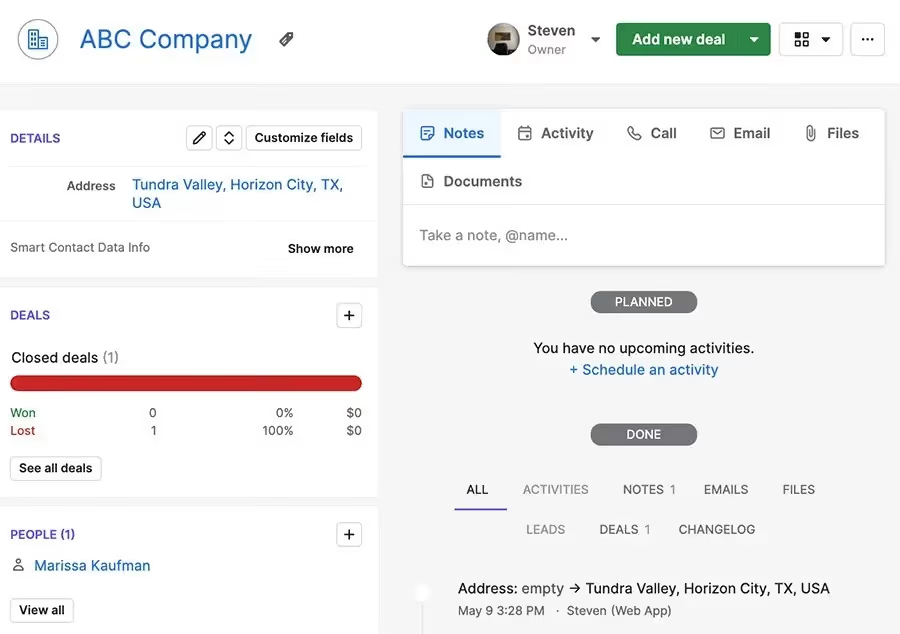
Noota identifiziert und erstellt automatisch ein Kontakt- und Deal-Feld in Pipedrive, basierend auf Ihren Meeting-Teilnehmern und ausgewählten Parametern.
Senden Sie Ihre Notizen in Pipedrive
Wenn das Meeting vorbei ist, transkribiert und fasst Noota Ihr Meeting oder Ihren Anruf automatisch zusammen.
Anschließend exportiert es die benutzerdefinierte Zusammenfassung als Notiz in das Pipedrive-Kontakt- und/oder Deal-Feld.


.svg)
FAQ
Im ersten Fall können Sie die Aufnahme direkt aktivieren, sobald Sie an einer Videokonferenz teilnehmen.
Im zweiten Fall können Sie Ihrer Videokonferenz einen Bot hinzufügen, der alles aufzeichnet.
Mit Noota können Sie Ihre Dateien auch in über 30 Sprachen übersetzen.
Erledigen Sie die Arbeit für jedes Meeting
.svg)