



8 min reading
Writing a thesis: Tips for success
Noota helps students write better theses faster with AI-powered organization tools. Master thesis writing with our proven strategies.

Writing the end-of-year thesis is an opportunity to reinforce all the acquired knowledge. This exercise requires a lot of rigor, as well as analytical and synthesis skills. You need to start working on it, but it requires a lot of effort, and you don't know where to begin?
You're in the right place; we will explain step by step how to optimize your time and write a solid thesis!
Indeed, writing a thesis is not an easy task; you need to rely on appropriate tools. Your time is precious, and good organization will help you save time for reviewing your synthesis work. Therefore, we have compiled the best tools to assist you in writing your thesis.
Also, don't forget that the working conditions in which you find yourself will also contribute to writing a good paper. Choose a quiet environment and take regular breaks!
Before starting the writing of your thesis, create a schedule 📆
First and foremost, to optimize your work time, it is essential to create a detailed schedule outlining the tasks you need to accomplish and the time you will dedicate to each. This provides an overview and facilitates better progress in your work.

So, you can use an electronic calendar such as Google Calendar or others. Indeed, the calendar created by Google is particularly user-friendly and allows you to have an overview of the upcoming weeks and months. You can also plan the regularity of tasks you want to perform. For example, if you need to conduct interviews for your thesis and decide to schedule them every Tuesday, you can ensure that Google Calendar reserves the same time slot every Tuesday for this task. You also have the option to add colors to your events for better recognition, as well as set reminders that will alert you when your task is about to start.
For a quality thesis, develop your ideas using mind mapping software 🧠
Mind maps are particularly useful in the context of thesis writing. They allow you to brainstorm and note down all your ideas while visualizing them. By adding colors, you can also prioritize tasks or sections that seem more necessary since mind maps can be very useful for developing the structure of your thesis.
If you prefer to use software, Xmind is perfect for you. If you prefer to use an application, you have the choice between MindMeister and Mindomo. For use in the context of your thesis, there is no need to use paid versions; the free versions will be more than sufficient.
Let's move on to writing your thesis: formatting 📝
There's nothing simpler than using Microsoft Word word processing software. Indeed, Word's numerous features allow you to write your thesis by adjusting line spacing, keeping track of the word count, numbering your pages, and more. Word has many user-friendly features that provide an excellent overview of your thesis.
Save and store your thesis files frequently ⬇️
It is evident that you will need to store numerous files and frequently back up your thesis. As you progress in your research, it becomes increasingly necessary to have a backup of all your documents.
Backing up files on USB drives or external hard drives can be risky. Hard drives can encounter problems, break, or you may lose the USB drive that contains all your work.
Therefore, you can use Dropbox or Google Drive to securely back up your files. With Google Drive, you can import your files and edit them directly. Each time you make a new modification, your document will be updated.
However, if you use these data storage platforms, you will eventually face their storage capacity limits after a few weeks. You may need to consider a paid solution that provides access to additional available space.
For comprehensive writing, manage your bibliographic references 📚
To help you better organize your bibliographic data, there is a very simple tool: Zotero. It allows you to manage your references and annotations, as well as handle PDF files, citations, and more. Moreover, if you need to format your references according to APA standards, you will appreciate that Zotero can do it automatically for you. Once again, this software will save you valuable time!
Correct any spelling mistakes 💯
This is a crucial step to ensure the success of your thesis. An document with spelling mistakes will struggle to captivate the attention of readers. You can use free software to help you, such as Scribens, which works by simply pasting the text. The tool also allows you to learn from your mistakes by showing you the necessary corrections.
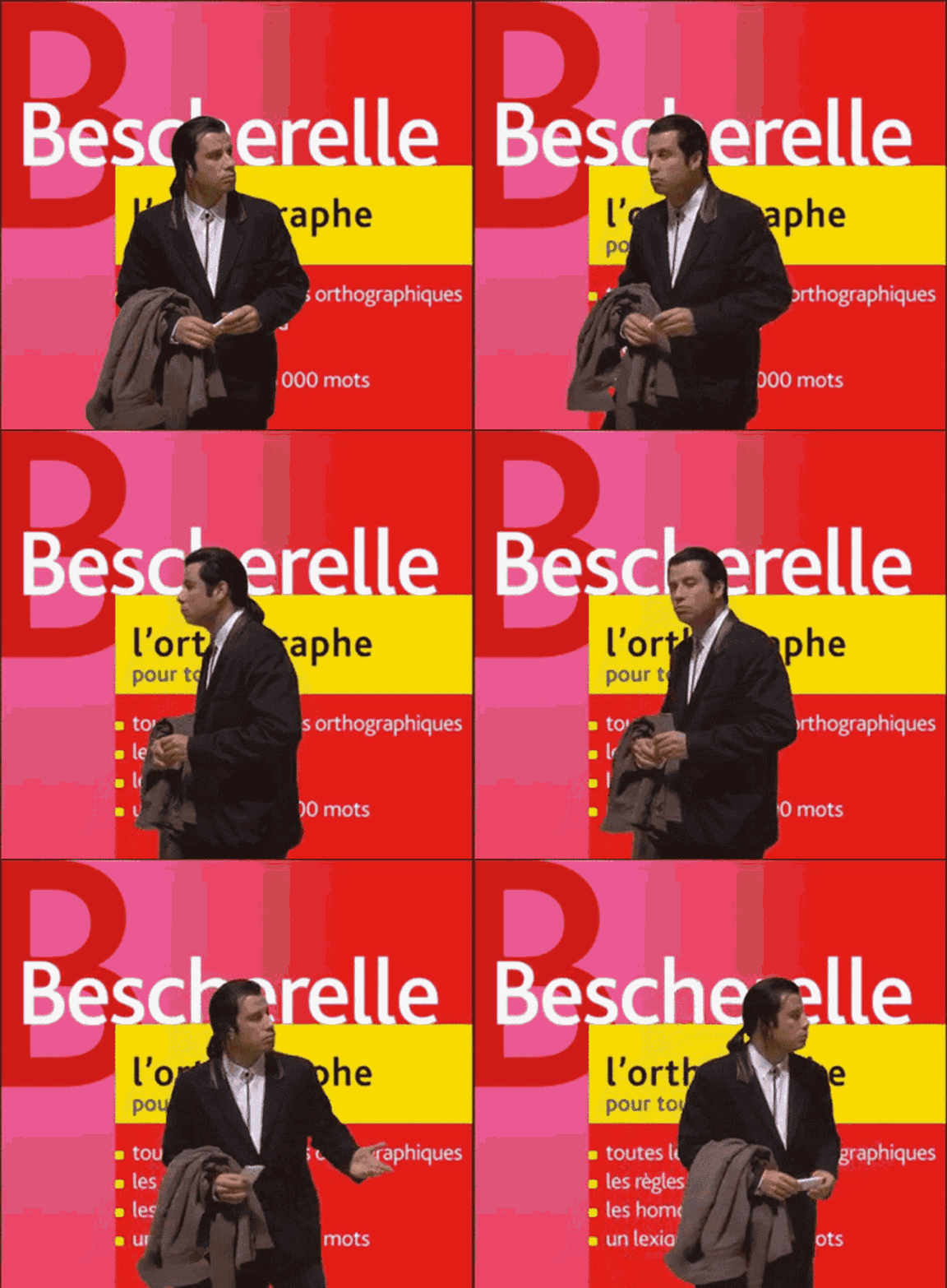
In case you don't trust automatic correction software, don't forget that you can always have members of your circle proofread your work!
To save time on writing your thesis, use Noota ⏳
To successfully complete your thesis, you will likely need to conduct interviews or qualitative studies. In both cases, you will have to collect a large amount of data during your interactions with your interviewees. This exercise is particularly complex as it requires dual concentration: being able to engage in the conversation while taking extensive notes.
To assist you, we invite you to discover our automatic transcription platform. Now, to retrieve all the information exchanged during your interviews and studies, simply import an audio or video file into Noota.

In just a few minutes, you will have access to an efficient transcription of your conversations! You can make some modifications before exporting your file in the format of your choice (Word, PDF...).