Management
●
June 30, 2026
●
8 min reading
All Hands Meeting Notes & Minutes Template
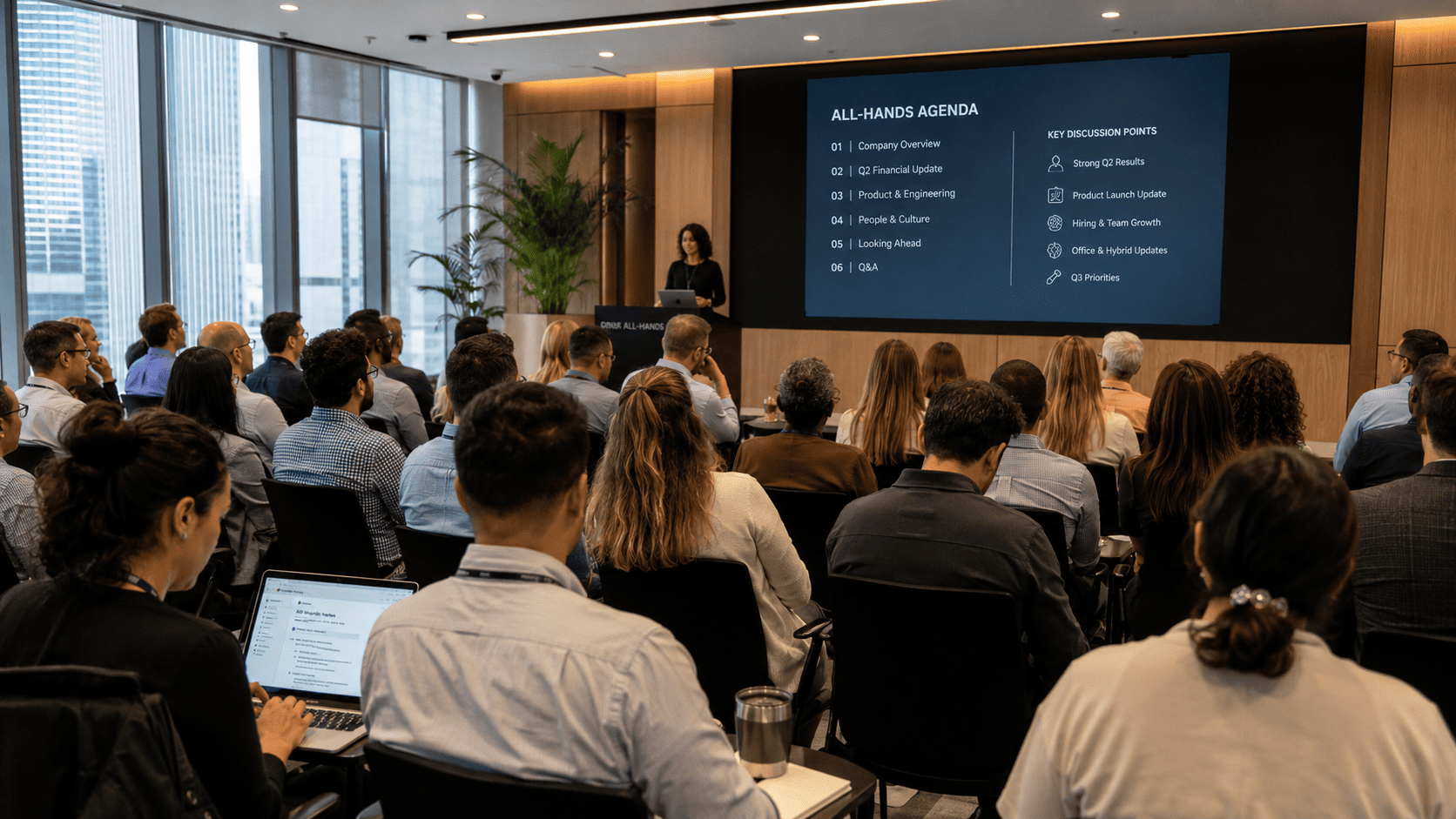
Your All Hands meeting just ended.
Now you need to turn that company-wide conversation into clear notes everyone can understand.
In this guide, you’ll learn what to include in an All Hands meeting notes & minutes with template.
The Importance of All Hands Minutes
All Hands meeting minutes are the written summary of your company-wide meeting.
They are not a full transcript. Your employees do not need to read every sentence from the meeting.
Instead, they need the essentials:
- What was announced
- What changed
- What decisions were made
- What questions were answered
- What teams need to do next
- Where to find the recording, slides, or follow-up links
All Hands meetings are built for alignment. They help employees hear the same message at the same time.
With strong All Hands minutes, you can:
- Share updates with employees who missed the meeting
- Reinforce company goals and priorities
- Document leadership messages
- Capture department updates
- Record decisions and next steps
- Summarize employee questions and answers
- Reduce repeated follow-up questions
- Give managers a reliable recap to share with their teams
- Keep remote and hybrid employees included
All Hands Meeting Minutes Template
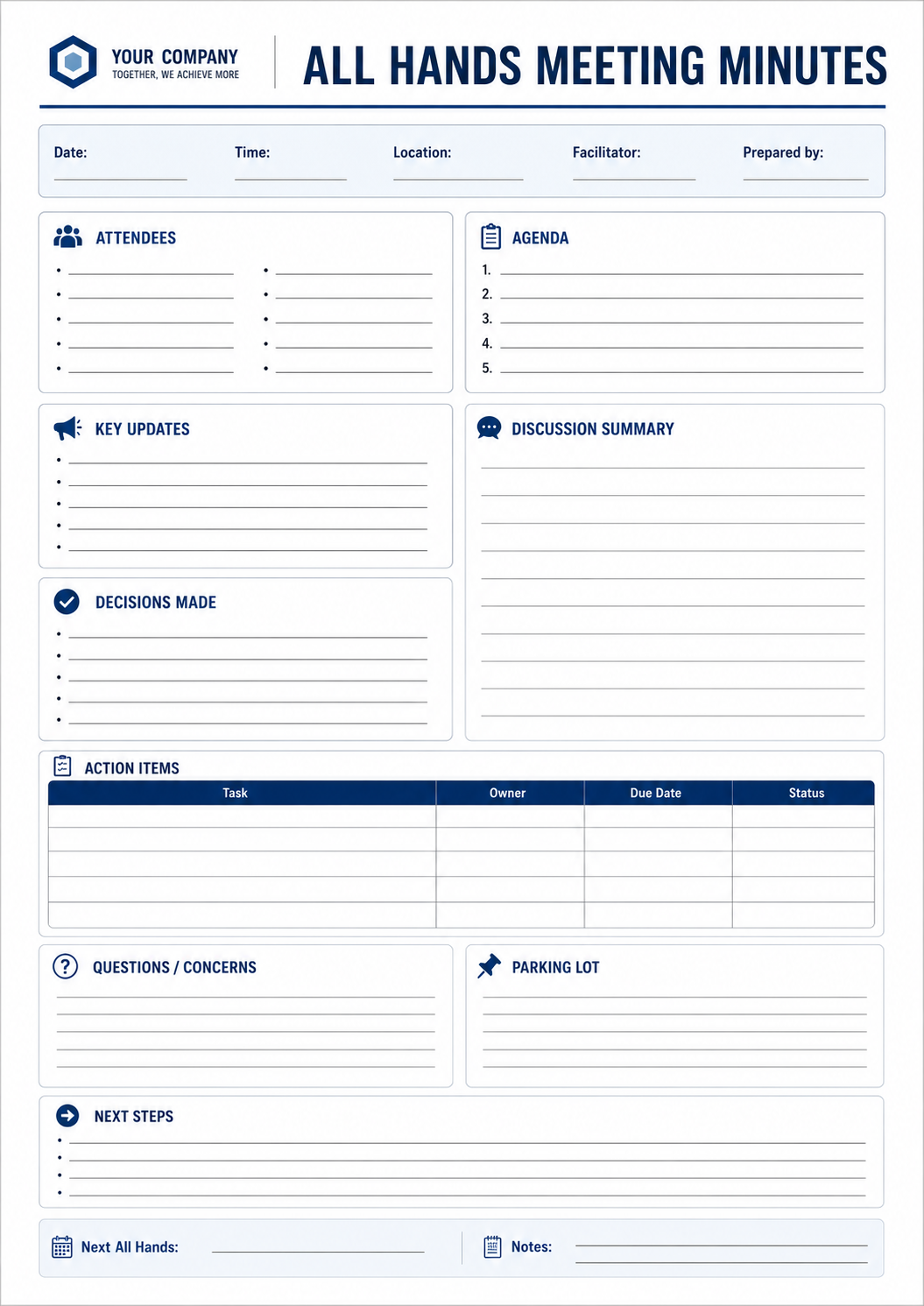
Use the template below as a starting point.
All Hands Meeting Minutes Template
Company name: [Insert company name]
Meeting type: All Hands meeting
Date: [Insert date]
Time: [Insert time and time zone]
Location / meeting link: [Insert room, Zoom, Teams, Google Meet, or Webex link]
Host: [Insert host name]
Facilitator: [Insert facilitator name]
Note taker: [Insert note taker name]
Recording link: [Insert recording link]
Slides link: [Insert slide deck link]
1. Meeting Purpose
Main purpose of this All Hands:
[Insert the reason for the meeting. Example: monthly company update, quarterly results, product launch, strategy update, culture event, or leadership Q&A.]
Main message employees should remember:
[Insert one or two clear sentences.]
2. Opening Remarks
Presented by: [Insert name and role]
Summary:
[Summarize the opening message from leadership.]
Key points:
- [Insert key point]
- [Insert key point]
- [Insert key point]
Important announcement:
[Insert announcement, or write “None.”]
3. Company Performance Snapshot
Presented by: [Insert name and role]
Metrics shared:
- Revenue / growth: [Insert update]
- Customers / users: [Insert update]
- Product usage: [Insert update]
- Team growth: [Insert update]
- OKRs / goals: [Insert update]
- Risks or challenges: [Insert update]
What this means for the company:
[Explain the key takeaway in simple terms.]
4. Department Updates
Repeat this section for each team that presented.
Department: [Insert department name]
Presented by: [Insert speaker name]
Main updates:
- [Insert update]
- [Insert update]
- [Insert update]
Wins to highlight:
[Insert team wins, launches, results, or milestones.]
Blockers or challenges:
[Insert blockers, risks, or open questions.]
Next steps:
[Insert what happens next.]
5. Product, Customer, or Market Updates
Product updates:
[Insert launches, roadmap changes, feature updates, or product priorities.]
Customer updates:
[Insert customer wins, feedback, case studies, churn risks, or market signals.]
Market updates:
[Insert competitor news, industry changes, or strategic context.]
Key takeaway:
[Insert what employees should remember.]
6. People and Culture Updates
New hires:
[Insert names, roles, and teams.]
Promotions or role changes:
[Insert names and details.]
Employee recognition:
[Insert shoutouts, awards, or team wins.]
Culture or HR updates:
[Insert policy updates, events, benefits, values, or internal initiatives.]
7. Decisions Made
Use this section to make the meeting actionable.
Decision 1: [Insert decision]
Context: [Insert why the decision was made]
Owner: [Insert owner]
Impact: [Insert affected teams or employees]
Next step: [Insert next step]
Decision 2: [Insert decision]
Context: [Insert why the decision was made]
Owner: [Insert owner]
Impact: [Insert affected teams or employees]
Next step: [Insert next step]
8. Q&A
Question 1: [Insert employee question]
Answered by: [Insert name]
Answer summary: [Insert answer]
Follow-up needed: [Yes / No]
Owner: [Insert owner if needed]
Question 2: [Insert employee question]
Answered by: [Insert name]
Answer summary: [Insert answer]
Follow-up needed: [Yes / No]
Owner: [Insert owner if needed]
9. Action Items
Action itemOwnerDeadlineRelated topicStatus[Insert task][Insert name][Insert date][Insert topic][Not started / In progress / Done][Insert task][Insert name][Insert date][Insert topic][Not started / In progress / Done][Insert task][Insert name][Insert date][Insert topic][Not started / In progress / Done]
10. Closing Remarks
Presented by: [Insert name]
Final message:
[Summarize the closing message.]
Main takeaway:
[Insert the most important point employees should remember.]
Next All Hands date: [Insert date]
Follow-up resources: [Insert links to slides, recording, documents, dashboards, or internal pages.]
After you fill in the template, keep the recap easy to scan. Employees should be able to find the main updates, decisions, Q&A, and action items without watching the full recording.
For best results, share the minutes soon after the meeting. The faster your recap goes out, the easier it is for your team to stay aligned and act on what was discussed.
AI All Hands Meeting Notes & Minutes: Noota
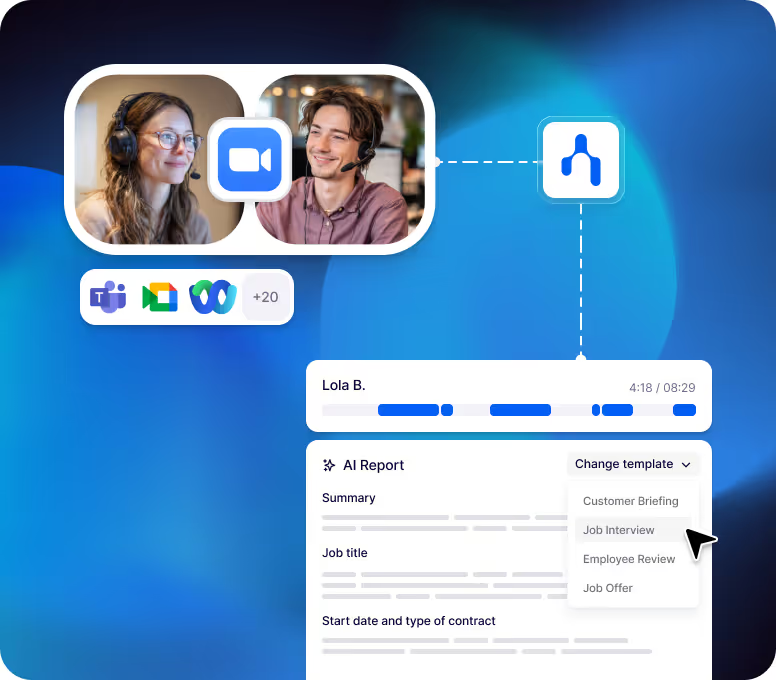
Taking notes during an All Hands meeting is not easy. Noota helps you avoid that.
- Real-Time Recording and Transcription : Noota records the meeting and transcribes the conversation as it happens. This eliminates the need to take notes manually or rely on memory.
- Smart Templates for All Hands Minutes : Noota provides customizable templates tailored to All hands meetings.
- One-Click Sharing : After the meeting, minutes can be reviewed, finalized, and shared instantly.
Send a summary to board members, stakeholders, or compliance teams with just one click. - Secure Storage and Compliance : Noota stores transcripts and minutes securely in the cloud.
Only authorized users can access sensitive discussions. - Searchable Meeting History : Need to revisit a decision made three months ago? Noota makes every meeting fully searchable. This is a major advantage for secretaries and legal teams handling recurring reviews.
Use Noota AI All Hands minutes for free here
Meet the Writer

Jean-marc is an AI expert helping recruiters & professionnals leverage these tools in their everyday work processes.