Management
●
June 22, 2026
●
8 min reading
The 8 Best ChatGPT MCP Connectors
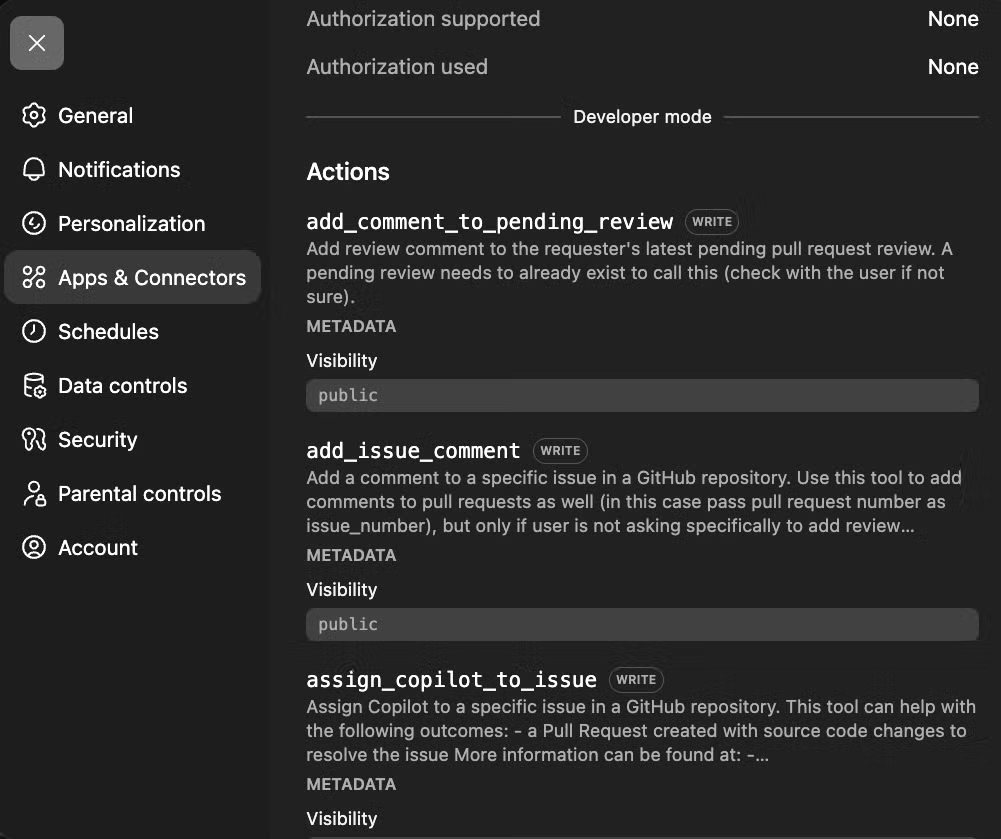
MCP, short for Model Context Protocol, gives ChatGPT a standard way to connect with external tools, apps, data sources, and workflows.
With the right MCP, ChatGPT can search your meeting history, summarize Slack conversations, inspect GitHub issues, read Notion pages,etc...
In this article, we’ll review the best ChatGPT MCPs to try.
Security tips before connecting a ChatGPT MCP
MCP apps can be powerful, but they can also access sensitive tools and data.
Before connecting one:
- only use MCP servers from providers you trust;
- review the permissions carefully;
- start with read-only access when possible;
- be careful with tools that can send messages, update records, or delete information;
- test the app with low-risk prompts first;
- ask admins to approve team-wide apps;
- disconnect tools you no longer use.
Let's see now the best ChatGPT connectors.
1. Noota MCP
Noota MCP connects ChatGPT to your Noota meeting data, so you can ask questions about your calls without copying and pasting transcripts manually.
With Noota MCP, you can:
- connect ChatGPT to your Noota meeting history;
- search meetings by title, date, duration, participant, folder, or workspace;
- search inside transcripts for specific topics or phrases;
- find calls where a keyword was discussed;
- look up contacts by name, email, or company;
- browse Noota folders and workspaces;
- retrieve full meeting transcripts;
- summarize calls, decisions, and next steps;
- extract action items from team meetings;
- prepare follow-up emails based on real conversations.
Type of MCP
Remote Custom MCP connector with OAuth
Server adress
https://mcp.noota.io/mcp
How to Set it up
In ChatGPT, go to Settings → Apps → Advanced settings, enable Developer mode, then create a custom app or connector. Add the Noota MCP server URL, choose OAuth, then sign in to your Noota account to authorize access.
Examples of prompts
- “Summarize my last call with Acme Corp."
- “What action items came out of yesterday’s standup?”
- “Find every call where we discussed pricing this quarter.”
- “Which candidates mentioned React experience?”
- “Prepare a follow-up email based on my last client meeting.”
- “What decisions were made in my last three project calls?”
- “List the objections prospects raised this month.”
- “Create a task list from this week’s team meetings.”
- “Find the last conversation where we discussed contract renewal.”
- “Summarize all calls related to this customer account.”
Know how to set up Noota ChatGPT MCP here
2. Zapier MCP
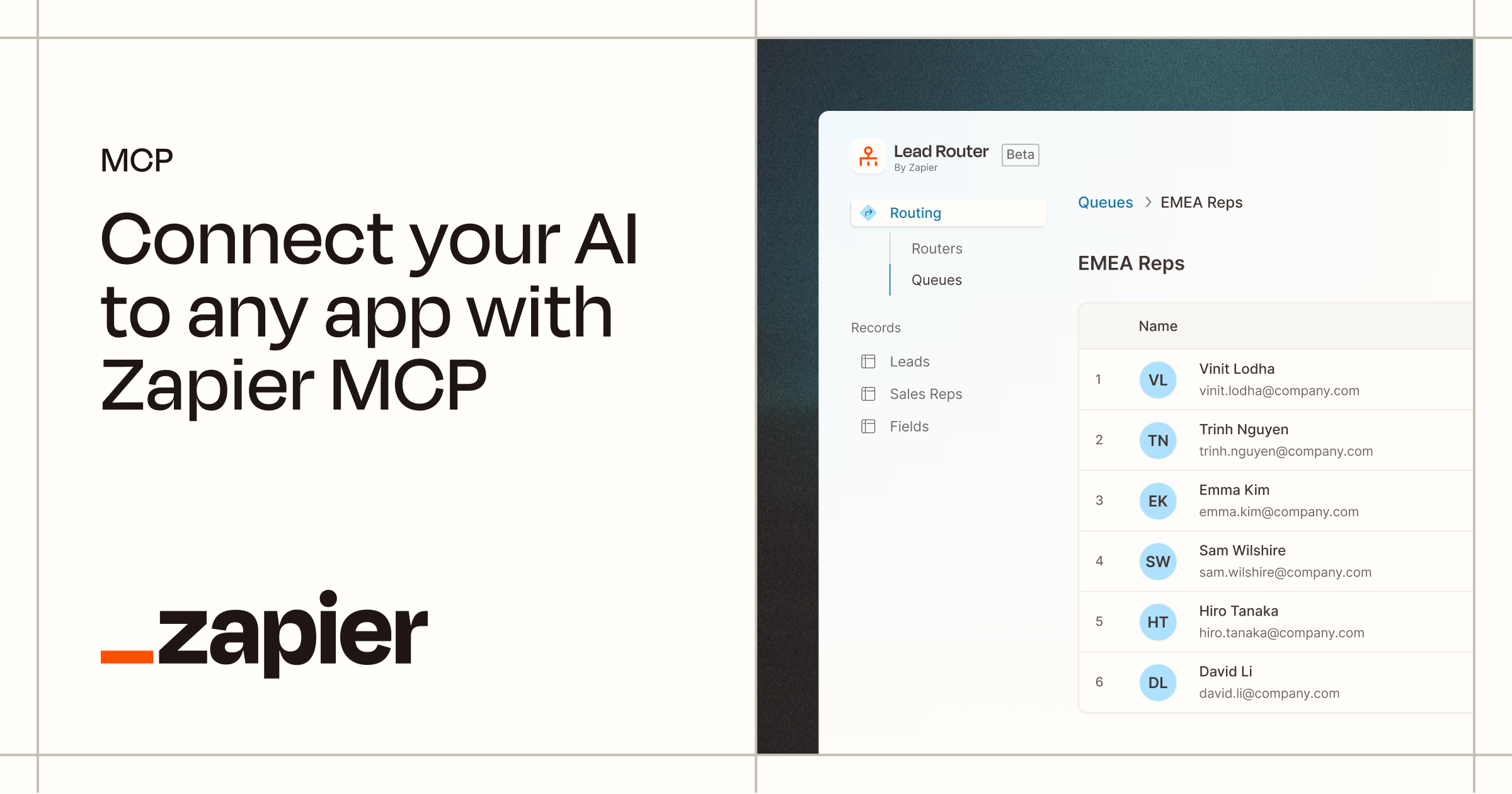
Zapier MCP connects ChatGPT to thousands of apps, so you can turn a simple chat request into a real action.
With Zapier MCP, you can:
- connect ChatGPT to thousands of apps through Zapier;
- send emails from Gmail;
- post messages in Slack;
- create tasks in Asana, Trello, ClickUp, or Monday;
- update leads, contacts, and deals in HubSpot or Salesforce;
- add rows to Google Sheets;
- create Google Calendar events;
- open support tickets in Zendesk or other help desk tools;
- move data between apps without writing code;
- automate repetitive admin work from inside a ChatGPT conversation.
Type of MCP
Remote MCP server with a unique per-user URL
Server adress
Generated inside Zapier MCP
How to Set it up
Go to mcp.zapier.com, create a new MCP server, select ChatGPT or “Other” as the client, choose the tools you want to expose, then copy the generated server URL or token. In ChatGPT, create a custom MCP app and paste the Zapier server details.
Examples of prompts
- “Create an Asana task from this meeting summary.”
- “Add this lead to HubSpot and tag it as inbound.”
- “Send a Slack message to the sales channel with this update.”
- “Add this candidate information to Google Sheets.”
- “Create a Trello card with these next steps.”
- “Draft a Gmail follow-up from this call summary.”
- “Update this Salesforce opportunity with the latest notes.”
- “Create a Google Calendar event for this customer check-in.”
- “Open a Zendesk ticket from this support request.”
- “Send a reminder to the project channel tomorrow morning.”
Price
Zapier MCP is available to Zapier users. Zapier offers a free plan, while paid plans depend on task volume, app needs, and team features.
One important detail: Zapier MCP usage can count against your Zapier task quota. So, if your team plans to use ChatGPT for frequent automations, check your plan limits before rolling it out widely.
3. GitHub MCP
GitHub MCP connects ChatGPT to GitHub, so developers can work with code and project context without copying everything into the chat manually.
With GitHub MCP, you can:
- let ChatGPT browse and query repository files;
- search code across repositories you can access;
- summarize pull requests;
- review code changes and flag possible risks;
- create, update, and manage GitHub issues;
- help triage bugs and feature requests;
- analyze commits and project structure;
- monitor GitHub Actions workflow runs;
- investigate build failures;
- draft release notes from merged pull requests;
- support repetitive engineering tasks from inside ChatGPT.
Type of MCP
Remote HTTP MCP server, with local setup also available
Server adress
https://api.githubcopilot.com/mcp/
How to Set it up
Use the remote GitHub MCP server if your ChatGPT setup supports remote MCP connections. Authenticate with GitHub OAuth or a personal access token if required. For more control, you can also run the GitHub MCP server locally with Docker and expose it through a supported endpoint.
Examples of prompts
- “Summarize the main changes in this pull request.”
- “Find the file that handles user authentication.”
- “Create a GitHub issue from this bug report.”
- “Review this PR and flag potential risks.”
- “Explain how this repository is structured.”
- “Find recent issues related to API errors.”
- “Draft release notes based on merged pull requests.”
- “Suggest tests for the changes in this branch.”
- “Find where billing logic is implemented.”
- “Summarize the open bugs assigned to me.”
Price
The official GitHub MCP server is available to GitHub users. The MCP server itself does not have separate pricing, but access depends on your GitHub plan and permissions.
GitHub offers a free plan, while GitHub Team starts at $4 per user per month and GitHub Enterprise starts at $21 per user per month. Some advanced MCP actions may also require access to the matching paid GitHub or Copilot feature.
4. Notion MCP
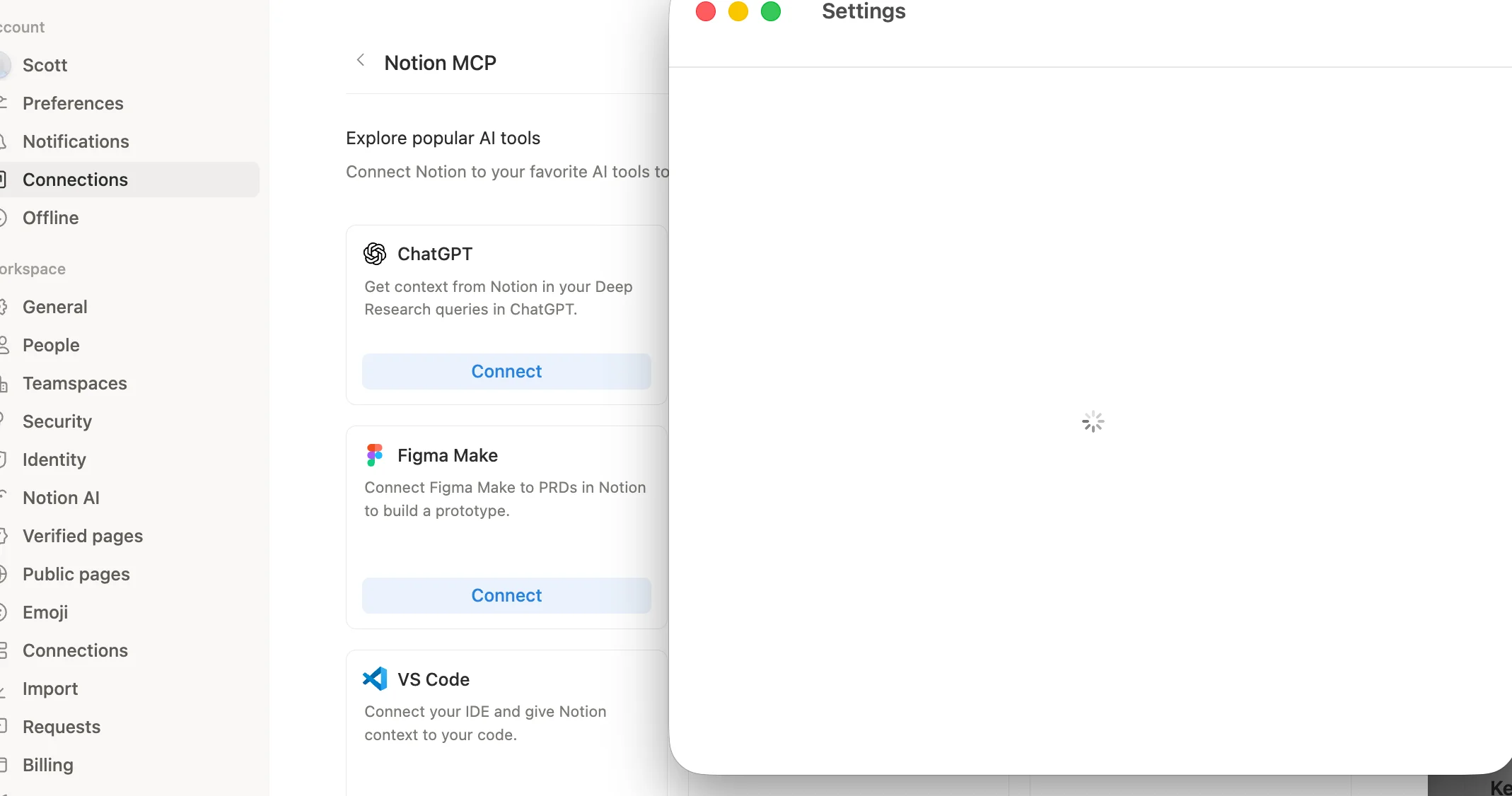
Notion MCP connects ChatGPT to your Notion workspace, so you can search, read, and manage workspace content directly from a conversation.
With Notion MCP, you can:
- search across your Notion workspace;
- find pages, databases, and project documents;
- fetch content from a Notion page or database;
- summarize product specs, meeting notes, and internal docs;
- create new pages from research or project data;
- update tasks, statuses, and page properties;
- turn messy notes into structured documentation;
- prepare release notes, reports, and project updates;
- generate campaign briefs and content plans;
- manage knowledge base content from inside ChatGPT.
Type of MCP
Hosted remote MCP server with OAuth
Server adress
https://mcp.notion.com/mcp
How to Set it up
In ChatGPT, create a custom MCP app and add the Notion MCP server URL. Complete the OAuth flow to connect your Notion workspace. Once connected, ChatGPT can read and write Notion content based on your Notion permissions.
Examples of prompts
- “Find our onboarding checklist and summarize it.”
- “Search Notion for all docs related to the website redesign.”
- “Turn this project page into a weekly update.”
- “Find the content calendar and suggest gaps.”
- “Summarize the product requirements document.”
- “Create a launch plan based on our Notion docs.”
- “Find all pages mentioning customer churn.”
- “Update this task page with the latest status.”
- “Turn these meeting notes into a clean internal brief.”
- “Create a campaign brief from our research notes.”
Price
Notion MCP itself does not have separate public pricing. You need a Notion account and a ChatGPT setup that supports MCP apps or custom connectors.
Notion offers a free plan. Paid plans are charged per member, with Plus, Business, and Enterprise options available depending on your workspace size, collaboration needs, admin controls, and AI features.
5. Google Drive MCP
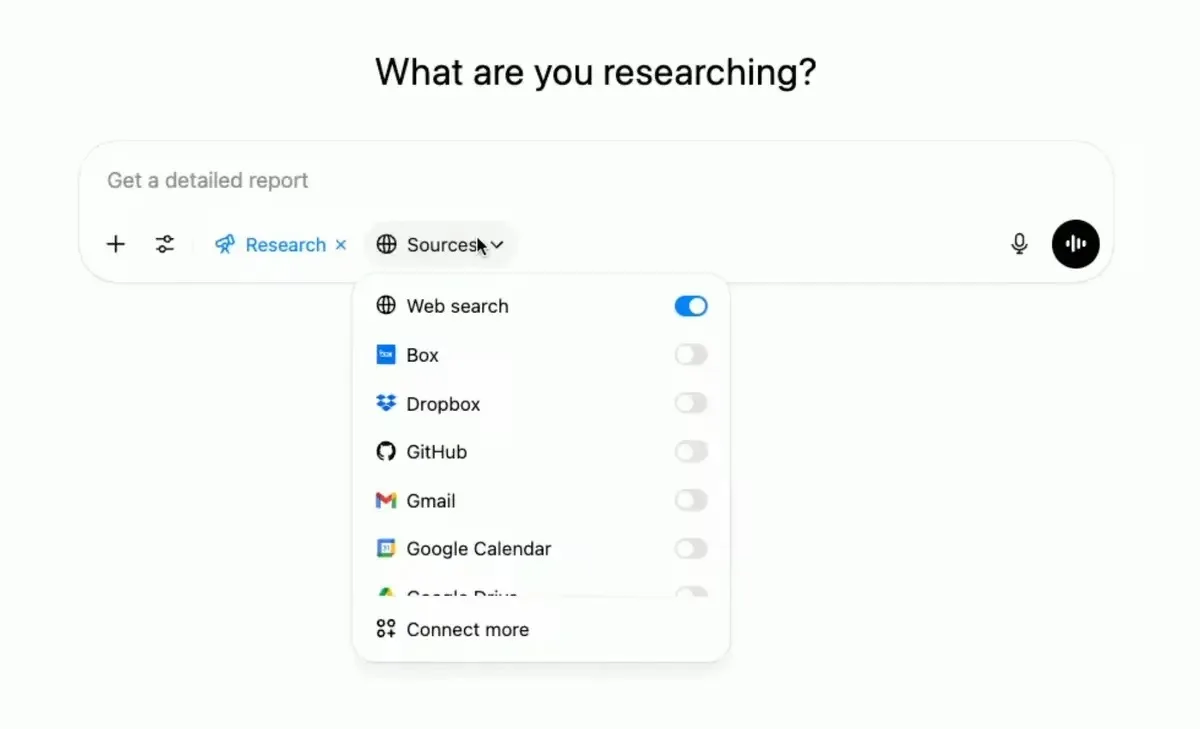
Google Drive MCP connects ChatGPT to the files your team already keeps in Google Drive.
With Google Drive MCP, you can:
- search files stored in Google Drive;
- retrieve file metadata and permissions;
- read content from documents and files;
- summarize Google Docs, reports, briefs, and PDFs;
- pull useful information from spreadsheets;
- find the latest version of a project plan;
- compare information across several files;
- create new files when needed;
- download file content;
- work with Drive data while keeping user permissions in place.
Type of MCP
Remote HTTP MCP server, currently in Developer Preview
Server adress
https://drivemcp.googleapis.com/mcp/v1
How to Set it up
Create a Google OAuth client if required, then add the Google Drive MCP server URL in your MCP client or ChatGPT custom app setup. Authorize access with your Google account. ChatGPT can then search, read, and work with Drive files based on your existing permissions.
Examples of prompts
- “Find the latest marketing plan and summarize it.”
- “Search Drive for documents mentioning our Q3 hiring goals.”
- “Summarize the customer proposal for Acme Corp.”
- “Find all files related to the website redesign.”
- “Pull the action items from this project brief.”
- “Compare these two versions of the sales deck.”
- “Find the spreadsheet with customer feedback.”
- “Summarize the PDF about our product roadmap.”
- “Create a short internal update from this Drive document.”
- “Find documents where we discussed pricing changes.”
Price
Google Drive MCP itself does not have separate public pricing. You need access to Google Drive or Google Workspace, plus a ChatGPT setup that supports MCP apps or custom connectors.
Google Workspace offers a free personal Google Drive account. Business plans start at $7 per user per month on an annual plan for Business Starter. Business Standard costs $14 per user per month on an annual plan, and Business Plus costs $22 per user per month on an annual plan.
6. Slack MCP
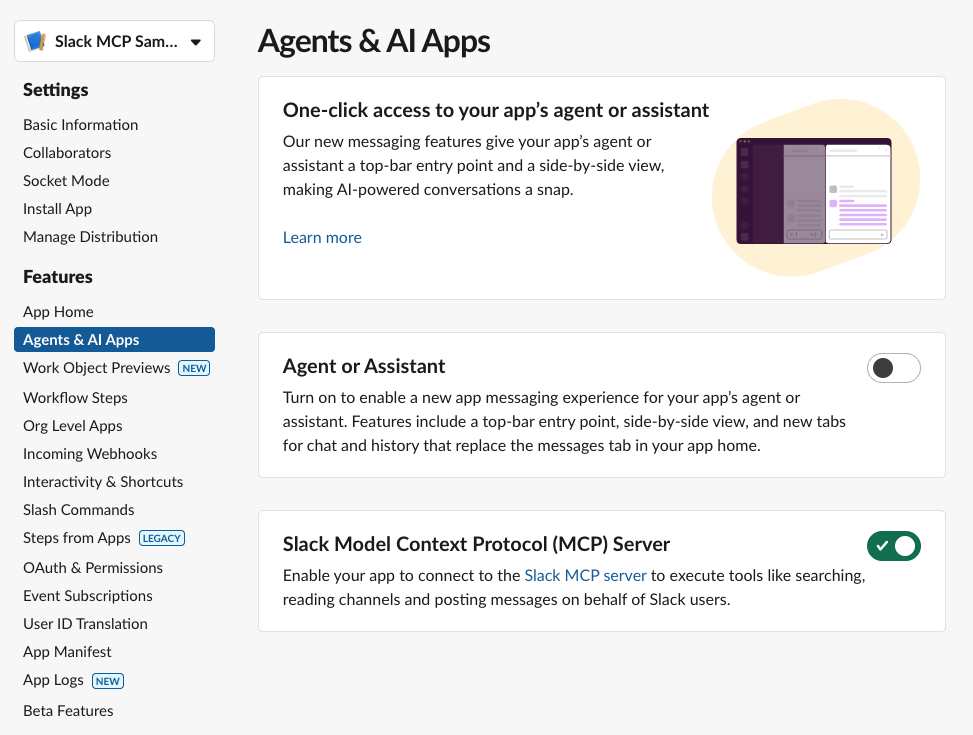
Slack MCP connects ChatGPT to your Slack workspace, so it can search messages, summarize conversations, retrieve threads, and help you take action inside Slack.
With Slack MCP, you can:
- search Slack messages, channels, files, and users;
- retrieve recent channel activity;
- read full thread conversations;
- summarize long Slack discussions;
- find decisions, blockers, owners, and next steps;
- draft Slack messages and project updates;
- send messages when permissions allow it;
- manage or create Slack canvases;
- look up teammate information;
- help new teammates catch up on past context faster.
Type of MCP
Remote HTTP MCP server with OAuth
Server adress
https://mcp.slack.com/mcp
How to Set it up
Connect through a supported AI partner app or create an approved Slack app that can use MCP. Slack admins may need to approve the integration. Once connected, ChatGPT can search Slack, retrieve threads, send messages, and manage canvases depending on scopes and permissions.
Examples of prompts
- “Summarize what happened in the product channel this week.”
- “Find the latest decision about the pricing page.”
- “What blockers were mentioned in the engineering channel?”
- “Summarize this thread and list the next steps.”
- “Draft a Slack update for the marketing team.”
- “Find messages where we discussed the launch delay.”
- “Create a canvas from this project discussion.”
- “Show me the thread related to this customer escalation.”
- “Find the teammate with this email address.”
- “Send a message to #general saying the deployment is complete.”
Price
Slack MCP does not have separate public pricing. You need access to a Slack workspace, and your workspace admin may need to approve the MCP connection.
Slack offers a free plan. The Pro plan costs $7.25 per active user per month when billed annually, or $8.75 per active user per month when billed monthly. Larger teams can use Business+ or Enterprise+ depending on their security, admin, compliance, and AI needs.
7. Playwright MCP
Playwright MCP connects ChatGPT to a real browser, so it can interact with websites and web apps instead of only talking about them.
With Playwright MCP, you can:
- let ChatGPT open and navigate web pages;
- click buttons, links, menus, and form fields;
- type text and fill forms;
- inspect page structure through accessibility snapshots;
- test signup, login, checkout, and onboarding flows;
- generate ideas for end-to-end tests;
- check whether UI elements behave correctly;
- capture screenshots and browser state;
- debug frontend issues;
- automate repetitive browser checks.
Type of MCP
Local studio MCP server
Server adress
No remote server URL. Use npx @playwright/mcp@latest
How to Set it up
Install Node.js, then run Playwright MCP with npx @playwright/mcp@latest. For ChatGPT, you usually need a remote-accessible MCP endpoint, so run it as an HTTP server and expose it securely if needed. Use this mainly for testing, browser automation, and developer workflows.
Examples of prompts
- “Open our pricing page and check if the CTA buttons work.”
- “Test the signup flow and report any friction.”
- “Fill out this contact form with test data and tell me if it submits.”
- “Generate a Playwright test for this checkout flow.”
- “Inspect this page and find accessibility issues.”
- “Click through the onboarding flow and summarize each step.”
- “Check whether the mobile menu opens correctly.”
- “Find broken links on this landing page.”
- “Take a screenshot after completing the login flow.”
- “Reproduce this bug and suggest where it might come from.”
Price
Playwright MCP is open source and free to use. The official server is available through the @playwright/mcp package.
However, the full cost depends on your setup. You may still need a ChatGPT plan that supports custom MCP apps, plus hosting, developer tools, CI/CD infrastructure, or other services if you use it at scale.
8. Context7 MCP
Context7 MCP connects ChatGPT to current developer documentation, so it can answer coding questions with fresher, version-specific information.
With Context7 MCP, you can:
- fetch up-to-date documentation for libraries and frameworks;
- retrieve version-specific code examples;
- reduce outdated API suggestions;
- avoid hallucinated methods and incorrect syntax;
- search documentation without leaving ChatGPT;
- improve code generation with real documentation context;
- get setup steps based on current docs;
- work with specific library IDs when needed;
- support tools like Next.js, Supabase, Stripe, Tailwind, Prisma, React, and more;
- make technical answers more grounded and easier to verify.
Type of MCP
Remote HTTP MCP server, with CLI setup available
Server adress
https://mcp.context7.com/mcp
How to Set it up
Create a Context7 account and API key if needed. Add the Context7 server URL to your MCP client or ChatGPT custom app setup, and pass the API key using the CONTEXT7_API_KEY header when required. Once connected, ask ChatGPT to “use Context7” when you need current documentation.
Examples of prompts
- “Use Context7 to show the latest Next.js middleware example.”
- “Find the current Supabase auth API for email sign-up.”
- “Use current Stripe docs to create a webhook handler.”
- “Show me the latest Cloudflare Workers caching example.”
- “Check the current React Router API before answering.”
- “Find the correct setup steps for Tailwind CSS 4.”
- “Explain this library using its latest documentation.”
- “Generate a code example based on the current MongoDB docs.”
- “Use library /vercel/next.js and explain how routing works.”
- “Check the latest Prisma documentation before writing the query.”
Price
Context7 offers a free plan for individuals. The Pro plan costs $10 per seat per month and includes private repositories, team collaboration, and higher API usage. Enterprise pricing is custom for teams that need SOC 2, SSO, self-hosting, dedicated support, and volume-based pricing.
FAQ
What is ChatGPT MCP?
ChatGPT MCP is a way to connect ChatGPT to external tools, apps, and data sources.
MCP stands for Model Context Protocol. It gives ChatGPT a standard way to work with tools outside the chat, such as meeting platforms, CRMs, project management tools, developer tools, document systems, and internal databases.
In simple terms, MCP helps ChatGPT move from “answering questions” to “working with your tools.”
Does ChatGPT support MCP?
Yes. ChatGPT supports MCP through apps and custom MCP-powered connectors.
Some apps can be connected from the ChatGPT app directory. More advanced MCP apps can be built with OpenAI’s Apps SDK, which uses MCP servers to define what ChatGPT can access or do.
For teams, full MCP support may depend on the ChatGPT plan, workspace settings, admin permissions, and whether developer mode is enabled.
What is the best ChatGPT MCP?
The best ChatGPT MCP depends on your workflow.
If your most valuable information is in meetings and calls, Noota MCP is a great choice. If you want ChatGPT to take action across many apps, Zapier MCP is one of the most flexible options. If you are a developer, GitHub MCP, Playwright MCP, and Context7 MCP are strong choices.
For company knowledge, Notion MCP, Google Drive MCP, and Slack MCP are useful because they connect ChatGPT to the places where teams already store work context.
Are ChatGPT MCPs free?
Some ChatGPT MCPs are free or open source, but that does not always mean the whole setup is free.
For example, Playwright MCP is open source. But you may still need a ChatGPT plan that supports custom MCP apps, hosting, developer tools, or extra infrastructure.
For SaaS tools like Noota, Zapier, Notion, Slack, or Google Drive, pricing usually depends on the connected platform’s subscription.
Do I need to be technical to use ChatGPT MCP?
Not always.
If the app is available in ChatGPT’s app directory, setup can be simple. You open Settings, go to Apps, choose the app, connect your account, and start using it in a chat.
Custom MCP apps are more technical. They may require an MCP server, an HTTPS endpoint, OAuth, tool definitions, testing, and admin approval.
Can ChatGPT MCP access private data?
Yes, but only after you connect a tool and authorize access.
ChatGPT does not automatically access your Slack messages, Notion pages, Google Drive files, GitHub repositories, or meeting data. You need to connect the app first and approve the permissions.
For teams, admins should review which MCP apps are allowed and what data they can access.
Is ChatGPT MCP safe?
ChatGPT MCP can be safe when used carefully.
The main risk is permission. Some MCPs only read data, while others can send messages, update files, create records, or trigger workflows. Before connecting an MCP, check who built it, what permissions it needs, and whether it can take actions in your tools.
A good rule is simple: use trusted MCPs, start with low-risk tasks, and review important actions before approving them.
Can I build my own ChatGPT MCP?
Yes. Developers can build their own MCP server and connect it to ChatGPT through the Apps SDK.
This is useful for companies that want ChatGPT to work with private tools, internal databases, custom workflows, or SaaS products that are not yet available in the app directory.
Meet the Writer

Jean-marc is an AI expert helping recruiters & professionnals leverage these tools in the everyday.