Meeting Management
8 min reading
Updated on:
Apr 29, 2025
Best Meeting Topics : examples & templates
You want examples of meeting topics to drive your conversations ? Here's your guide.

The Most Common Meeting Topics According to Stats
Status rules your schedule. In a recent survey, 46 % of employees said “most or all” of their meetings revolve around simple project-status updates.
Those updates rarely move work forward. Only 30 % of meetings are considered productive.
Worse, just 37 % of meetings end with an actual decision. The remaining two-thirds leave you with new follow-ups instead of clear outcomes.
The pattern is predictable:
- Monday syncs recap tasks already logged in your tool.
- Mid-sprint stand-ups restate yesterday’s progress.
- Quarterly business reviews replay dashboards that everyone read in advance.
The Most Efficient Meeting Topics

What to do to make your meeting more prodctive ? Efficient meeting topics share one trait. They focus on work that cannot happen anywhere else but in live conversation.
1. Decisions that unlock progress
When you gather the right owners and data, a decision meeting can shave weeks off a project. McKinsey found that companies that decide quickly and well are twice as likely to beat their peers on growth and profitability.
How to spot the topic: A single question hangs over the room: “Do we go left or right?” You have options, trade-offs, and the people who can sign off today.
Why it works: Every minute drives toward a yes, no, or pivot. No side quests, no status chatter. You finish with clear owners, deadlines, and—most importantly—momentum.
2. Problem-solving workshops
These sessions attack a blocker that slows your sprint, hiring funnel, or revenue target. The issue is concrete, and the team must invent or select a fix right now.
Atlassian groups these under “problem-solving and brainstorming,” and lists them among the six meeting types worth everyone’s calendar space.
Why it works: Live debate surfaces hidden constraints faster than an email chain. Diverse skills collide, ideas blend, and you leave with a chosen solution plus next steps.
Recruiter tip: Use a one-hour workshop to rewrite an interview scorecard that keeps letting weak fits slip through. Four brains at the table beat 20 slack replies spread over days.
3. Brainstorming that sparks new value
You hold this topic when you need a fresh approach, not a report. The goal is a long list of ideas, ranked by impact.
Effective brainstorms follow two ground rules: silent idea generation (to avoid groupthink) and rapid voting to protect energy. When teams run them well, they feed the innovation pipeline that lifts future revenue.
Hiring example: Brainstorm alternative channels for diverse talent. You emerge with three pilot experiments instead of vague hopes.
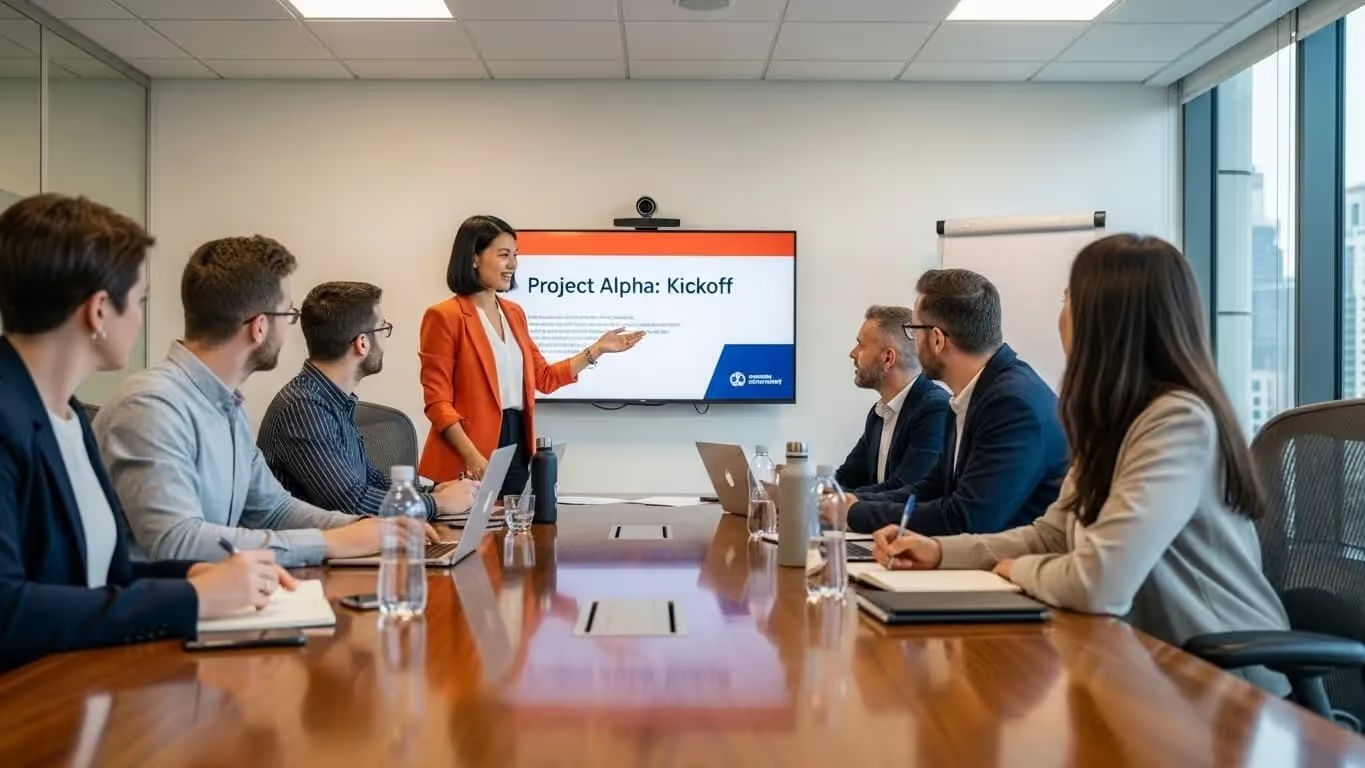
4. Planning and kickoff meetings
A kickoff sets roles, scope, and milestones before work begins. Without it, projects sprawl, and you drown in slack threads.
According to Atlassian, planning meetings belong on the “keep” list because asynchronous chat collapses under the weight of dependencies and what-ifs.
Why it works: You map tasks to owners in real time, expose resource gaps, and lock deadlines that cascade into calendars moments later. That early alignment prevents rework later.
5. Retrospectives for continuous improvement
Looking back sounds soft, yet it delivers hard gains. Harvard research shows that structured reflection boosts performance on future tasks—people learn faster when they pause and analyze.
In a retro, you dissect wins, misses, and root causes. Then you choose one change to test next cycle. That learning loop turns small insights into compound efficiency.
Manager tip: Run a monthly hiring retro with recruiters and hiring managers. Identify which interview questions predicted success and which wasted time.
6. Relationship-building 1-on-1s
You cannot outsource trust to a document. One-on-one time accelerates coaching, retention, and psychological safety. Atlassian lists them among the six meetings worth protecting, as long as you skip status updates.
Use the slot for career goals, feedback, and roadblock removal. A 30-minute private talk often prevents a costly resignation later.
How Choose The Right Meeting Topics

You only get value when a topic earns its seat on the calendar. Follow these six filters to keep the winners and drop the rest.
1. Start with an outcome verb
Write the purpose in two words: Decide roadmap, Solve blocker, Plan launch, Reflect sprint.
If you can’t name a verb, cancel the slot.
Sixty-two percent of workers sit through meetings that never state a goal.
2. Price the conversation
Add up hourly rates of everyone you invite.
A 30-minute meeting with six mid-level pros costs roughly €300.
If the decision at stake is worth less, share an async update instead.
3. Test the async alternative
Ask, “Could we solve this in a doc, chat, or Loom?”
Status, announcements, and serial demos almost always pass the async test.
Inefficient meetings already block focus for 68 % of employees. Don’t feed the fire.
4. Limit the room to change-makers
Invite only the people who can change the outcome today.
Large meetings cut decision quality in half and drain morale.
Teams that decide quickly—and with the right owners—are twice as likely to outperform peers.
5. Check agenda discipline
No agenda? No meeting.
Atlassian finds meetings flop 72 % of the time when objectives and steps stay vague.
Send the agenda 24 hours ahead so everyone arrives ready to act.
6. Run a monthly audit
Block one hour each month for a “Calendar Cleanse.”
- List every recurring meeting. Label each topic with Decide, Solve, Plan, Reflect, or Bond.
- Kill or shrink mismatches. If a slot drifts into status or chit-chat, cut it or drop to 15 minutes.
- Track gains. Teams that prune ruthlessly reclaim up to 20 % of work time for deep tasks.
Use Noota’s analytics to see which topics run long or spawn zero actions. Data beats gut feel.
Agenda Templates Based on Your Topic
Use these skeletons as building blocks.
A. Status update — 15 minutes
- Goals (3 min). State today’s objective. Remind everyone why this work matters.
- Metrics snapshot (4 min). Share one chart or three numbers. Drop the file link in chat.
- Blockers (4 min). Each speaker gets 60 seconds. Capture blockers in a shared doc.
- Next steps (3 min). Assign one action per blocker. Confirm deadlines and owners.
Personalize it: Cut metrics if your tool posts a live dashboard. Extend blockers when a launch is close.
B. Decision meeting — 25 minutes
- Context (5 min). Frame the question. Paste data sources in the invite.
- Options (6 min). Walk through no more than three paths. Stick to facts, not feelings.
- Debate (8 min). Time-box arguments. Rotate speaking order to avoid domination.
- Decision + owner (6 min). Call for a vote or consensus. Record the decision in bold.
Personalize it: Swap voting for RACI if you need clarity on roles.
C. Brainstorm/problem solve — 30 minutes
- Problem framing (5 min). Define success and constraints. Pin the statement on screen.
- Silent idea dump (7 min). Everyone writes ideas in a shared board, no talking.
- Cluster + title ideas (7 min). Group similar thoughts. Give each cluster a catchy name.
- Dot-vote (5 min). Three votes per person. Highest score wins.
- Action pick (6 min). Choose one idea to prototype. Assign owner and timeline.
Personalize it: Replace dot-vote with an ICE scoring sheet if you prefer data over vibes.
D. Planning/kick-off — 45 minutes
- Objectives (5 min). State the north star metric or strategic goal.
- Scope + timeline (10 min). Present the draft plan. Keep slides to five.
- Risks (10 min). List top three threats. Brainstorm mitigations.
- Roles + resources (10 min). Confirm RACI, budget, and tool access.
- Next checkpoints (10 min). Schedule stand-ups, demos, and retro. Send invites during the call.
Personalize it: Shrink to 30 minutes for small projects or when scope is already clear.
E. Retrospective — 30 minutes
- Wins (5 min). Celebrate two successes. Tag contributors.
- Misses (5 min). Name one thing that hurt results. No blame.
- Root causes (10 min). Use “Five Whys” to dig deep. Capture notes live.
- Experiments (7 min). Propose fixes. Vote for one.
- Commitment (3 min). Assign experiment owner and deadline.
Personalize it: Add an anonymous pre-survey to surface silent feedback.
F. 1-on-1 check-in — 25 minutes
- Personal update (5 min). Let your report share wins and worries.
- Goal progress (7 min). Review OKRs or hiring metrics. Ask, “Where are you blocked?”
- Feedback both ways (8 min). Offer one praise and one suggestion each.
- Growth next step (5 min). Agree on a skill or project stretch.
Personalize it: Flip the order if your report prefers hard topics first.
Structure and follow up your meeting with Noota AI

You already trimmed your topics. Now let Noota handle the heavy lifting that remains.
1. Invite Noota to every call
Link your calendar once. Noota drops a bot into Zoom, Meet, Teams, or even a phone call. It starts recording and transcribing without extra clicks.
2. Build a live agenda in seconds
Open the agenda panel. Type “#Goal”, “#Decision”, or any heading—Noota slots them into a timeline. Each block shows up on the side of the transcript while you speak. This keeps talk on track and reminds late joiners where you are.
3. Let AI write the summary
End the call, stretch, and refresh your inbox. Noota has already drafted a clean summary: goals, decisions, actions—each linked to the exact transcript time-code. You can choose recruiting, sales, or team-sync templates, so wording fits your audience.
4. Fire off follow-up emails instantly
Click Generate mail. Noota pulls the summary, adds context, and drafts a polite follow-up with next steps bolded. You just pick the tone and hit send. Average time saved per meeting: six minutes, multiplied by your entire team.
Try Noota for free here.
Meet the Writer

Jean-marc writes on AI note-taker reviews, meeting management, recording and AI in recruitment, backed by years of SEO and content work.
FAQ
Research shows only 37% of meetings end with actual decisions, while two-thirds leave teams with follow-ups instead of outcomes. Status updates dominate agendas, consuming time without moving work forward or unlocking progress that requires live conversation and decision-making authority.
- 46% of meetings focus on simple project-status updates that rarely advance work.
- Only 30% of all meetings are considered truly productive by participants.
- Decision-focused meetings shave weeks off projects when the right owners and data align.
Live debate surfaces hidden constraints faster than asynchronous communication. Diverse skills collide in real time, ideas blend rapidly, and teams leave with a chosen solution plus clear next steps instead of endless back-and-forth threads.
- Four people debating in one hour beats 20 Slack replies spread over multiple days.
- Diverse perspectives uncover constraints email chains miss entirely.
- Teams exit with actionable solutions and assigned ownership, not vague direction.
Noota transforms meeting insights into action by automatically capturing decisions, owners, and deadlines across 80+ languages—saving teams 6.4 hours weekly on admin work. With -80% administrative overhead and 4.9/5 G2 rating from 5000+ teams, Noota ensures efficient meeting topics actually drive outcomes instead of spawning follow-ups.
- Noota captures decisions and owners automatically, eliminating manual note-taking delays.
- Reduces admin burden by 80% compared to traditional transcription and manual logging.
- 5000+ teams trust Noota to transform status meetings into decision-driven conversations.
Noota is purpose-built for high-impact meetings where decisions unlock progress. It automatically documents decisions, assigns owners, and surfaces deadlines—ensuring kickoffs and problem-solving sessions produce clear outcomes instead of follow-up chaos. 6.4 hours saved weekly proves teams execute faster with Noota.
- Noota captures every decision and owner in real time during kickoffs and planning sessions.
- Automatic deadline tracking ensures accountability and momentum post-meeting.
- Try Noota free — no credit card needed to transform your meeting topics into action.