Management
●
July 2, 2026
●
8 min reading
Non-Profit AGM Minutes : a Guide with Template
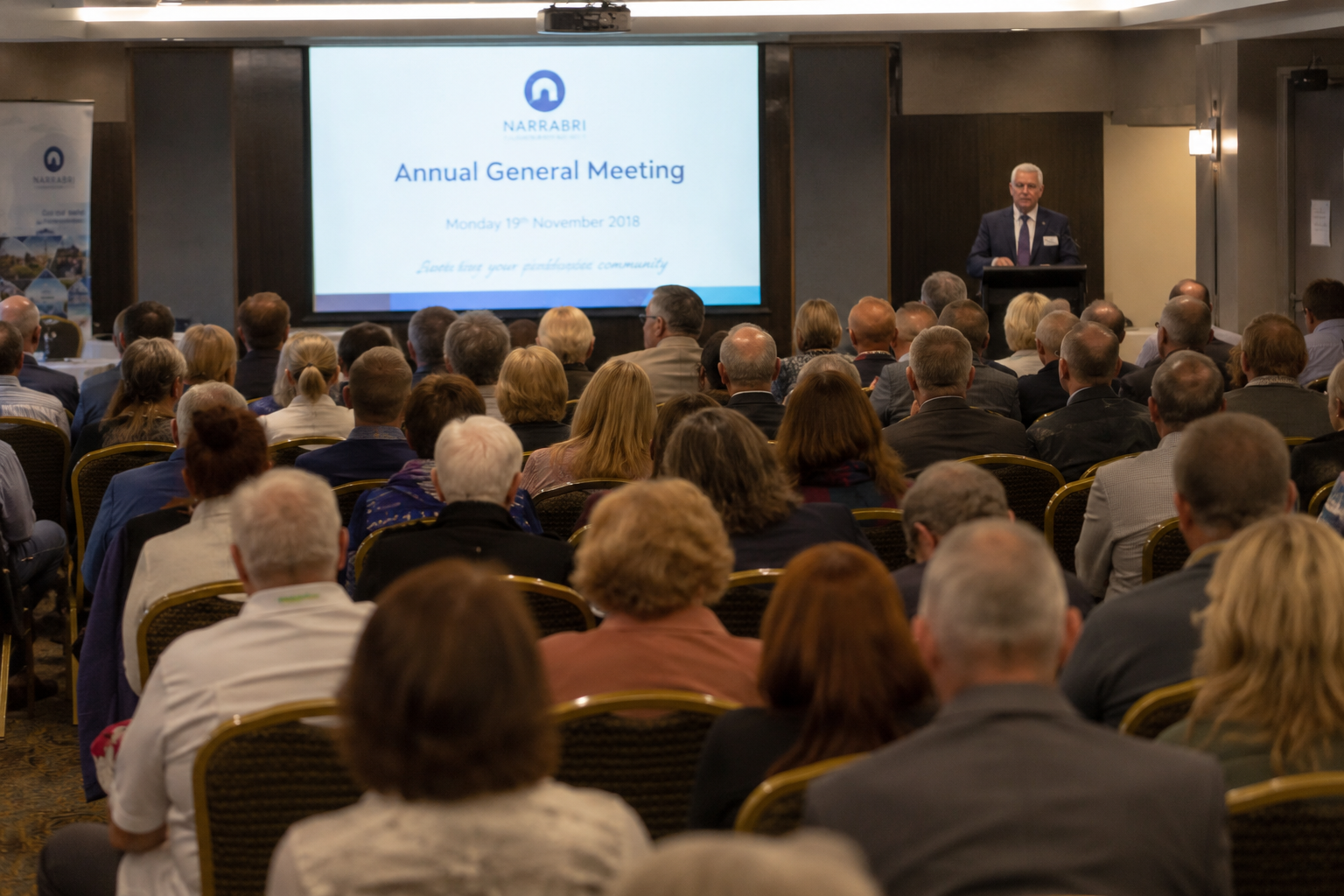
Your AGM minutes can protect your non-profit long after the meeting is over.
That is why your Annual General Meeting minutes need more structure than ordinary meeting notes.
In this guide, you will learn what to include in your AGM minutes with a simple non-profit AGM minutes template
The Importance of Minutes for Non-Profit AGM
AGM minutes is especially important for non-profits because your decisions are often tied to governance, accountability, and trust.
Your members want to know that your organization is being managed properly. Your donors may want reassurance that your resources are being used responsibly. Your board needs a clear record it can refer back to when questions come up later.
They should show:
- The date, time, and location of the AGM
- Who attended the meeting
- Whether quorum was reached
- Which reports were presented
- Which motions were proposed
- Who proposed and seconded each motion
- The result of each vote
- The decisions approved by members
- The action items assigned after the meeting
Quorum is one detail you should never skip.
A quorum is the minimum number of people required for your meeting to make valid decisions. The UK Charity Commission explains that decisions made without the required quorum may not be valid and could be challenged.
This means your minutes should clearly state whether quorum was present.
You should also check your governing document before the AGM. In many cases, your bylaws or constitution will tell you how notice must be given, who can vote, how elections work, and how many members must attend for decisions to count.
The ACNC also reminds charities that AGM templates are only examples and should be adapted to the charity’s governing document and applicable legislation.
Non-Profit AGM Minutes Template
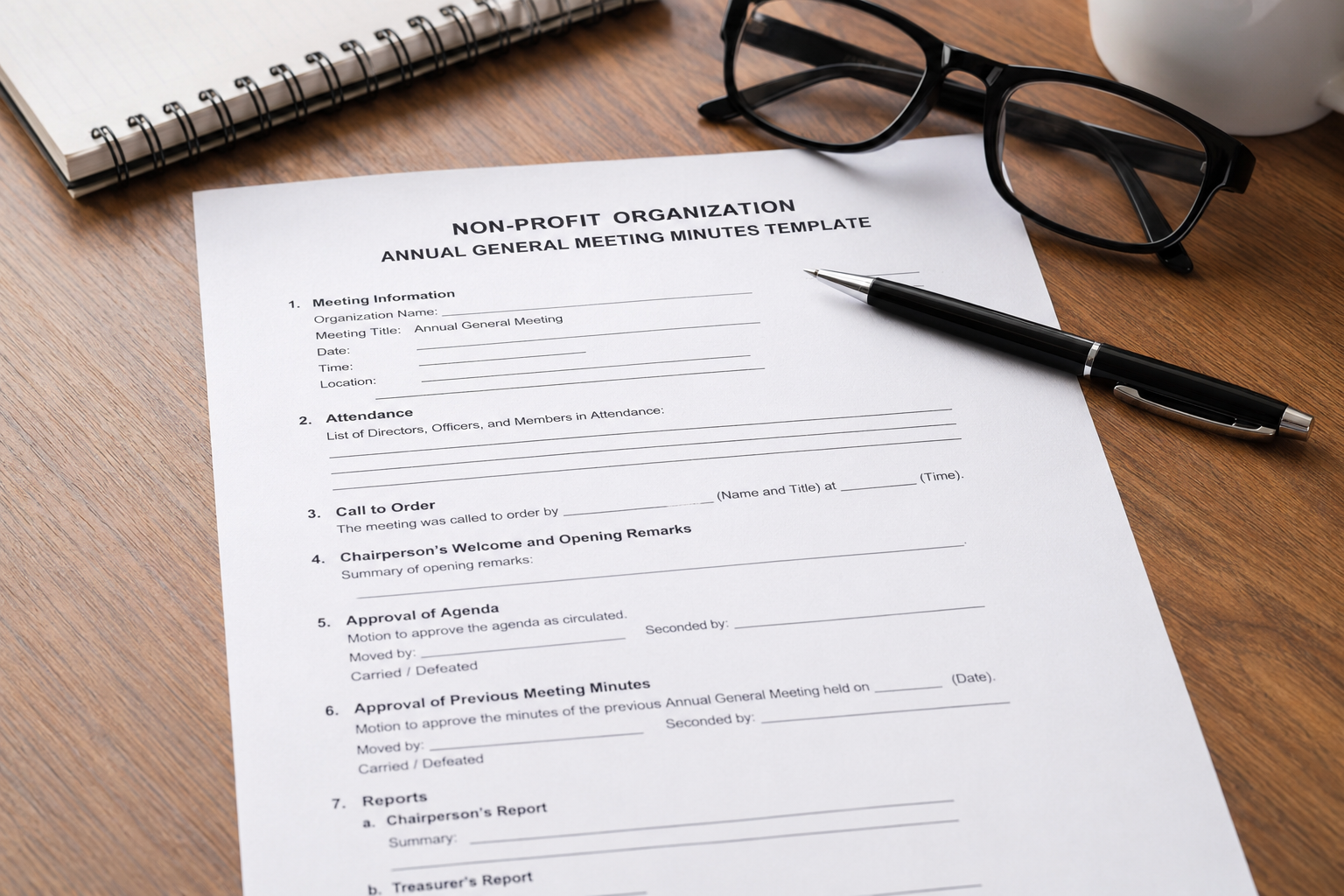
You can copy and paste the template below into Google Docs, Word, Notion, or your board management tool.
Organization name: [Insert non-profit name]
Meeting type: Annual General Meeting
Date: [Insert date]
Time: [Insert start time]
Location: [Insert physical address or online meeting link]
Chairperson: [Insert name]
Minute-taker: [Insert name]
1. Opening of the Meeting
The Annual General Meeting of [Organization name] was called to order at [Insert time] by [Chairperson name].
The Chair welcomed all attendees and confirmed the purpose of the meeting.
Opening notes:
- [Insert any welcome remarks]
- [Insert any housekeeping notes]
- [Insert any meeting rules, if relevant]
2. Attendance and Apologies
The following members, directors, trustees, staff, and guests were present.
Present:
- [Name] — [Role]
- [Name] — [Role]
- [Name] — [Role]
Apologies received from:
- [Name] — [Role]
- [Name] — [Role]
Guests or observers:
- [Name] — [Organization or role]
- [Name] — [Organization or role]
3. Confirmation of Quorum
The Chair confirmed that quorum was present in accordance with the organization’s governing documents.
Quorum requirement: [Insert quorum requirement]
Number of voting members present: [Insert number]
Quorum confirmed: Yes / No
If quorum was not reached, note what happened next.
Notes:
- [Insert whether the meeting was postponed, continued for discussion only, or handled according to your bylaws]
4. Approval of Previous AGM Minutes
The minutes of the previous Annual General Meeting held on [Insert date] were presented for approval.
Corrections requested: Yes / No
If yes, list the corrections below:
- [Insert correction]
- [Insert correction]
Motion: To approve the minutes of the previous Annual General Meeting.
Proposed by: [Insert name]
Seconded by: [Insert name]
Vote result: Approved / Not approved / Approved with corrections
Decision: The minutes were [approved / approved with corrections / not approved].
5. Chairperson’s Report
[Chairperson name] presented the Chairperson’s report for the year.
The report covered the organization’s main activities, achievements, challenges, and priorities for the next year.
Key points discussed:
- [Insert key achievement]
- [Insert key challenge]
- [Insert important update]
- [Insert strategic priority]
Questions or comments from members:
- [Insert question or comment]
- [Insert response or follow-up, if needed]
6. Treasurer’s Report and Financial Statements
[Treasurer name] presented the financial report for the year ending [Insert financial year-end date].
The report included an overview of income, expenses, financial position, reserves, and any audit or review findings.
Key financial points:
- Total income: [Insert amount]
- Total expenses: [Insert amount]
- Surplus or deficit: [Insert amount]
- Current reserves: [Insert amount]
- Audit or review completed: Yes / No / Not applicable
Motion: To approve the annual financial statements.
Proposed by: [Insert name]
Seconded by: [Insert name]
Vote result: Approved / Not approved / Deferred
Decision: The financial statements were [approved / not approved / deferred for further review].
7. Election or Re-Election of Board Members
The Chair introduced the election or re-election of board members.
Positions open for election:
- [Role]
- [Role]
- [Role]
Nominees:
- [Name] — [Role]
- [Name] — [Role]
- [Name] — [Role]
Voting method: [Show of hands / ballot / online vote / unanimous consent]
Election results:
- [Name] was elected as [Role]
- [Name] was re-elected as [Role]
- [Name] stepped down from [Role]
Decision: The members approved the election results as recorded above.
8. Motions and Resolutions
The following motions and resolutions were presented to members.
Motion 1: [Insert motion title]
Motion details: [Insert short description of the motion]
Proposed by: [Insert name]
Seconded by: [Insert name]
Discussion summary:
- [Insert key point]
- [Insert key point]
- [Insert concern or clarification, if relevant]
Vote result: [Insert result]
Decision: [Approved / Not approved / Deferred]
Motion 2: [Insert motion title]
Motion details: [Insert short description of the motion]
Proposed by: [Insert name]
Seconded by: [Insert name]
Discussion summary:
- [Insert key point]
- [Insert key point]
Vote result: [Insert result]
Decision: [Approved / Not approved / Deferred]
9. Other Business
The Chair invited members to raise any other business.
Items discussed:
- [Insert topic]
- [Insert topic]
- [Insert topic]
Decisions made, if any:
- [Insert decision]
- [Insert decision]
If no other business was raised, write:
No other business was raised.
10. Action Items
The following action items were agreed during the meeting.
Action itemOwnerDeadlineStatus[Insert action][Insert name][Insert date]Not started[Insert action][Insert name][Insert date]Not started[Insert action][Insert name][Insert date]Not started
11. Closing of the Meeting
There being no further business, the Chair closed the meeting at [Insert time].
Next AGM date: [Insert date, if known]
Next board meeting date: [Insert date, if relevant]
12. Approval of Minutes
These minutes were reviewed and approved by the members or board on [Insert approval date].
Chairperson name: [Insert name]
Chairperson signature: ______________________
Date: [Insert date]
Secretary or minute-taker name: [Insert name]
Signature: ______________________
Date: [Insert date]
AI Non-Profit AGM Minutes: Noota
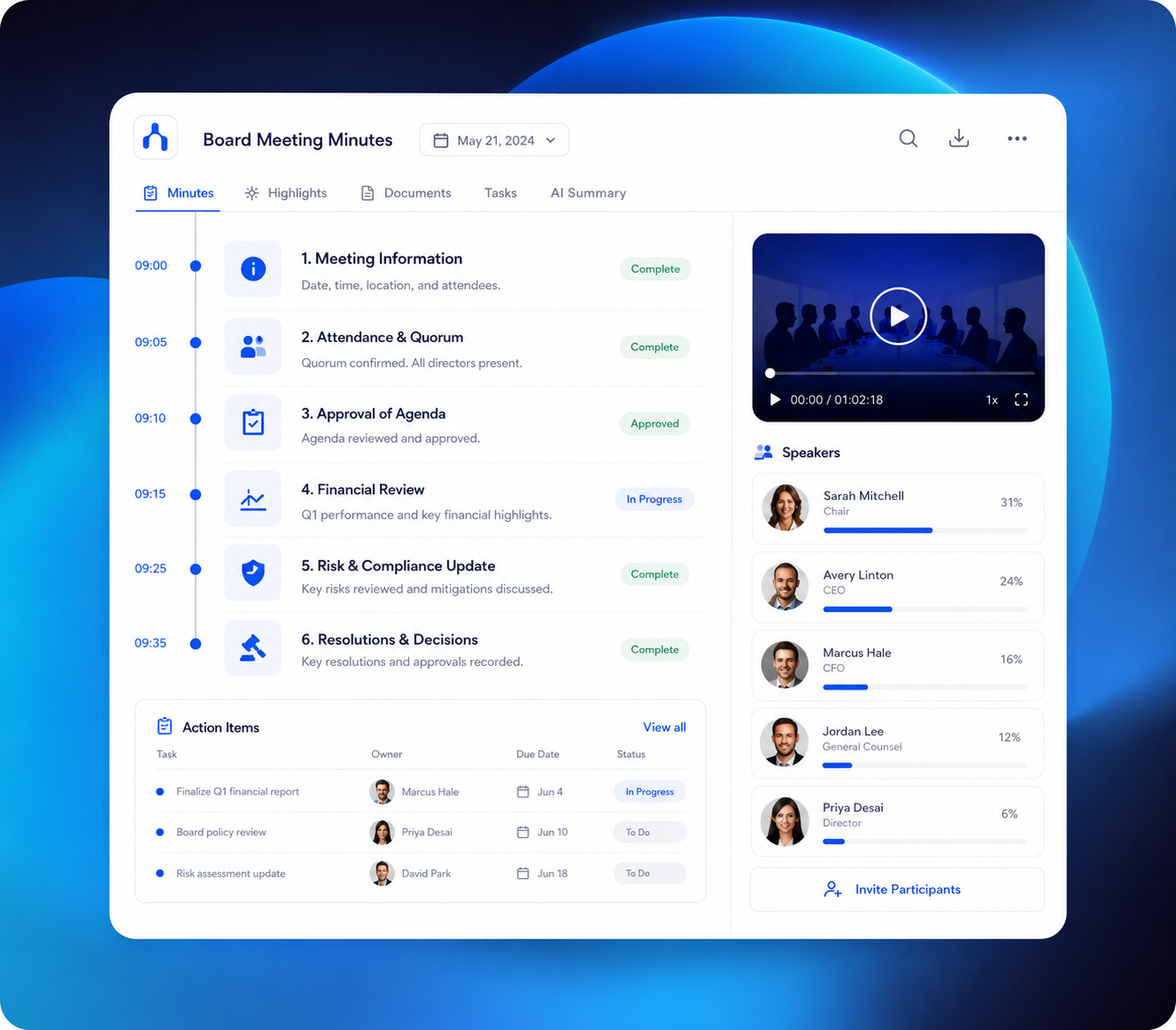
Taking minutes during a non-profit AGM can be stressful.
This is where an AI meeting assistant like Noota can help.
- Real-Time Recording and Transcription : Noota records the meeting and transcribes the conversation as it happens. This eliminates the need to take notes manually or rely on memory.
Smart Templates for AGM Minutes : Noota provides customizable templates tailored to your shareholder meetings. - One-Click Sharing : After the meeting, minutes can be reviewed, finalized, and shared instantly.
Send a summary to board members, stakeholders, or compliance teams with just one click. - Secure Storage and Compliance : Noota stores transcripts and minutes securely in the cloud.
Only authorized users can access sensitive discussions. - Searchable Meeting History : Need to revisit a decision made three months ago? Noota makes every meeting fully searchable. This is a major advantage for secretaries and legal teams handling recurring reviews.
Use Noota AI Non-profil AGM minutes for free here
FAQ
What should be included in non-profit AGM minutes?
Your non-profit AGM minutes should include the main information someone needs to understand what happened during the meeting.
At minimum, you should record:
- Your organization’s name
- The meeting date, time, and location
- The name of the chairperson
- The name of the minute-taker
- Members, directors, trustees, staff, and guests present
- Apologies received
- Confirmation of quorum
- Approval of previous AGM minutes
- Reports presented
- Motions and resolutions
- Vote results
- Board elections or re-elections
- Action items
- Meeting close time
- Approval date for the minutes
Your goal is not to capture every sentence.
Your goal is to create a clear official record of your decisions. The ACNC explains that meeting minutes help charities record who made decisions, when they were made, and why they were made.
Do AGM minutes need to be word-for-word?
No, your AGM minutes do not need to be a full transcript.
In most cases, they should summarize the key discussions, decisions, motions, votes, and actions. This makes your minutes easier to read, review, and approve.
You can still keep a full recording or transcript internally if your organization allows it.
But your official minutes should stay clear and focused. They should help your members understand what was decided, not force them to read every comment made during the meeting.
Who should take minutes at a non-profit AGM?
Usually, the secretary takes the minutes.
Depending on your organization, this could also be a board administrator, governance officer, staff member, volunteer, or another appointed person.
The important thing is that the minute-taker can stay neutral and follow the agenda carefully.
Your minute-taker should know how to record:
- Motions
- Proposals
- Seconders
- Vote results
- Elections
- Decisions
- Action items
They should also understand what not to include, such as personal opinions, unnecessary side comments, or unconfirmed details.
Why is quorum important in AGM minutes?
Quorum is the minimum number of people required to make valid decisions at your AGM.
If your meeting does not have quorum, your organization may not be able to approve minutes, vote on motions, elect board members, or make formal decisions. The UK Charity Commission says your governing document usually explains quorum and how decisions must be made.
That is why your minutes should clearly state whether quorum was reached.
You can write:
- “The Chair confirmed that quorum was present.”
- “Quorum was confirmed in accordance with the organization’s bylaws.”
- “Quorum was not reached, and no formal decisions were made.”
This small line can protect your organization from confusion later.
When should AGM minutes be approved?
AGM minutes are usually approved at the next AGM.
However, your organization may also circulate draft minutes shortly after the meeting so your board or members can check names, motions, votes, and action items while the discussion is still fresh.
Always follow your bylaws, constitution, or governing document.
Your governing document may explain:
- Who approves the minutes
- When approval happens
- Whether members receive draft minutes
- How corrections are handled
- Who signs the final version
Are non-profit AGM minutes legally required?
It depends on your country, legal structure, and governing document.
Many non-profits, charities, associations, and member-based organizations are expected to keep formal meeting records. But the exact rules can vary.
The ACNC reminds charities that templates should be adapted to their governing document and any legislation that applies to them.
So before your AGM, check your local rules and your internal documents.
Can AI help write AGM minutes?
Yes, AI can help you create AGM minutes faster.
For example, an AI meeting assistant can record your AGM, transcribe the discussion, summarize key points, and extract action items. This gives your minute-taker a cleaner first draft to review.
But AI should not approve your minutes for you.
Your chairperson, secretary, or board should always check the final version before it becomes an official record. This is especially important for motions, votes, elections, financial statements, quorum, and legal wording.