Integrations
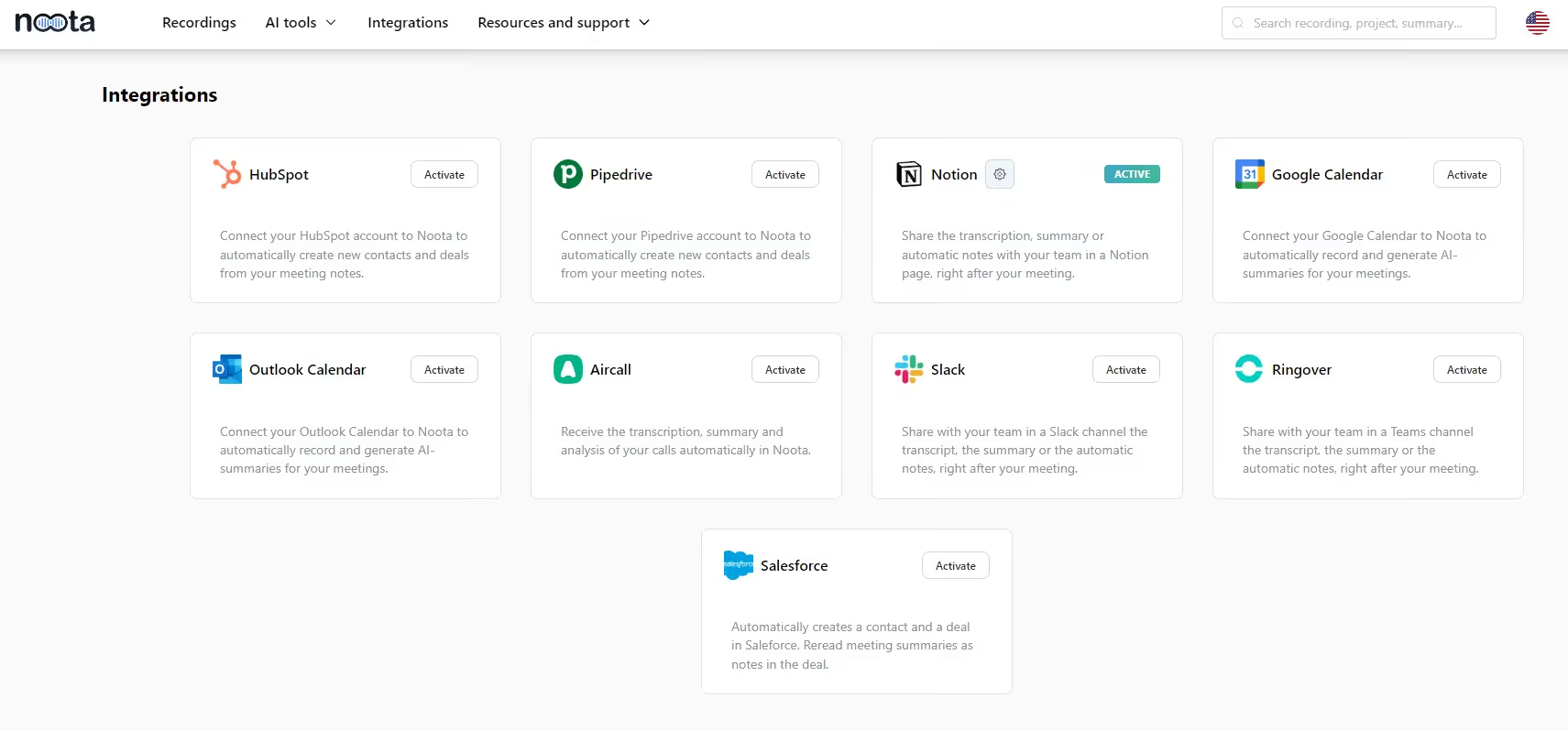
Noota connects toRingover


.svg)
Set up the integration in one click
Go to Noota's Integration interface and authorize access to your Ringover account.
Add the API Key and webhook of your Ringover account and authorize call recording.
Make your Ringover calls
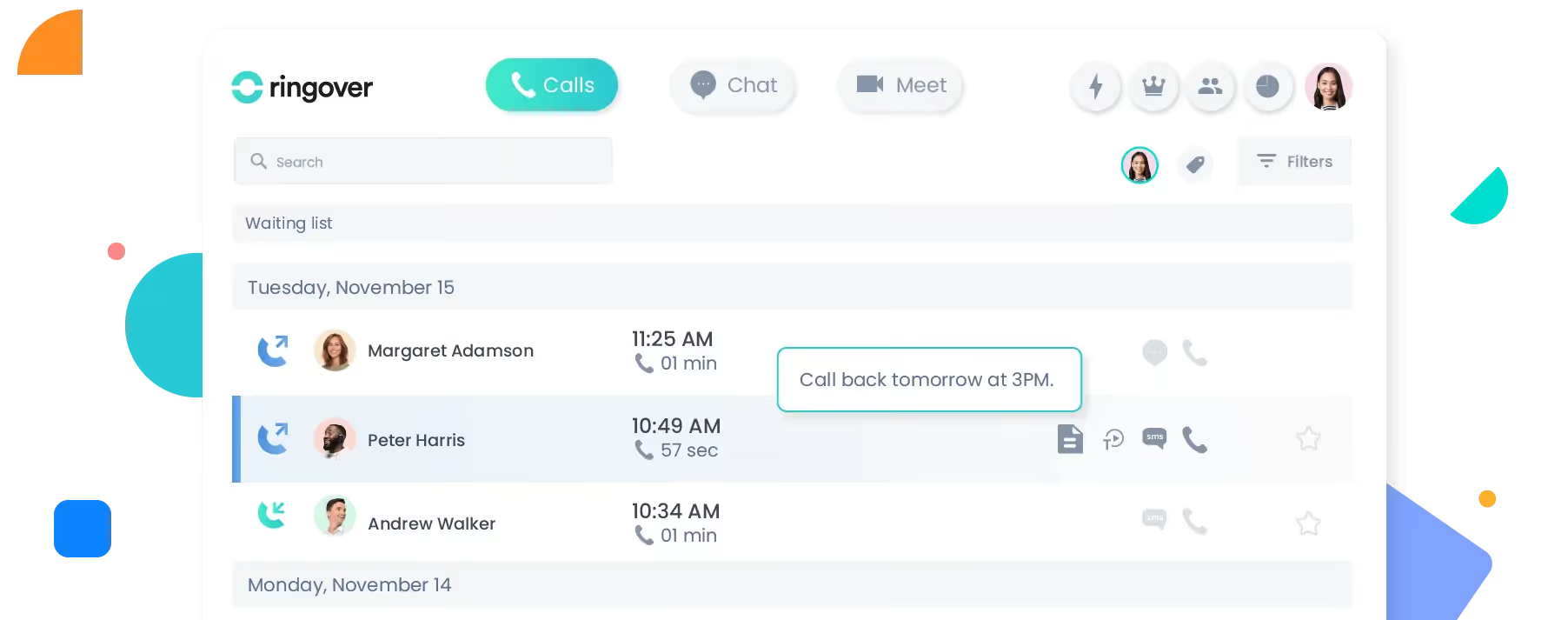
Conduct your calls as usual on Ringover.
All your calls will be automatically recorded.
Access the transcript and minutes
When the call is over, Noota automatically collects, transcribes and summarizes your Ringover call.
You can access the transcript, report and analysis directly on your Noota dashboard.
You can also automatically fill in the CRM contact and opportunity fields from this data.


FAQ
How does Noota help recruitment teams save time?
It automates interview transcriptions, generates structured candidate reports, and updates ATS records—eliminating hours of manual work
Can Noota analyze candidate skills and soft skills?
Yes! It extracts and organizes candidate responses, providing insights into qualifications, communication style, and confidence levels.
How does Noota support sales teams?
It records sales calls, tracks key objections, identifies buying signals, and integrates with CRMs for automated follow-ups.
Can Noota help in project management and decision-making?
Yes, it captures meeting discussions, highlights key takeaways, and ensures alignment by making past meetings easily searchable.
Which platforms does Noota support for recording and transcription?
It works with Google Meet, Zoom, Teams, Webex, and even in-person meetings—offering high-accuracy transcription in 50+ languages.
Does Noota integrate with CRM, ATS, and productivity tools?
Yes! It connects with Salesforce, HubSpot, BullHorn, Notion, Slack, and many more, ensuring smooth data transfer.
Can Noota generate follow-up emails and reports automatically?
Yes, it drafts emails based on meeting content and creates structured reports, so you never miss an action item.
How does Noota ensure security and compliance?
All data is encrypted, stored in EU data centers, and meets strict compliance standards, including GDPR, SOC2, and ISO 27001.
What is the custom summary and what’s it for?
The custom summary is a template that enables you to structure your meeting minute. You can create as many custom summaries as you like!
Can I transcribe an audio or video file I've already recorded?
Yes, you can transcribe a document that has already been recorded. Simply upload it to the Noota interface.
How does the recording work, with or without a bot?
You can record in two ways: using the Noota extension or by connecting your calendar.
In the first case, you can directly activate recording as soon as you join a videoconference.
In the second case, you can add a bot to your videoconference, which will record everything.
In the first case, you can directly activate recording as soon as you join a videoconference.
In the second case, you can add a bot to your videoconference, which will record everything.
Can I transcribe and translate into another language?
Over 80 languages and dialects are available for transcription.
Noota also enables you to translate your files into over 30 languages.
Noota also enables you to translate your files into over 30 languages.
Is the data integration into my ATS secure?
Yes, your interview data is transmitted securely to your ATS.
How does conversational intelligence work?
Conversational intelligence is based on NLP analysis of the words and intonation used by each participant to identify emotions and behavioral insights.
Why is it important to conduct structured interviews?
Numerous studies have proven the accuracy, efficiency and objectivity of structured interviews. By asking each candidate the same questions in the same way, you streamline your interview process and reduce the influence of cognitive bias.
Why should I generate an interview report ?
An interview report helps pooling standardized information on your candidates, sharing it with all stakeholders and objectifying your assessment. Clear, structured data enables you to make more informed recruitment decisions.
How are job ads generated?
Our job ads generator leverage the latest LLMs to turn the data from your meeting or brief into an eye-catching and easy-to-read job description.
Do I have to change the way I conduct interviews?
No, Noota is just an assistant to your work. You can continue to conduct interviews as you do today. To improve the accuracy of the report, you should customize the interview templates based on your existing list of questions.
Can I remove my data from Noota?
Yes, just use the delete function on our interface and within 24 hours we'll have deleted this data from our database.
Can I record my meetings over the phone or in person?
Yes, Noota includes a built-in recorder to capture sound from your computer, and soon from your phone.
Do the candidates have access to the AI notes?
No, you manage the accessibility of the data you record. If you want to share it with them as feedback, you can. Otherwise, it won't be accessible to them.
Does Noota evaluate candidates?
No, Noota records, transcribes and summarizes your interviews. It helps you make informed decisions with clear information about the candidate. But it's not a substitute for your own judgment and assessment skills.

get the work done for any meeting
Start for Free
.svg)
TOOLS
Recording