Management
●
June 16, 2026
●
8 min reading
How to Write Better Emails with AI : a Guide
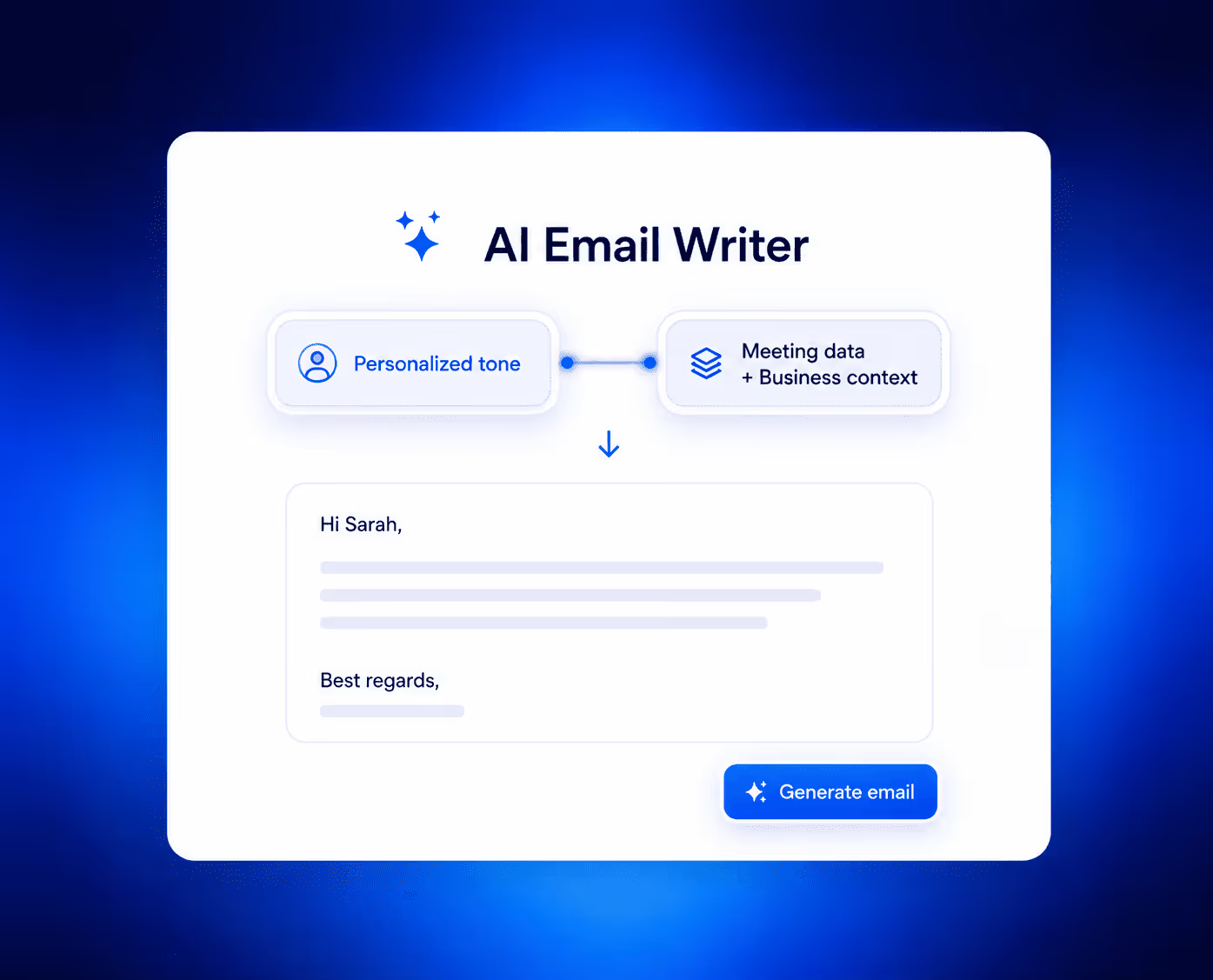
Do you want to write outstanding emails for your brand in minutes?
Then, you need AI on your side.
This article can explain.
Why Do You Need to Write Impactful Emails?
Bad emails create confusion and slow down work.
Improve Response Rates
Clear emails help readers understand requests quickly. When recipients identify the purpose without confusion, they often respond sooner and provide more accurate information.
Build Professional Credibility
Do you want to earn and maintain professional credibility? Always communicate clearly. This habit reflects your attention to detail. It also leaves a positive impression on others.
Reduce Communication Errors
Vague wording often causes unnecessary follow-up messages. Direct language lowers confusion and keeps projects moving without repeated clarification requests.
Save Valuable Working Hours
Employees often spend a lot of time managing their inboxes. They find emails, forward them with others, or reply to them. If your emails are unclear, complicated, or lengthy, it wastes their time. Concise emails shorten reading time. This allows teams to focus on meaningful tasks.
Strengthen Customer Relationships
Customers appreciate messages that respect their time. Direct communication, especially via emails, improves trust. It also supports a more positive experience throughout every interaction.
Tips to Write Better Emails with AI in Minutes
Explain Everything to AI
Do not assume the AI reads your mind. It needs context, like a new employee or a potential customer. So, tell it everything. Tell the tool about the purpose of the email. Guide it about the recipient. Even share the outcome you want from the conversation. Moreover, mention any deadlines or previous discussions as well. For example, write 'Draft a short reminder for a client who missed our payment deadline last week.
Make sure to even add minor details. Include the exact amount and due date. When AI tools have all the details, they produce a usable draft in seconds. This extra upfront detail saves three revision rounds later.
Use Pre-Developed Templates
Starting from a blank page is time-consuming. Don’t have much time to draft your emails? Get the pre-developed email template. It can help if you have them already. If not, find them on Google or create them using AI chatbots when you are free. You will find formats for follow-ups, complaints, and introductions. Pick the closest match to your situation. Then fill in the blanks.
But do not solely rely on them. Templates feel generic if you leave them unchanged. Swap out their examples with your real details. Add a sentence that only you would write. This personal touch turns a template into your own message. And the result? Your email looks natural, not copy-pasted. Give it a quick scan before sending.
Auto-Adjust Your Tone
One email needs professionalism. Another needs warmth. You need to change the tone according to every recipient and the nature of the email. Fortunately, modern AI chatbots can shift between these moods instantly. You just type 'make this friendlier' or 'make this more direct.' The tool rewrites the entire draft accordingly.
You can even generate multiple versions of the same email. Then, test different tones before choosing one. Compare a formal version against a casual one. Then, pick the tone that matches your recipient's style.
Reword Awkward Phrases
Everyone writes clumsy sentences sometimes. You know the feeling. You read your draft, and something sounds off. But you cannot figure out what. AI solves this problem quickly.
In such cases, just provide the email draft to an AI tool. Then, ask the tool to give you three better versions. Pick the clearest one among them. Use this trick whenever you feel stuck.
Shorten Your Draft with AI
Long emails lose readers after the third sentence. Remember, today, people scan, not read. So keep your message tight. If your email is lengthy, paste it into an AI tool. Then, ask it to cut the word count by forty percent.
The AI will remove filler phrases and repeated ideas. Compare the shorter version to your original. Did it lose any critical points? Probably not. And that’s what you needed.
Add Action-Driven Closing Yourself
AI can write most of your email. But the closing needs your personal touch. Never let a tool generate a weak 'Let me know' phrase. That phrase invites no response at all.
Instead, write a specific next step. Say 'Please approve this budget by Thursday.' Or 'Reply with your availability for Tuesday.' These commands tell people exactly what to do. They also show confidence in your request.
Make sure to pair the action with a thank you. For example, 'Thanks for reviewing this. Please send your feedback by 3 PM.' That closing works every time.
Proofread with AI as Well
Typos sneak into even the best drafts. That’s completely normal. Your brain skips over its own mistakes. But AI can help you catch them. AI proofreaders spot what your eyes miss. So, run your email through an AI proofreader before clicking send. It will help you rectify all the issues and make your text flawless.
Polish the Final Draft
After all the steps, do you think your email is ready to rock? Probably not. Now, you have to polish the final draft. Sometimes, nothing is wrong with your emails. The grammar is perfect. The length is great. The sentences are accurate. You know what they miss? The final touch.
When you think your email is ready, read every single word and sentence. Improve any vague or unclear sentence you find. Rephrase the ordinary phrases to make them extraordinary.
Cannot further refine your emails yourself? Still, nothing to worry about. Take your email to an AI-powered paraphrase tool, that will rephrase sentences without changing meaning. It will provide you with smoother word choices and better flow.
This polishing round takes one minute. But it lifts your email from good to great.
Handle Your Email Automation with Noota
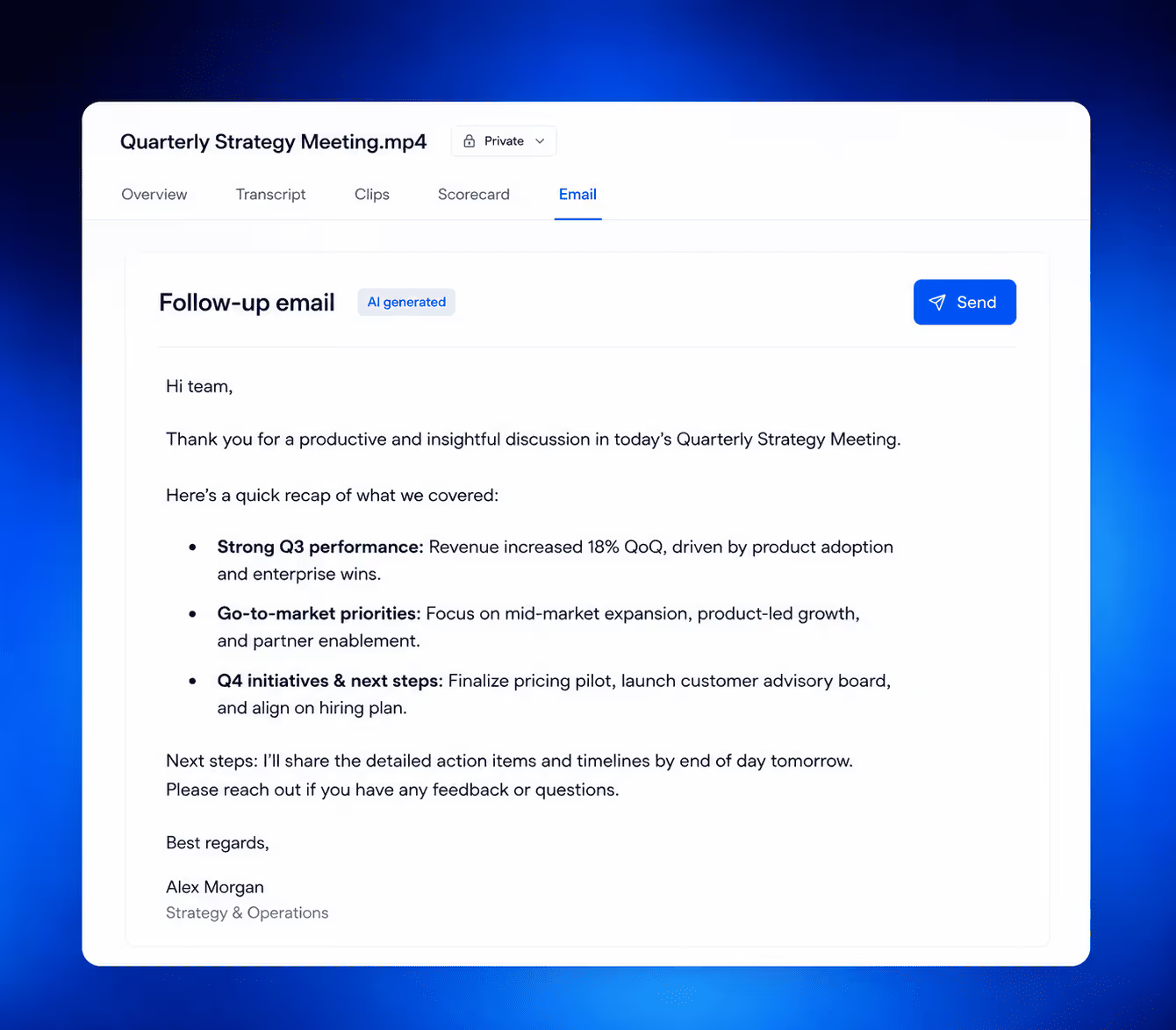
Struggling to manage your email operations? Noota can help. The tool listens to your meetings and writes emails for you. The platform records conversations, then extracts action items. It turns spoken words into professional follow-ups automatically. You never need to take notes again during calls.
Here is how it helps. Connect Noota.io to Zoom or Google Meet. The AI identifies who said what and what needs to happen next. It then drafts individual emails to each participant.
The platform also integrates with CRMs like HubSpot. This creates a seamless workflow from conversation to email.
FAQs
Can AI fully replace my own email writing?
Not at all. Yes, AI can help in many cases. It can draft the email, improve the structure, or remove grammar errors. But it might make some mistakes. Therefore, you must review every draft generated by AI. Check it for context, relationship, and emotional tone.
Which AI tools are free for email drafting?
There are many. You might be using some of them already. However, ChatGPT, DeepSeek, and Microsoft Copilot are great for emails. Still, test each one of them yourself. Then, decide which tool is the best for you.
Is my business data safe with AI email tools?
Yes, it is. There could be some exceptions. So, you must not share confidential details with AI tools.
Why do AI emails sometimes sound robotic?
AI overuses certain sentence structures. Add your own short questions and personal phrases to break the pattern.
Can AI help with emails in other languages?
Absolutely. Most AI chatbots understand different languages. They can even write emails in almost every language. However, you must not rely on them. Don't know a language? Then, ask a native speaker to proofread the email for you.
Meet the Writer

Jean-marc is an AI expert helping recruiters & professionnals leverage these tools in their everyday work processes.
FAQ
How much context should I give AI to write better emails?
Give AI everything — recipient role, email purpose, desired outcome, deadlines, and prior conversation history.
- More context upfront eliminates three revision rounds later
- Include exact amounts, dates, and specific requests
- Treat AI like a new employee who needs full briefing
Why do email templates feel generic even when customized?
Templates feel copy-pasted when you only fill blanks without adding personal voice.
- Swap template examples with your real project details
- Add one sentence only you would write
- Change tone to match your recipient relationship
What does Noota offer that standalone AI email tools do not?
Noota auto-generates follow-up emails directly from meeting transcripts — no manual context entry required.
- AI follow-up email pulls action items and decisions from recorded calls
- Saves 6.4 hours per week by eliminating post-meeting admin
- Syncs email drafts with CRM records automatically
Can AI adjust email tone for different recipients automatically?
Yes — modern AI chatbots shift tone from formal to warm based on recipient context you provide.
- Specify relationship level: client, colleague, or executive
- Request tone adjustments: professional, friendly, or urgent
- Best meeting assistants auto-detect tone from past conversations
Which AI tool writes the best follow-up emails after meetings?
Noota writes follow-ups automatically from meeting transcripts and reduces admin work by 80%.
- Auto-extracts action items and decisions from recordings
- Drafts personalized emails with exact quotes and deadlines
- Syncs with CRM so every follow-up is tracked
Try Noota free — no credit card needed.