AI Recruitment Automation
8 min reading
Updated on:
Jan 26, 2026
Best ChatGPT Prompts For Recruitment
You want to know how to use ChatGPT to recruit ? Here's your guide.
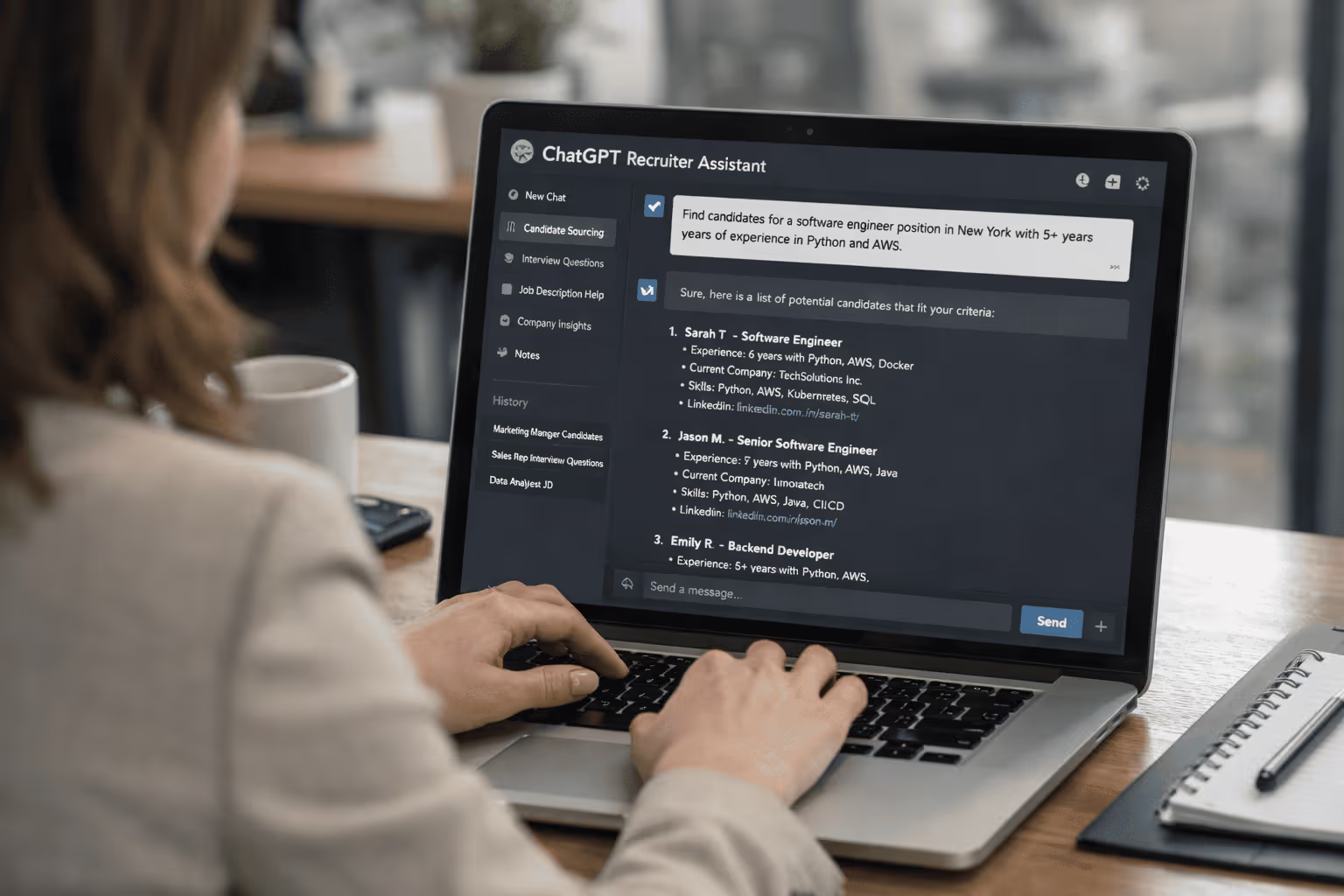
You’re juggling job ads, resumes, interviews, follow-ups, and internal alignment.
And somewhere in between, you’ve probably heard that ChatGPT could help.
In this guide, you’ll discover the best ChatGPT prompts for recruiting.
Is ChatGPT Reliable for Recruiting?
At its core, ChatGPT is a powerful language model capable of generating human-like text for a variety of tasks. Many recruiters already use it to speed up writing and repetitive tasks: drafting job ads, summarizing interviews, screening resumes, or automating basic candidate communications.
But ChatGPT cannot replace the nuanced decisions you make every day. AI doesn’t possess real human judgment, emotional intelligence, or the ability to sense culture fit in a candidate. These are all crucial elements in recruiting that remain squarely within your domain.
ChatGPT Prompts for Job Ad Generation
ChatGPT can help you make your job posting more engaging and easy to read.
Write a compelling job advertisement for the position of [Job Title] at [Company Name].
Include:
• A catchy headline that will attract [target candidate audience, e.g., software engineers].
• A brief intro to the company and its mission.
• A clear list of key responsibilities.
• Required qualifications and skills (both hard and soft).
• Benefits, perks, and anything that makes your offer stand out.
• A call to action encouraging candidates to apply.
Keep the tone [professional/friendly/inclusive] and the format easy to skim (use bullet points where helpful).
ChatGPT Prompts for Job Interview Summary
ChatGPT can take raw interview notes and transform them into clear summaries you and your hiring managers can use to make better decisions faster.
Act as a recruiter summarizing an interview.
Here are the notes from my interview with [Candidate Name] for the [Job Title] position at [Company Name]:
[Paste interview notes here].

Create a structured interview summary with these sections:
1. Snapshot: 3 concise bullets capturing the candidate’s overall performance.
2. Strengths: key skills or responses that impressed.
3. Risks or concerns: anything that might make us hesitate.
4. Open questions: items we still need clarity on.
5. Recommended next step: Hire / Hold / Pass with brief reasoning.

Keep the tone professional and neutral, and the length under [e.g., 420] words.
ChatGPT Prompts for Resume Screening
ChatGPT can help you sort, analyze, and compare resumes much faster.
You are an experienced recruiter helping me screen resumes for the position of [Job Title] at [Company Name].
Here is the job description:
[Paste the full job description here].
1. For each resume, summarize how well the candidate’s skills, experience, and achievements match the job description.
2. Provide a short ranking from most to least qualified based on the match.
3. Highlight any important strengths or concerns you see for each candidate.
Use clear bullets and keep each summary concise.
Upload your Resumes with this prompt.
ChatGPT Prompts for Candidate Comparison
ChatGPT can help you create structured comparisons easily between your candidates.
You are an experienced recruiter helping me compare top candidates for the [Job Title] role at [Company Name].
Below are summaries for each candidate:
- Candidate A: [Paste summary, skills, and notes]
- Candidate B: [Paste summary, skills, and notes]
- Candidate C: [Paste summary, skills, and notes]
…

Create a clear comparison table with these sections:
1. Core Qualifications – How well each candidate meets the must-have requirements.
2. Technical Skills – Specific tools, languages, or expertise relevant to the role.
3. Soft Skills & Culture Fit – Communication, leadership, teamwork, and alignment with company values.
4. Strengths – What makes this candidate particularly strong compared to others.
5. Concerns – Where this candidate may fall short or raise questions.
6. Overall Recommendation – Who should move forward and why.

Keep it concise and structured so I can share it with hiring stakeholders.
ChatGPT Prompts for Candidate Follow-Up
ChatGPT can help you craft follow-ups that are clear, professional, and warm without reinventing the wheel every time.
You are a professional recruiter at [Company Name].
I need to send a follow-up message to a candidate for the [Job Title] position.

Here’s the context:
• Candidate’s name: [Candidate Name]
• Stage: [reminder / thank-you / next steps / scheduling / rejection / update]
• Relevant details: [date/time of interview, feedback, next steps, reason for pause or rejection, etc.]
• Tone: [professional, friendly, appreciative, concise]

Write a clear and respectful message that:
1) Addresses the candidate by name.
2) Reflects the purpose (e.g., reminder, thank-you, next steps).
3) Includes relevant dates, times, and instructions if scheduling.
4) Ends with a warm closing and next expectations.
ChatGPT for Recruiters: Noota
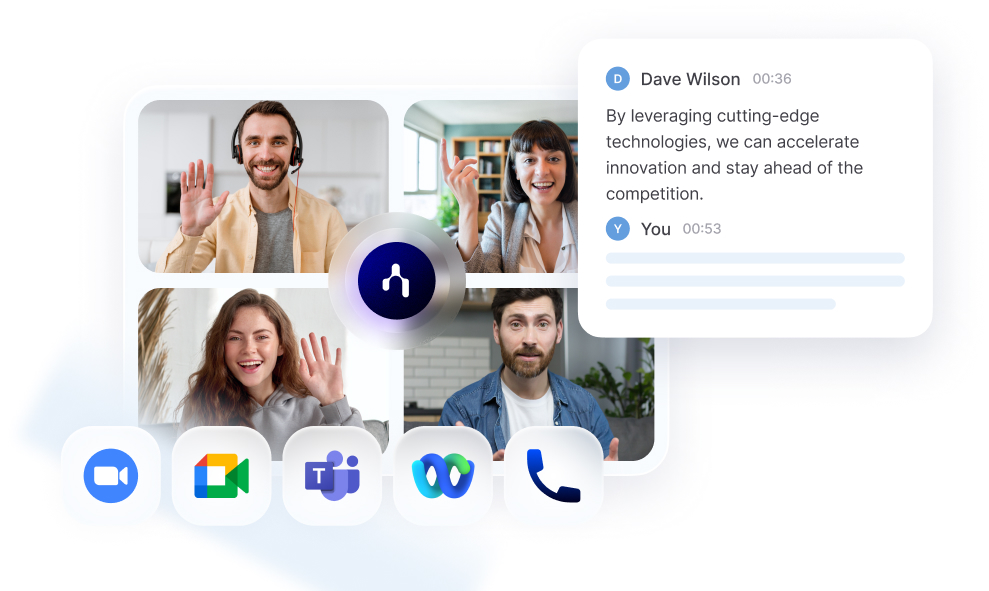
When your process involves live candidate conversations, you need something that helps you capture what really happened in a way that’s reliable, structured, and directly usable in your hiring stack. That’s where Noota enters the picture :
1. Automated Recording & Transcription
Instead of pasting interview notes into ChatGPT, Noota captures everything — including who said what and when. It transcribes in real time and supports 80+ languages, so you don’t lose any nuance from global candidates.
2. Structured Summaries and Reports
At the end of your interview, Noota doesn’t just give you raw text. It delivers custom summaries with key takeaways, decisions, and action items tailored to your needs — whether that’s an ATS input, a hiring manager update, or a debrief for your team.
3. Candidate-centric Insights
Because Noota transforms raw conversation into structured data, you can compare candidates side by side with actual interview content behind each point — not guesswork from memory. This helps you make more informed hiring recommendations backed by accurate transcripts.
4. Seamless Tool Integration
Noota integrates with your existing tools — ATS, CRM, Slack, Notion, and more — so it’s not another silo you need to manage. Meeting insights flow exactly where you need them without copy-paste or manual transfer.
5. Conversational Intelligence & Searchable History
Noota indexes every conversation, making it easy to search past interviews for keywords, behaviors, or specific responses months after the fact. You don’t just store notes — you activate that knowledge when you need it.
TRY NOOTA FOR FREE NOW
FAQ: ChatGPT for Recruiting
You’ve seen how ChatGPT can help at every step of your recruiting process. Now let’s tackle the questions you most often have before using AI — from reliability to ethics, practical limitations to how to make it work best for you. Each answer is direct and practical so you can apply it in your recruiting workflow today.
❓1. Can I really trust ChatGPT with recruiting tasks?
Yes — for support and productivity gains — but not without oversight. ChatGPT can produce drafts, summaries, and structured outputs fast, but it doesn’t replace your judgment or evaluation standards. Always review and tailor its answers before using them with candidates or hiring managers.
❓2. Will AI introduce bias into my hiring process?
AI reflects patterns in the data it was trained on, which means it can unintentionally reproduce stereotypes or preferences you don’t want in your process. That’s why you should define your criteria clearly, check outputs for fairness, and pair AI-generated insights with your own expertise to avoid biased decisions.
❓3. Is it legal to use ChatGPT with candidate data?
Be mindful of privacy and compliance: you must ensure that candidate data is handled according to data protection laws (like GDPR if you’re in Europe). Don’t feed sensitive personal data into AI tools unless you know how that data is stored and protected. Always consult your legal or HR compliance team before sharing protected information.
❓4. Can I use ChatGPT to engage candidates directly (e.g., auto-respond to questions)?
Yes — ChatGPT can help you craft consistent, clear answers to FAQs candidates ask about your process, benefits, or timelines. You can even set up chatbots that use AI to answer recurring questions, freeing up your team’s time. Just ensure the responses reflect your actual policies and tone.
❓5. Can ChatGPT interview a candidate for me?
Not independently. While you can use AI to draft screening questions or even evaluate text answers to pre-screening prompts, live interviewing — especially assessing soft skills, presence, and fit — still needs a human touch. AI should enhance your process, not replace candidate interaction.
❓6. What about resume screening — can AI score candidates for me?
AI can help you score and rank based on explicit criteria you set, like skills match or experience level. It’s a great way to speed up early screening. But you should always verify its rankings and consider context — such as career breaks, growth potential, or transferable skills — that AI might misinterpret.
❓7. Should I tell my candidates I use AI?
Transparency builds trust. Many candidates today understand and appreciate the use of AI — especially when it improves response times and clarity. Be clear about when AI drafts communications and when humans review or personalize them. This keeps candidates informed and respected.
❓8. What mistakes should I avoid with ChatGPT?
• Blind copying output: AI can produce structured text that sounds polished but may not reflect your voice or specifics.
• Over-reliance: AI can hallucinate or fill gaps with plausible but incorrect info — always validate facts.
• Ignoring customization: Generic AI text won’t resonate with your ideal candidates — personalize every message.
❓9. What’s the best way to start with ChatGPT in recruiting?
Start with prompts that structure your tasks — like job ads, interview summaries, and candidate comparisons. Then iterate: refine prompts based on results, build templates for repeat use, and create a small internal guide so your team gets consistent, high-quality outputs.
Meet the Writer
.webp)
FAQ
ChatGPT automates repetitive recruiting tasks like drafting job ads, summarizing interviews, screening resumes, and sending candidate communications.
- Generates engaging job postings in minutes instead of hours.
- Transforms raw interview notes into structured summaries quickly.
- Compares resumes against job descriptions at scale efficiently.
ChatGPT lacks human judgment, emotional intelligence, and cultural fit assessment—all critical for quality hiring decisions.
- Cannot evaluate nuanced personality traits or team dynamics.
- May miss red flags that experienced recruiters would catch.
- Should support, not replace, your final hiring decisions.
Noota combines AI efficiency with recruitment-specific features, saving teams 6.4 hours weekly with -80% admin work and 4.9/5 G2 rating from 5000+ teams.
- Automates interview summaries with recruiter-trained accuracy across 80+ languages.
- Integrates directly with ATS and hiring tools for seamless workflows.
- Provides structured insights optimized for hiring decisions, not generic text.
Noota delivers recruitment-grade automation with 6.4 hours saved weekly and 80% less admin burden for hiring teams.
- Purpose-built for interview analysis with recruiter-aligned outputs.
- Trusted by 5000+ teams with 4.9/5 G2 reviews and multilingual support.
- Try Noota free — no credit card needed.