Interview Questions & Techniques
8 min reading
Updated on:
Jan 12, 2026
How to do Video Interviews the Right Way
You want to know what good video interview set up looks like ? Here's your guide.
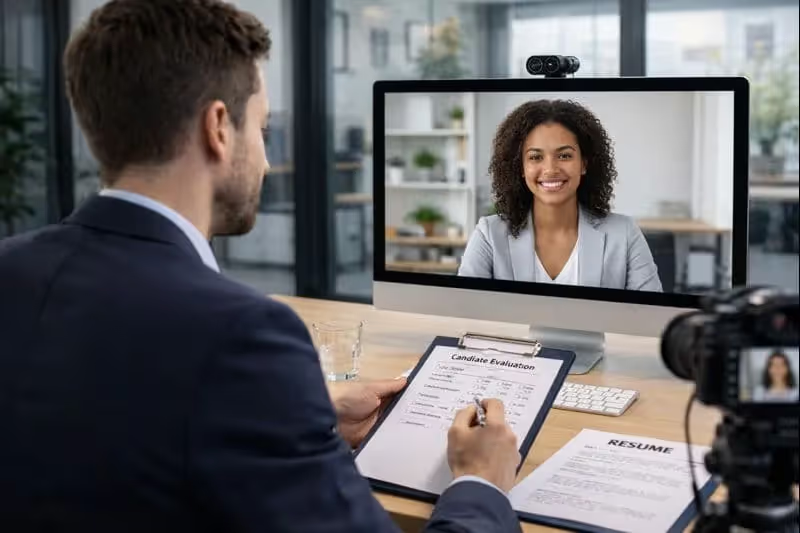
Without the right setup, video interviews can hurt candidate experience and weaken your hiring decisions.
In this guide, you’ll learn how to conduct video interviews that are structured, fair, and efficient.
The Risks of Video Interviews
Video interviews have become a standard part of modern hiring.
But if you’re not careful, they can also weaken your recruitment process.
Technical Issues Can Ruin the Experience
Video interviews rely entirely on technology.
And technology doesn’t always cooperate.
Poor internet connections, lagging video, or broken audio can interrupt the conversation and break the candidate’s focus.
When this happens, you risk judging someone on technical issues rather than on their skills or experience.
Limited Non-Verbal Communication
In a video interview, you see less than in a face-to-face meeting.
Body language, posture, and subtle reactions are often partially hidden or missed entirely.
This lack of context can lead to misunderstandings.
A pause caused by audio lag may look like hesitation, while a lack of eye contact may simply come from looking at the screen instead of the camera.
When you rely too much on these signals, your evaluation becomes less reliable.
Increased Risk of Bias
Video interviews can unintentionally amplify bias.
Your perception may be influenced by a candidate’s background, lighting, camera quality, or environment.
For example, a candidate in a shared apartment may appear less “professional” than someone with a home office.
Yet this has nothing to do with their ability to perform the job.
Without clear evaluation criteria, these small details can influence your decisions more than you realize.
Tips to Improve the Video Interview Experience
Here are practical ways to make every video interview count.
Prepare the Technical Setup in Advance
Before the interview, test your camera, microphone, and internet connection.
Use a stable setup you already trust.
Avoid experimenting with new tools or devices at the last minute.
Send clear instructions to candidates as well.
Let them know which platform you’ll use, how long the interview will last, and what they need to prepare.
Create a Professional and Neutral Environment
A messy background or poor lighting distracts candidates and reduces focus.
Choose a quiet space with good natural or front-facing light.
Keep your background simple and free of movement.
Structure Your Interview Questions
Prepare a clear list of questions in advance.
Focus on role-specific skills, past experiences, and real-life scenarios.
Stick to the same core questions for every candidate.
Train Interviewers to Engage on Video
Interviewing on video is a skill.
Not everyone feels comfortable speaking to a screen.
Train your interviewers to look at the camera, speak clearly, and pause intentionally.
Short pauses help avoid talking over candidates due to lag.
Encourage active listening.
Nodding, smiling, and verbal acknowledgments make the conversation feel human, not transactional.
Take Better Notes Without Losing Focus
Taking notes during a video interview is tricky.
If you type too much, you lose eye contact and connection.
Instead of writing everything down, focus on listening.
Capture only key points and moments.
Better yet, rely on tools that handle note-taking for you.
Standardize Evaluation Criteria
After the interview, impressions fade quickly.
That’s where structured evaluation matters.
Define clear criteria before the interview: skills, communication, problem-solving, and culture fit.
Score each category consistently.
The Best Video Interview Platforms
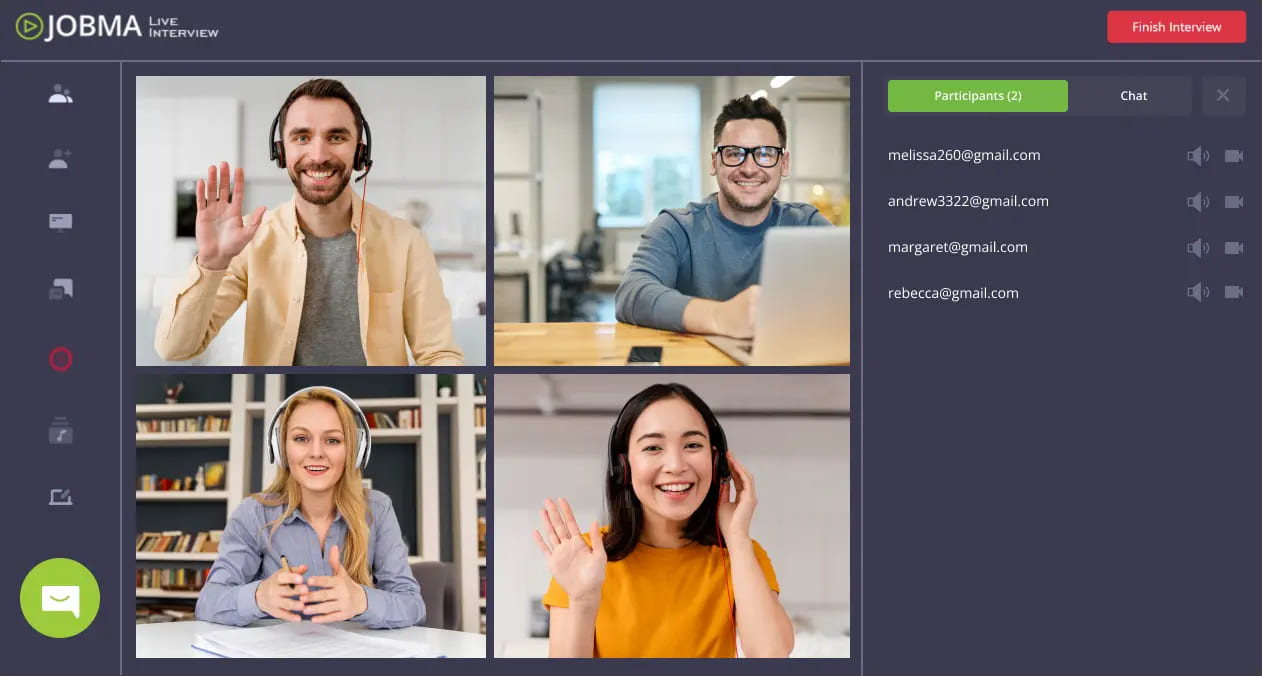
When you jump into video interviewing, the tool you choose matters as much as the questions you ask.
Here’s a clear guide to some of the best video interview platforms you can use today
Spark Hire — Simple, Practical, and Effective
Spark Hire is one of the most widely used video interview tools for recruiters.
It supports both one-way (asynchronous) and live interviews, so you can let candidates record their answers on their schedule or talk to them in real time.
What you’ll love about Spark Hire:
- Easy setup and candidate experience — no login hassles.
- Built-in scheduling and recording without separate tools.
- Simple rating and collaboration features so your team can leave comments and score responses.
If you want a platform that’s fast to adopt and doesn’t overwhelm your hiring process, Spark Hire is a solid choice.
Jobma — Versatile and Multilingual
Jobma’s platform blends video interviewing with assessments and AI support to help you hire faster and more fairly.
It allows candidates to complete one-way or live interviews, then adds evaluation tools like automated transcriptions and scoring.
Why Jobma stands out:
- Flexible interview formats, so you can mix and match live and recorded questions.
- Comprehensive evaluation options (including language diversity features).
- Integrations with ATS and calendar systems to streamline your workflow.
This makes it ideal if you want tech that supports structured evaluation and a global candidate pool.
Willo — Mobile-Friendly and Easy for Candidates
Willo is designed around asynchronous interviews, making it a great pick if you prioritize flexibility and candidate convenience.
Candidates can record video answers when it suits them — on desktop or mobile — and you get a queue of responses to review later.
What makes Willo useful:
- Mobile-optimized experience for remote candidates.
- Straightforward interviewing workflows that don’t require heavy setup.
- Ideal for high-volume roles where flexibility and accessibility matter.
Willo’s simplicity keeps your interviews human and accessible.
Analyze & Evaluate Automatically Your Candidate Interviews: Noota
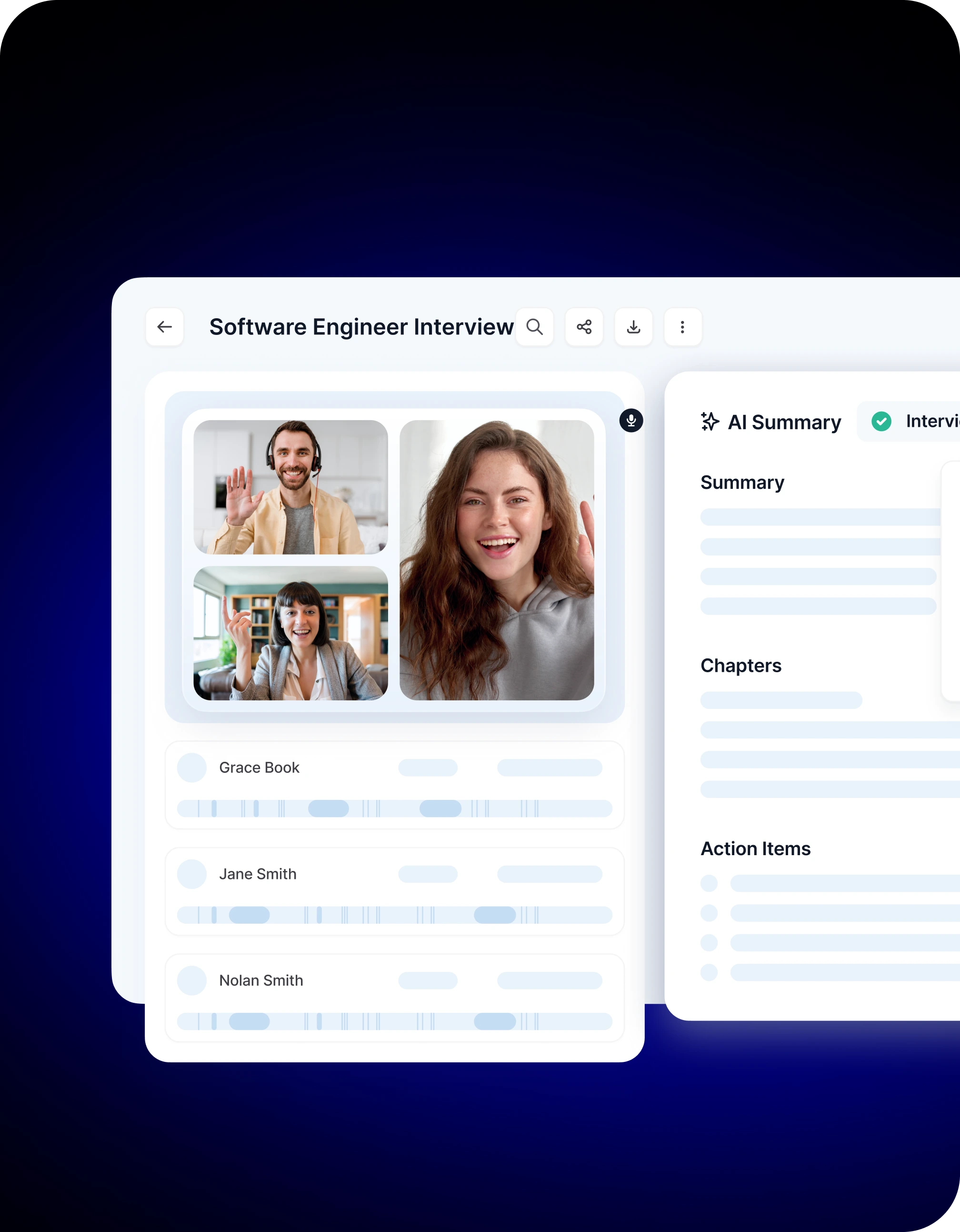
Noota is an AI meeting assistant designed to support your recruitment process by turning interview recordings into structured, actionable content.
Here’s how it helps:
- Automatic transcription: Every video interview is recorded and converted into accurate text so you never lose a word.
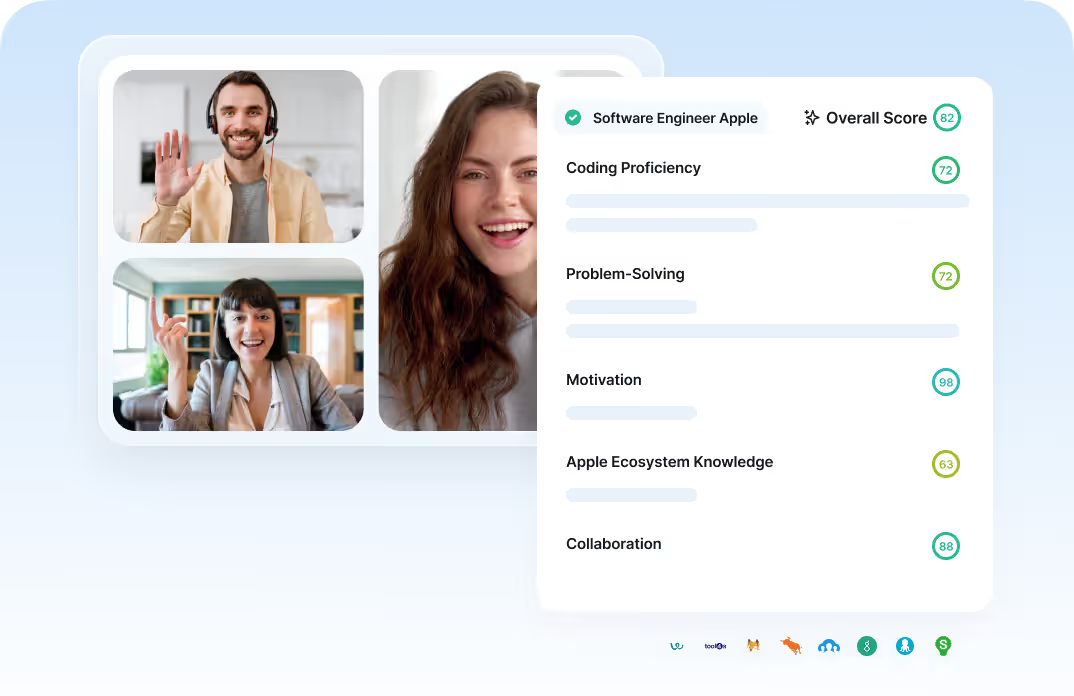
- Structured scorecard & summaries: Noota goes beyond transcription by creating clean evaluation forms, scoring and summaries that highlight what candidates said, not just what was recorded.
- Candidate profiles: After the call, you get summaries you can read in minutes instead of replaying an hour of video. These reports let you capture strengths, concerns, and key takeaways in a structured way — ideal for hiring discussions.
- ATS integration: If you use an applicant tracking system like Workable, Noota can automatically push summaries and candidate details into your workflow, saving you even more time.
Want to make your interviews much easier to evaluate and compare across candidates ? Try Noota for free now.
Meet the Writer
.webp)
FAQ
Video interviews present three key challenges that can compromise hiring quality.
- Technical issues like poor internet and audio problems disrupt candidate focus.
- Limited body language visibility leads to misinterpretation of candidate responses.
- Unintentional bias from backgrounds, lighting, and environments influences decisions.
Structured processes and clear criteria minimize subjective judgment during video interviews.
- Prepare standardized questions focused on role-specific skills and experiences.
- Use the same core questions for every candidate for consistency.
- Evaluate candidates on abilities, not environmental or technical factors.
Noota automates interview documentation while you focus on candidates, eliminating manual note-taking burden.
- Saves 6.4 hours weekly versus manual note-taking and admin tasks.
- Reduces administrative work by 80% with AI-powered transcription and summaries.
- Trusted by 5000+ teams with 4.9/5 G2 rating for interview quality.
Noota enables fair, structured video interviews by automating documentation and reducing evaluator bias.
- Standardized transcripts ensure consistent evaluation across all candidates.
- AI summaries highlight skills and experience without environmental distractions.
- Supports 80+ languages for global hiring teams. Try Noota free — no credit card needed.