Meeting Recording & Transcription
8 min reading
Updated on:
Sep 15, 2026
How to Record Meeting Without Bots
The best way to record Zoom, Teams, and Meet calls without bots. Discover how discreet botless recording captures audio locally with Noota.
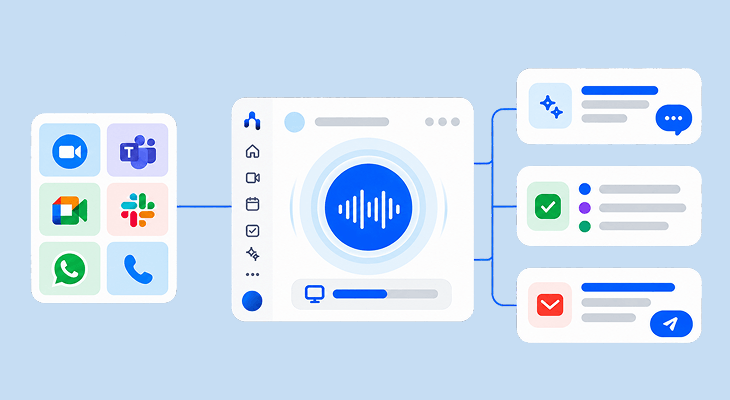
The best way to record meetings without bots is using a botless recorder that captures desktop system audio and microphone input directly through a virtual audio driver on macOS or Windows. Unlike cloud recording bots that join video calls as visible participants, a botless meeting recorder runs locally, capturing high-fidelity audio across Zoom, Microsoft Teams, and Google Meet without appearing in the attendee list or triggering enterprise IT security firewalls. The new Noota provides discreet, botless recording with real-time in-call answers, automated follow-up emails, and task execution. Note-taking was only the beginning.
What Is a Botless Recorder?
A botless recorder is software that captures meeting audio directly from your operating system's audio pipeline rather than dispatching a virtual participant to join the meeting room.
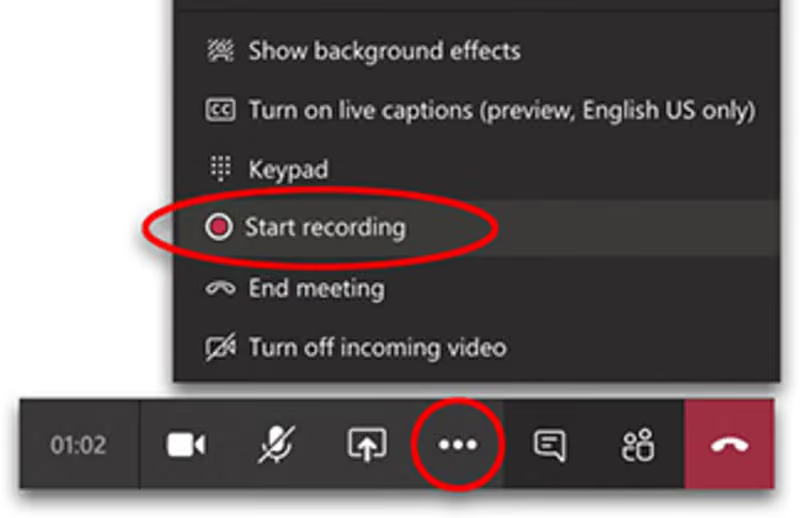
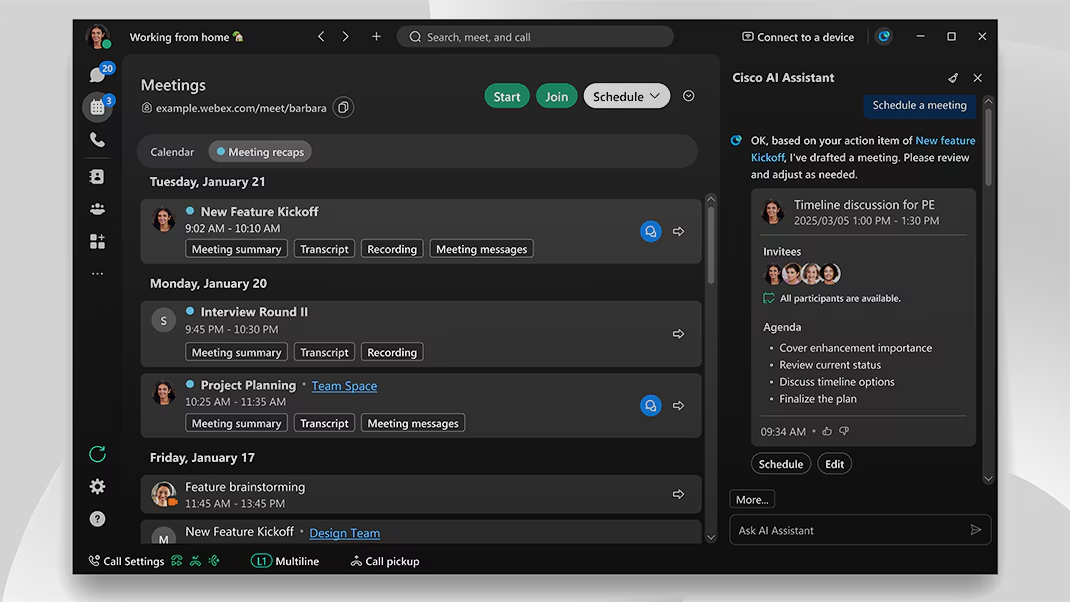
When you use traditional AI note-takers like Otter or Fireflies, a guest user typically named "Notetaker Bot" knocks on your calendar invite, enters the participant list, and records the session over WebRTC. While functional in casual internal syncs, visible bots create immediate friction in professional environments:
- Participant Guardedness: When an external recording bot enters a sales negotiation, client review, or executive sync, attendees hesitate, filter their feedback, and speak defensively.
- Enterprise IT Bot Bans: IT administrators routinely configure Microsoft 365 and Zoom tenant security rules to block non-authenticated third-party bots. If your bot is denied entry in the lobby, you get zero recording.
- Cloud Audio Latency: Traditional bots record in the cloud and upload massive audio files after the call, forcing teams to wait 15 to 30 minutes for notes.
Discreet, botless recording eliminates these points of failure. The software runs quietly in the background on your computer, capturing audio as it happens with zero visible presence in the call roster.
How Botless Meeting Recording Works
Rather than routing your call through an external server or adding a participant, modern botless recording operates directly through your workstation's audio layer.
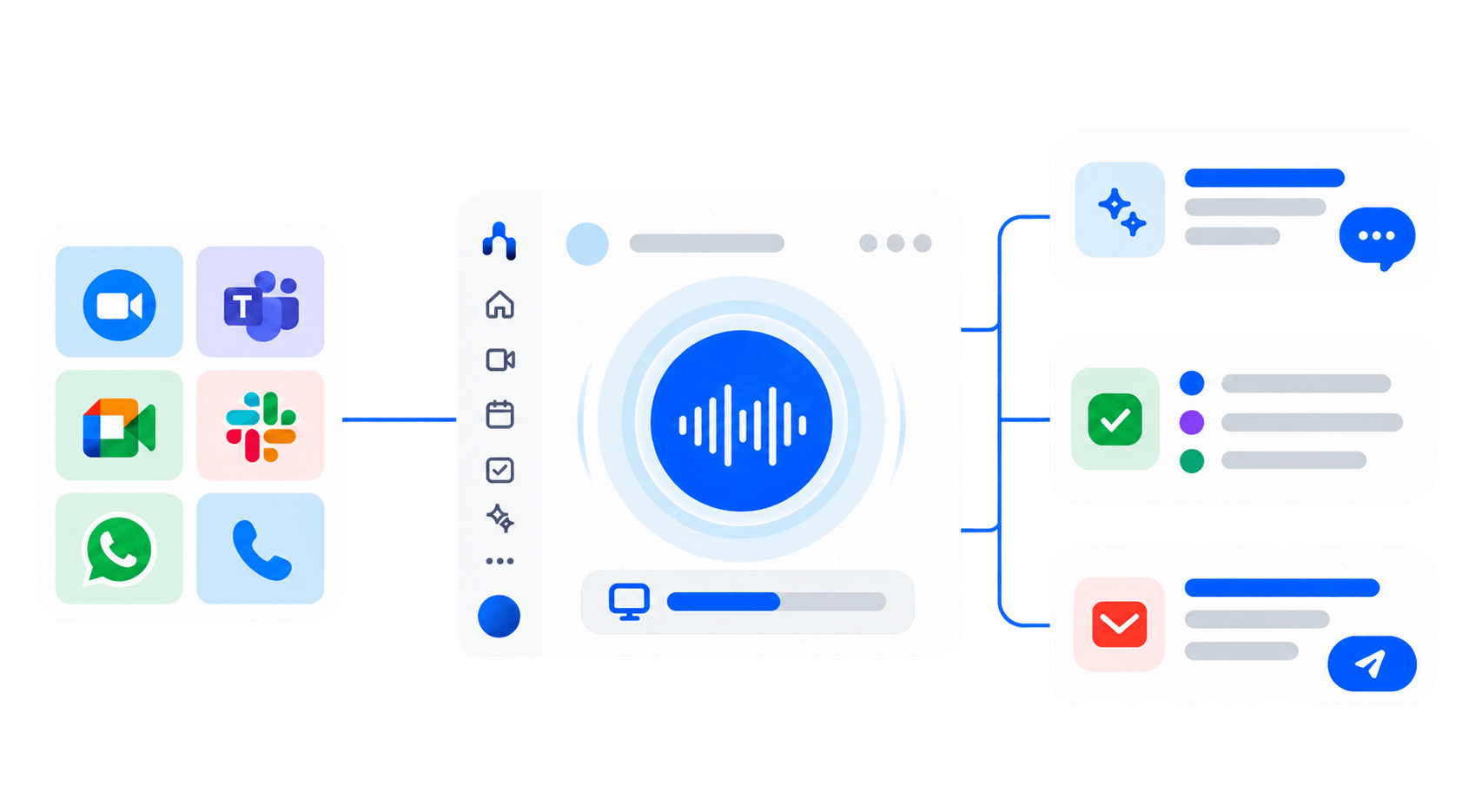
- Virtual Audio Loopback: Noota intercepts the system audio output (what you hear through your headphones) and merges it with your local microphone stream (what you say).
- Zero Tenant Footprint: Because no participant joins the meeting room, enterprise firewalls and tenant bot blockers on Microsoft Teams and Zoom have nothing to intercept.
- Universal App Support: Because recording happens at the OS driver level, it captures any audio source—including browser-based Google Meet, Slack Huddles, WhatsApp Web calls, and phone calls.
- Instant Real-Time Streaming: Audio is transcribed incrementally on your device, enabling real-time prompts and immediate post-call notes without server wait times.
Under the Hood: How to Build an On-Device Botless Meeting Assistant
To build a truly private, botless meeting assistant, we bypassed cloud recording and intrusive meeting bots entirely. Instead, we leveraged macOS system-level audio routing to capture and transcribe meetings directly on-device.
How to Build an On-Device Botless Meeting Assistant
To demonstrate how truly private, botless meeting capture works in practice, we open-sourced a reference implementation called PolyMeetAI. It bypasses cloud recording and intrusive meeting bots entirely, leveraging macOS system-level audio routing to capture and transcribe meetings directly on-device in under 2 seconds.
You can inspect the full open-source code and run it locally here
Here is how the four-stage architecture operates in code:
.png)
1. System Audio Interception
To capture meeting audio locally without an external bot joining WebRTC rooms, you install BlackHole (a virtual audio loopback driver) and configure a Multi-Output Device in macOS Audio MIDI Setup. The audio_capture.py script uses Python's sounddevice library to passively read audio frames from this virtual input. This captures both the meeting output and your local microphone without dropping audio frames or interfering with your headphones.
2. Intelligent Audio Chunking
Rather than streaming continuous audio to a transcription model—which wastes CPU cycles and causes language models to hallucinate during pauses—vad.py integrates Silero VAD (Voice Activity Detection). It buffers audio frames and only triggers transcription when a speaker pauses, ensuring speech segments are clean and computationally efficient.
3. On-Device Transcription
The transcriber.py module passes these buffered chunks to pywhispercpp (a high-performance C++ implementation of OpenAI's Whisper model). By compiling with Apple's Metal framework, it harnesses GPU acceleration to generate accurate transcripts locally in under 2 seconds without sending unencrypted audio over the internet.
4. Local-First UI & Storage
The main.py orchestrator coordinates the pipeline. It streams real-time text to a lightweight, transparent, always-on-top PySide6 desktop HUD while simultaneously indexing timestamped transcripts into a local SQLite database for instant semantic search.
From Local Script to Production: Why Engineering Teams Choose Noota
Building a local Python prototype with BlackHole, Silero VAD, and pywhispercpp is an impressive proof of concept. But maintaining custom audio routing infrastructure across an organization introduces significant technical debt:
If your engineering team needs meeting context inside your development environment, you do not need to build and maintain a custom audio daemon. You can use Noota's native Model Context Protocol server. Read our complete guide on How Noota's MCP Server Connects Spoken Context to AI Workflows to query spoken decisions directly inside Cursor and Claude Desktop.
Beyond Recording: The New Noota Workflow
Capturing audio without a bot solves the compliance and privacy bottleneck. But recording alone is only a commodity. The real value lies in what happens before, during, and after your call:
- Before the call: Noota analyzes your past meeting history and surfaces an instant briefing dossier on screen so you walk in knowing every previous agreement.
- During the call: When a client asks a difficult question about pricing, technical specifications, or compliance, Noota displays verified answers live on your screen without you breaking eye contact.
- After the call: Instead of leaving you with an unformatted transcript, Noota drafts your recap email, stages it in your outbox, and reconciles task cards in Notion and Linear automatically.
Security, Privacy, and Consent
Discreet, botless recording must always align with legal frameworks and corporate compliance:
- Consent Compliance: In one-party consent jurisdictions, one participant's consent is legally sufficient. In two-party and GDPR jurisdictions, all participants must be notified. Noota eliminates the disruptive bot while allowing users to provide transparent verbal disclosure whenever appropriate.
- Data Sovereignty & Encryption: All audio streams are secured with TLS 1.3 in transit and AES-256 at rest. Noota adheres to strict GDPR and SOC 2 Type II protocols, and never uses customer meeting audio to train external foundation models. Review our full Security and Trust Whitepaper.
Record Without the Overhead
Stop apologizing for uninvited meeting bots, battling IT tenant bans, or spending your evenings writing recap emails.
Discover The New Noota or compare our pricing tiers to start recording discreetly today.
Meet the Writer

FAQ
The best way to record meetings without bots is using a native desktop application like Noota that captures system audio through a virtual driver on macOS and Windows. This approach works seamlessly across Zoom, Teams, and Google Meet without sending an external attendee bot, protecting participant rapport and bypassing enterprise IT firewall restrictions.
A botless recorder is meeting software that captures conversation audio locally through your operating system instead of deploying an uninvited recording bot over WebRTC. It provides silent, discreet audio transcription and automated note-taking while keeping your meeting participant roster completely clean.
While developers can build custom botless recorders using virtual loopback drivers (like CoreAudio or WASAPI) and local speech models, maintaining system audio daemons across OS updates creates heavy technical debt. Noota provides a turnkey botless recording engine and offers Model Context Protocol (MCP) support, allowing developers to query meeting context directly inside Cursor and Claude Desktop without building custom infrastructure.
Yes, provided it complies with applicable recording consent laws. In one-party consent jurisdictions, recording is legal as long as one participant consents. In two-party or GDPR-governed jurisdictions, all participants must be informed. Botless recording eliminates the technical disruption of external bots while allowing professionals to give clear verbal notice to attendees.