Hiring & Talent Acquisition
8 min reading
Updated on:
Jan 13, 2026
How to Write a Good Job Description
You want to know what a good job description looks like ? Here's your guide.
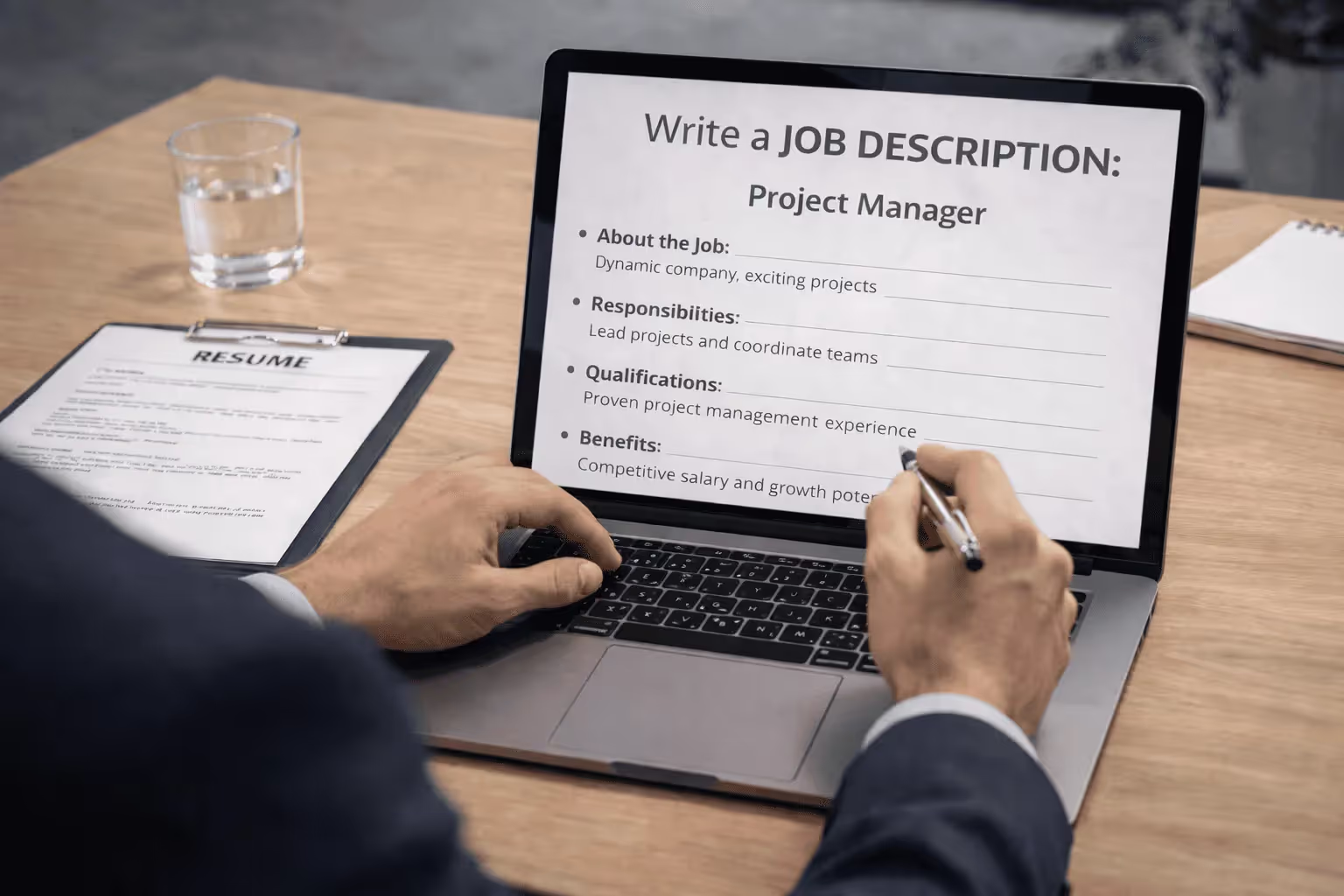
A clear job description aligns hiring managers, recruiters, and interviewers around the same expectations.
When it’s poorly written or outdated, you lose time reviewing irrelevant profiles and correcting misunderstandings later in the process.
In this guide, you’ll learn how to write job descriptions that actually do their job.
What Is a Job Description and How Should It Look?
A job description is a clear written document that explains what a role is, why it exists, and what success looks like in that job. It outlines the duties, responsibilities, skills, and qualifications required so both your team and candidates understand the expectations before you start recruiting.
Job Description vs Job Ad vs Job Brief
A job description is a detailed, internal document that defines a position’s purpose, core duties, responsibilities, required skills, qualifications, and where the role fits in your organisation. It’s created during job analysis and often used not only for recruitment but also for performance management, training, pay scales, and organisational planning. It provides a comprehensive overview of what the job truly involves.
A job posting (or job ad) is what you put out into the world to attract candidates. It’s based on the job description but rewritten in a way that engages and motivates potential applicants. While the content may draw from the job description’s duties and qualifications, the tone, length, and structure are tailored to a candidate audience.
A job brief (also called a brief for hiring) is a short internal summary used before creating a job description or posting. It’s typically written by a hiring manager or recruiter to capture the essentials of the role quickly — things like the title, why the role exists, core responsibilities, must-have skills, and any key priorities for the hire.
Job Description Template
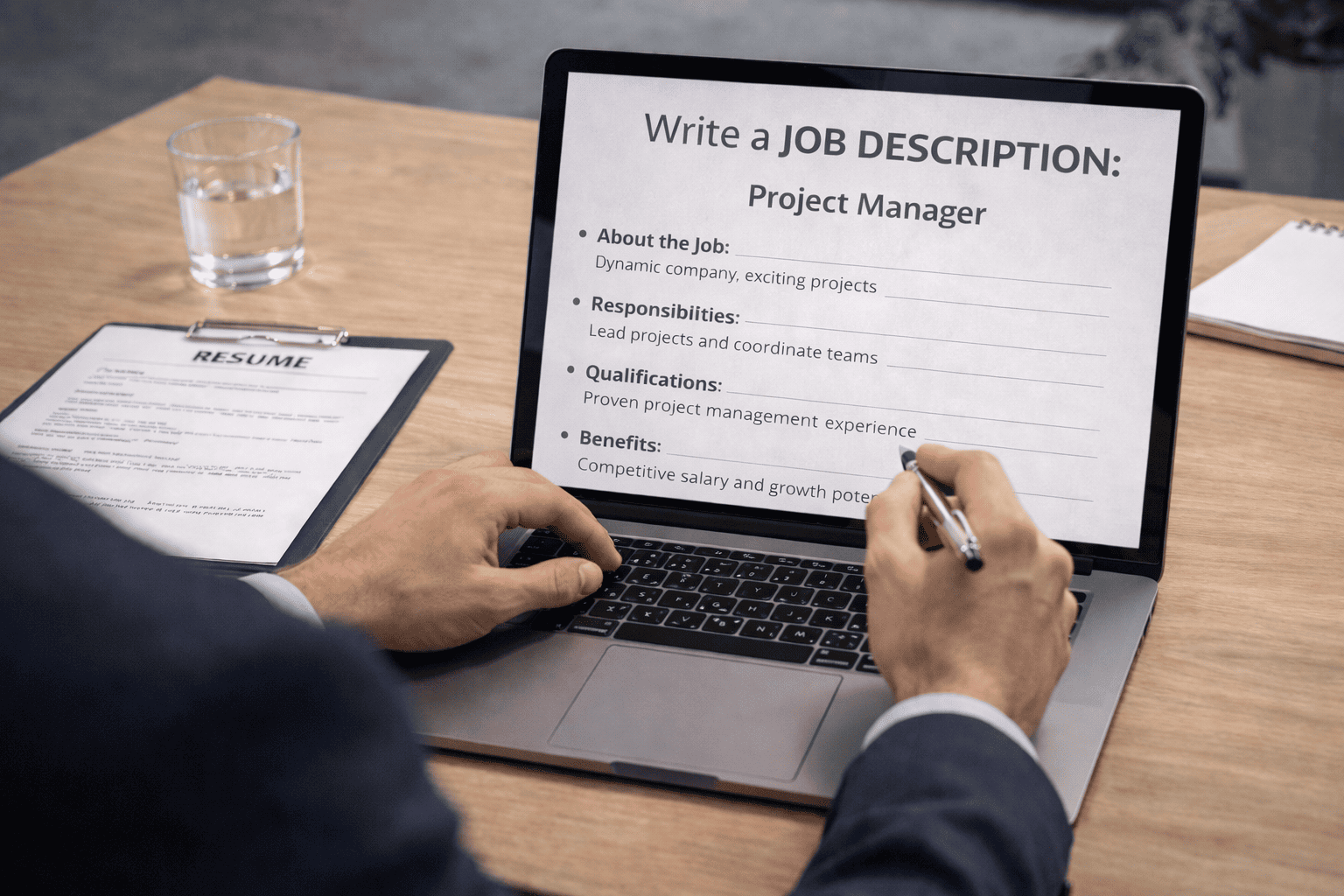
Below is a detailed job description template you can paste, edit, and personalize for any role you’re hiring for.
📌 Job Title & Summary
Job Title: [Insert the official role title — e.g., “Senior Product Manager”]
Department/Team: [e.g., Product & Innovation]
Reports To: [Job Title of Manager]
Location: [City, Remote/Hybrid/In-Office]
Employment Type: [Full-time/Part-time/Contract]
Role Summary:
[Write 2–4 sentences that explain the core purpose of the role. Focus on what the role achieves and how it contributes to your organisation. This helps candidates quickly understand the job’s value and fit.]
📍 About [Your Company Name]
[Briefly describe your organisation in 3–4 sentences. Share your mission, values, and company culture so candidates can picture themselves as part of your team. Highlight what makes working with you meaningful or unique.]
🧭 Key Responsibilities
In this role, you will:
- [Responsibility #1 — core task with measurable outcome]
- [Responsibility #2 — a frequent or important duty]
- [Responsibility #3 — team interactions or decision-making expectations]
- [Add 3–8 bullet points total; keep them action-oriented and focused on impact.]
Tip: Use action verbs like “lead,” “develop,” “coordinate,” or “manage” to describe duties clearly.
🎯 Required Qualifications
These are the essential skills and experience needed to succeed in this role:
- [Qualification #1 — e.g., “Bachelor’s degree in relevant field”]
- [Qualification #2 — e.g., “3+ years in similar roles”]
- [Technical or tool proficiencies (if applicable)]
- [Specific certifications or licenses, if required]
💡 Preferred Qualifications (Nice to Have)
These skills make candidates stand out but are not strictly required:
- [Preferred experience #1 — e.g., “Experience with [Tool/Platform]”]
- [Soft skill or cross-functional exposure]
- [Additional language or industry expertise]
💼 Skills & Competencies
You may also want someone with:
- Excellent communication and collaboration skills
- Strong problem-solving and decision-making ability
- Comfort with fast-paced environments or ambiguity
- Leadership or mentoring capabilities (if applicable)
📊 Compensation & Benefits
Provide clear details about what you offer:
- Salary Range (if applicable): €[X] – €[Y]
- Benefits: [Health/dental insurance, retirement plans, wellness perks]
- Flexible Work: [Remote/hybrid options, flexible hours]
- Other Perks: [Learning budgets, professional development support]
📩 How to Apply
To apply, please:
- Submit your résumé and cover letter to [email/apply link]
- Include any relevant portfolio, references, or project links
- Applications close on [date or “rolling basis”]
Best Practices to Write Your Job Description
Here are best practices you can use right now to make yours sharper and more effective.
1. Start With the Right Mindset: Clarity First
Before you begin writing, think about the readers — your future candidates. Your goal is to help them instantly see whether they are a good fit for the role and your company. Avoid overly long paragraphs or vague language that makes interpretation difficult. Be clear about what the job does, why it exists, and what success looks like.
A clear structure helps candidates decide quickly whether to apply. Use bullets, short sentences, and descriptive headings to make your description more skimmable — especially for mobile users.
2. Capture the Job’s Purpose and Impact
Rather than simply listing tasks, help candidates visualize their impact. Describe the purpose of the role and the meaningful difference this person will make. For example, instead of listing “manage social media posts,” you might say “develop and execute social media strategies that grow our audience by driving engagement and brand loyalty.” This makes the role feel both specific and aspirational.
3. Be Specific About Responsibilities, Skills, and Tools
Great job descriptions don’t rely on generic phrases like “excellent communicator” or “team player” without context. Instead, define specific situations where those abilities are used:
- “Lead weekly cross-functional planning meetings.”
- “Negotiate vendor contracts with measurable cost savings.”
Clarity helps candidates understand what they will actually do, not just what qualities you hope they have.
4. Separate Must-Haves From Nice-to-Haves
Listing too many requirements is a common mistake. Candidates often self-exclude if they don’t meet every point.
Instead, clearly separate essential qualifications from preferred attributes. Only include what’s truly necessary in the must-have list; everything else can go under nice-to-have. This approach widens your talent pool without lowering standards.
5. Highlight Your Culture and Values
Your job description isn’t just about tasks — it’s a window into your company culture. Include a brief section that describes your team environment, mission, and values. Candidates want to know whether they’ll be joining a place where they belong and grow. According to recruitment guidance, conveying your culture increases engagement and helps align expectations early.
You can also subtly weave cultural elements throughout the description, but keep it authentic and grounded — avoid buzzwords and vague claims that don’t match everyday reality.
6. Be Transparent About Salary and Benefits (When Possible)
Whenever you can, include a salary range and key benefits. Transparency builds trust and attracts higher-quality applicants. Many candidates skip roles without compensation info because they can’t judge if the opportunity meets their needs. Be specific and straightforward about what you offer.
7. Use Inclusive, Bias-Free Language
Pay attention to your wording. Remove gender-coded or niche jargon that might unintentionally exclude applicants. Tools that analyze inclusive language can help you spot and correct phrasing that could deter strong candidates from diverse backgrounds. An inclusive description shows respect and invites a broader, richer applicant pool.
AI Job Description Generator: Noota
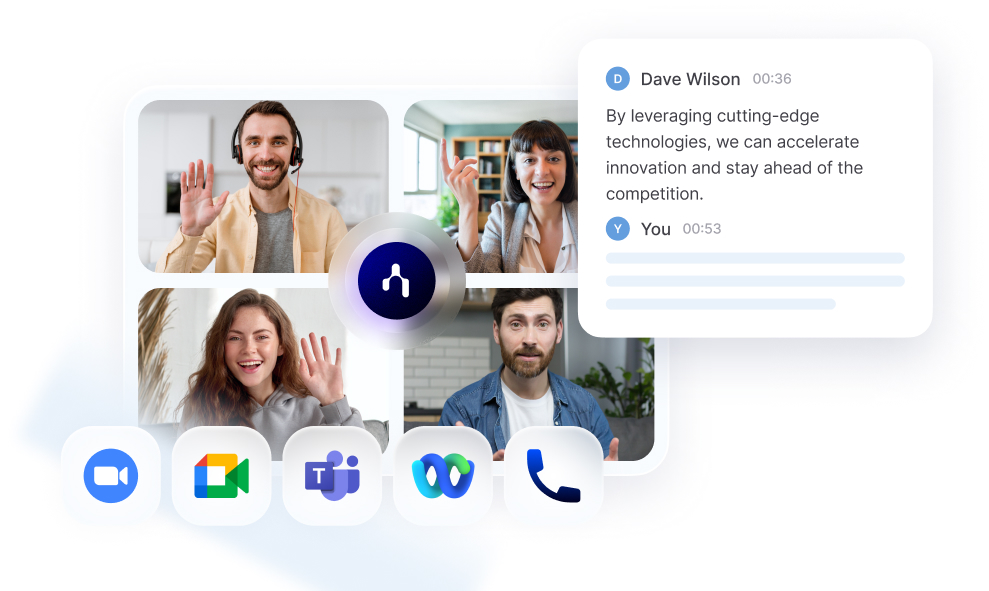
Instead of starting with a blank page, Noota can transform your hiring brief into a complete job description draft you can refine and publish with ease. Its AI engines produce descriptions that are clear, engaging, and tailored to both the role and your company’s context.
Here’s how Noota enhances the job description creation process:
- Context-aware drafts: Noota uses information from job brief discussions, team inputs, and existing role data to generate job description text that reflects your actual needs.
- Structured output: AI organizes content into clear sections — like role summary, responsibilities, and qualifications — so candidates can scan and understand quickly.
- Customizable language: You stay in control. Noota’s output is meant to be edited and personalized to match your employer brand, tone, and specific requirements.
- Consistency across roles: Using the same generation tool for multiple job descriptions helps maintain a consistent style and messaging, strengthening your employer brand.
You want to generate job descriptions with AI ? Try Noota for free now.
Meet the Writer
.avif)
Adesh explores how teams can better capture knowledge and collaborate more effectively with AI.
FAQ
A job description is a detailed internal document defining role purpose, duties, and qualifications for recruitment and performance management.
- Job posting is candidate-facing, engaging, and shorter in tone
- Job description is comprehensive, formal, and organization-focused
- Both draw from the same core information but serve different audiences
Clear job descriptions align hiring managers, recruiters, and interviewers around shared expectations, reducing time spent reviewing irrelevant profiles.
- Prevents misunderstandings later in the recruitment process
- Helps candidates self-assess fit before applying
- Improves quality of applicant pool and hiring outcomes
Noota saves hiring teams 6.4 hours weekly by automating admin tasks like note-taking and candidate summaries, reducing administrative burden by 80%.
- Trusted by 5000+ teams with 4.9/5 G2 rating
- Supports 80+ languages for global hiring efficiency
- Lets you focus on writing better descriptions, not managing notes
Noota combines job description clarity with automated interview documentation and candidate tracking, eliminating manual admin work across your hiring process.
- Captures and summarizes interviews automatically in 80+ languages
- Reduces admin time by 80% so teams focus on quality hires
- Trusted by 5000+ teams globally with proven 4.9/5 rating
Try Noota free — no credit card needed.