AI Note Taker Comparisons
8 min reading
Updated on:
Jun 3, 2026
Granola Review & Alternatives
Granola AI review: Noota beats it with CRM sync, audio playback, and ATS workflows — saving teams 6.4 hours/week on admin work.
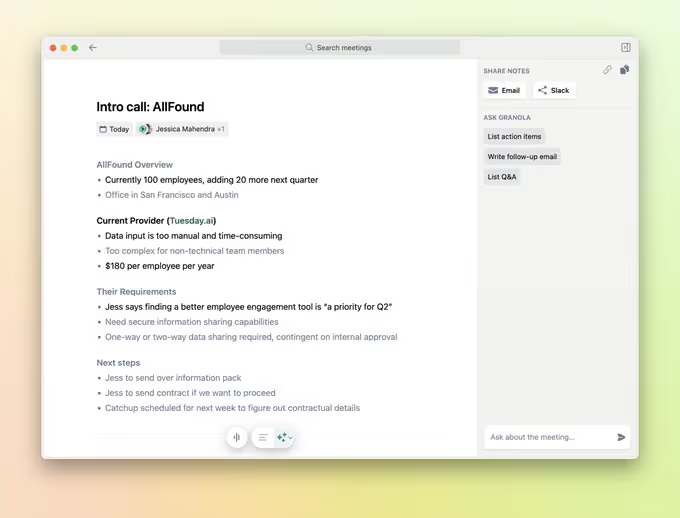
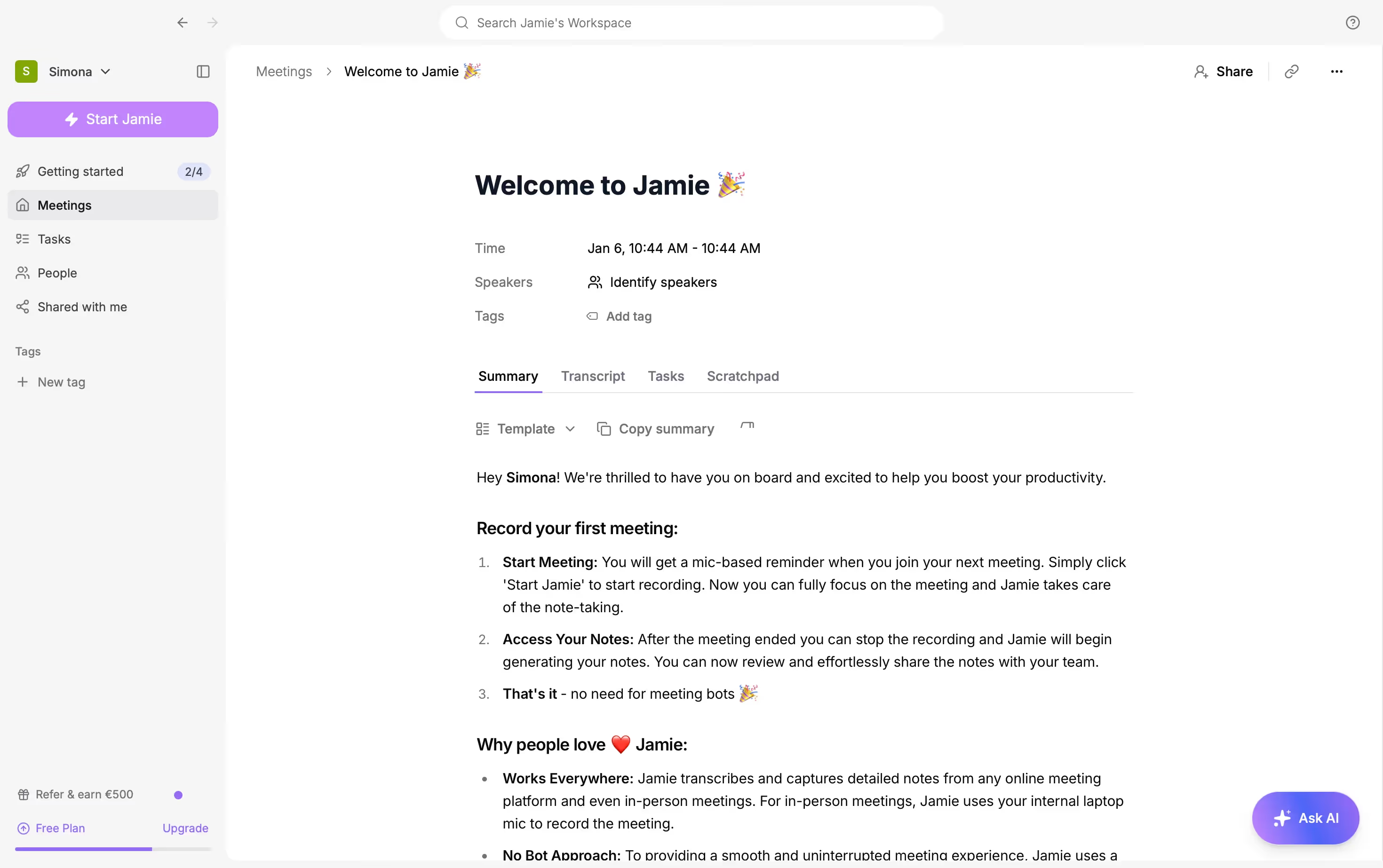
Granola combines your transcript with your rough notes, and turns the conversation into a cleaner summary.
But a better note is not always enough.
In this guide, we will look at what users really say about Granola, where the tool performs well, and where it can feel limited.
Granola AI Real Review & Quality
Across user reviews, the same positive points come back often: Granola is simple, discreet, and useful in real workflows.
The most common strengths are:
- Bot-free meeting capture: Granola does not add an AI assistant to your meeting, which makes calls feel less intrusive.
- Clean summaries: Users like that the final notes are structured, readable, and easy to reuse.
- Simple interface: The product feels lightweight, with fewer distractions than larger meeting platforms.
- Better focus during calls: You can listen to the person in front of you instead of typing every sentence.
- Good for frequent meetings: Founders, managers, consultants, and operators mention value when they have several calls per day.
- Useful transcript access: Users appreciate being able to check the transcript when they need more detail.
- Strong note enhancement: Granola works well when you write rough notes and want AI to turn them into a polished recap.
Its bot-free design is useful, but it also creates practical limits.
The main limitations are:
- No audio playback: Granola does not store full meeting audio for later review.
- No video recording: You cannot replay screen shares, gestures, slides, or visual context.
- Harder quote verification: If you need exact wording, you may need another recording tool alongside Granola.
- Speaker attribution issues: In group meetings, Granola can mislabel who said what.
- Limited web access: Some users dislike not having a full web version, especially when they cannot install desktop apps on work devices.
- Integrations require paid plans: Tools like Slack, Notion, HubSpot, Attio, Affinity, and Zapier are tied to Business or Enterprise plans.
- Privacy settings need attention: Shared note links and model training settings should be reviewed before using Granola for sensitive meetings.
- Less business automation than workflow-first tools: Granola is great for notes, but it is not as specialized for CRM updates, ATS workflows, sales reports, or recruitment scorecards.
Best Alternatives to Granola AI
Granola is not always the best choice if your meetings need to trigger real workflows. You may need CRM updates, live transcription, audio playback, in-person recording, or stronger team automation.
a. Noota
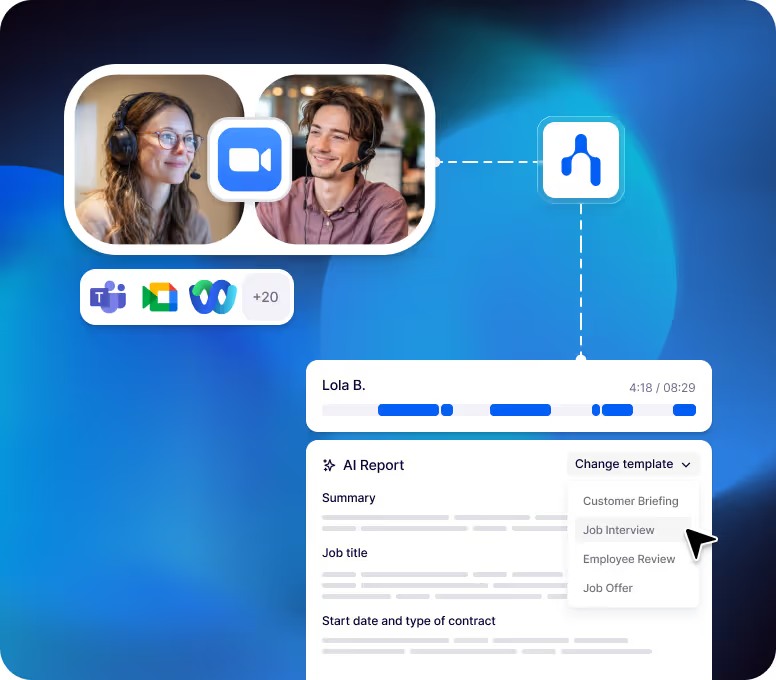
Noota is the best Granola alternative if you want your meeting notes to become business actions.
The main differences are:
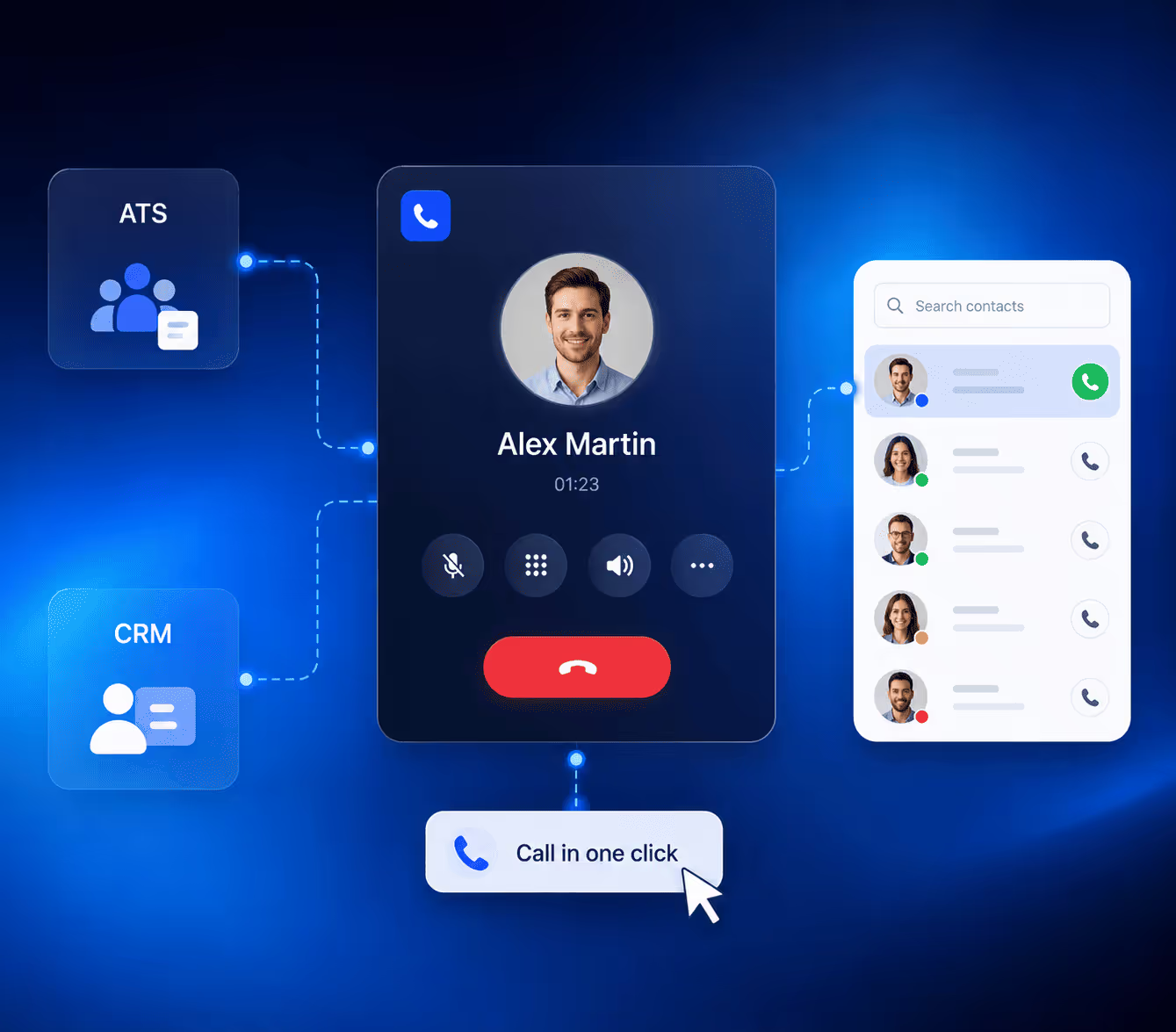
- CRM automation: Noota can help you push meeting notes and follow-ups into tools like HubSpot, Salesforce, Pipedrive, and other CRMs.
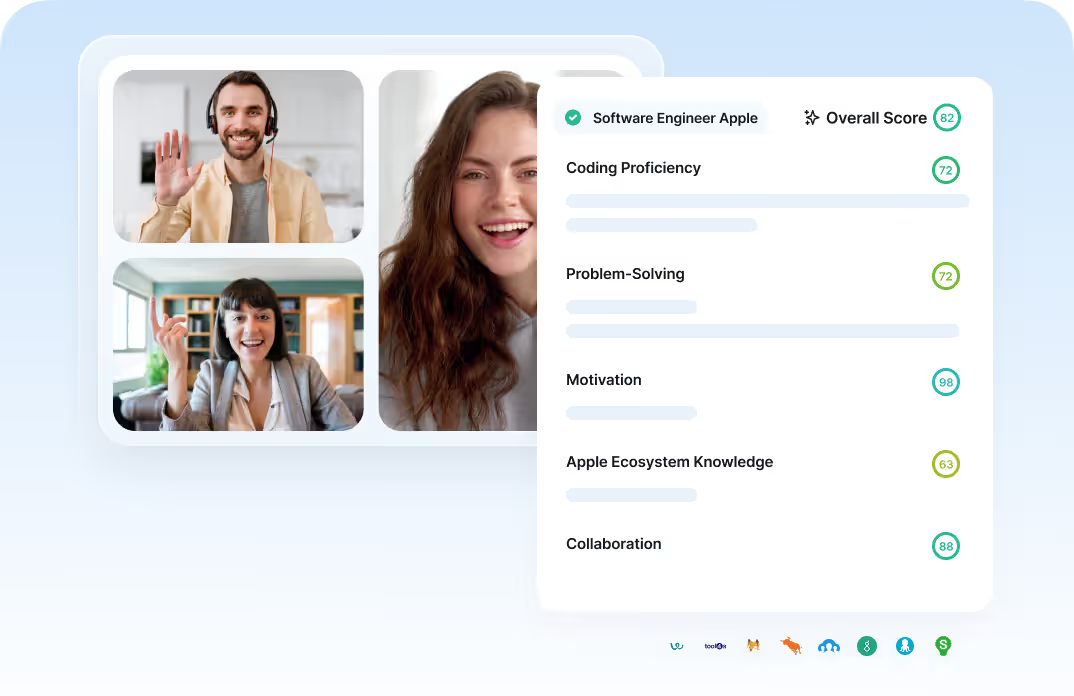
- ATS workflows: Noota is useful for recruiters who need interview notes, scorecards, candidate summaries, and ATS updates.
- Custom meeting templates: You can adapt your notes to discovery calls, interviews, client meetings, internal syncs, and more.
- Follow-up emails: Noota can help you create post-meeting emails from the conversation.
- Call and meeting capture: Noota supports online meetings, phone calls, and in-person conversations.
- Team knowledge base: Your meetings become searchable and reusable across your team.
- Business reporting: You can extract decisions, blockers, objections, next steps, and key questions.
Pricing
Noota offers a free plan, then paid plans for professionals and teams.
The Pro plan starts at €19/month per user. The Business plan starts at €39/month per user and is better suited if you need unlimited AI notes, custom templates, analytics, Zapier, API access, and more automation.
Enterprise plans are available for larger companies that need SSO, custom integrations, dedicated support, and advanced security options.
b. Otter AI
Otter AI is a strong alternative if you care about live transcription.
Key differences include:
- Live transcription: Otter lets you see the conversation as it happens.
- Audio playback: You can replay recordings when you need to verify details.
- Speaker identification: Otter helps you track who said what.
- Mobile apps: You can record meetings and conversations from your phone.
- Collaboration: Teams can share, edit, comment on, and organize transcripts.
- File imports: Paid plans allow you to import audio and video files.
c. Fireflies
Fireflies is a better option if your team wants to build a searchable meeting archive.
Key differences include:
- Searchable meeting library: You can search across previous meetings.
- AI assistant: You can ask questions about your meeting history.
- Audio and video storage: Depending on your plan, you can keep recordings for later review.
- Conversation intelligence: Fireflies can help track topics, action items, and team patterns.
- Broad integrations: It connects with many CRM, collaboration, and productivity tools.
- Team workflow: Fireflies is built for shared meeting knowledge.
d. Plaud
Plaud gives you dedicated hardware for recording meetings, interviews, phone calls, lectures, conferences, and field conversations.
Key differences include:
- Physical recorder: You do not depend only on your laptop or browser.
- In-person focus: Plaud is strong for offline meetings, interviews, and field work.
- Phone call capture: Some Plaud devices are designed to record phone calls.
- AI summaries: Plaud turns recordings into structured notes and templates.
- Ask Plaud: You can query your recordings after the conversation.
- Hardware cost: You need to buy a device before using the full workflow.
- Subscription minutes: Heavy users may need a paid AI plan for more transcription time.
e. Tactiq
Tactiq is a good alternative if you want fast live transcription inside your browser.
Key differences include:
- Chrome extension setup: Tactiq is quick to install and use.
- Live transcription: You can read the meeting as it happens.
- AI summaries: It generates recaps, action items, and insights.
- Transcript sharing: You can export and share meeting transcripts.
- AI credits: Lower plans include usage limits, so heavy users should check plan details.
- Team plans: Paid plans add more sharing, admin, and control features.
- Less workflow depth: Tactiq is not as specialized for CRM, ATS, or post-meeting automation.
Meet the Writer

Anais writes on interview techniques, AI in hiring, meeting minutes and call recording, with years of experience as an HR editorial specialist.
FAQ
Granola keeps calls less intrusive by not adding an AI assistant to your meeting. However, this design choice also means no audio playback, video recording, or full web access—trade-offs other tools don't require.
- Granola prioritizes call naturalness over recording features.
- Users appreciate fewer distractions but lose replay and verification capabilities.
- Bot-free design works well for focus but limits post-meeting review options.
Granola struggles with speaker attribution in group settings, often mislabeling who said what. Combined with no audio playback and limited integrations on free plans, group meeting workflows become harder to automate and verify.
- Speaker attribution errors increase with larger meeting sizes.
- No audio means you cannot verify exact quotes or context later.
- Paid plans required for Slack, Notion, and CRM integrations.
Noota automates meeting notes into business actions—pushing summaries into HubSpot, Salesforce, Pipedrive, and ATS platforms. Granola excels at clean notes, but Noota connects those notes to real CRM updates, interview scorecards, and candidate tracking, saving 6.4 hours weekly across 5000+ teams.
- Noota integrates with CRMs and ATS tools Granola reserves for paid tiers.
- Custom templates adapt notes to discovery calls, interviews, and client meetings automatically.
- Workflow automation reduces manual data entry and follow-up delays.
Noota is built for recruiters needing interview notes, scorecards, and ATS updates in one workflow. Granola creates clean summaries, but Noota pushes candidate data directly into your hiring system, cutting admin by 80%. Try Noota free—no credit card needed.
- Noota automates interview scorecards and candidate summaries instantly.
- Direct ATS integration eliminates manual note copying and data entry.
- 5000+ teams trust Noota for recruitment workflows and follow-ups.