AI Note Taker Comparisons
8 min reading
Updated on:
Jun 3, 2026
Jamie AI Review & Alternatives
Jamie AI review: Noota offers CRM sync, live transcription, and video recording Jamie lacks — saving teams 6.4 hours/week with zero bot visibility.
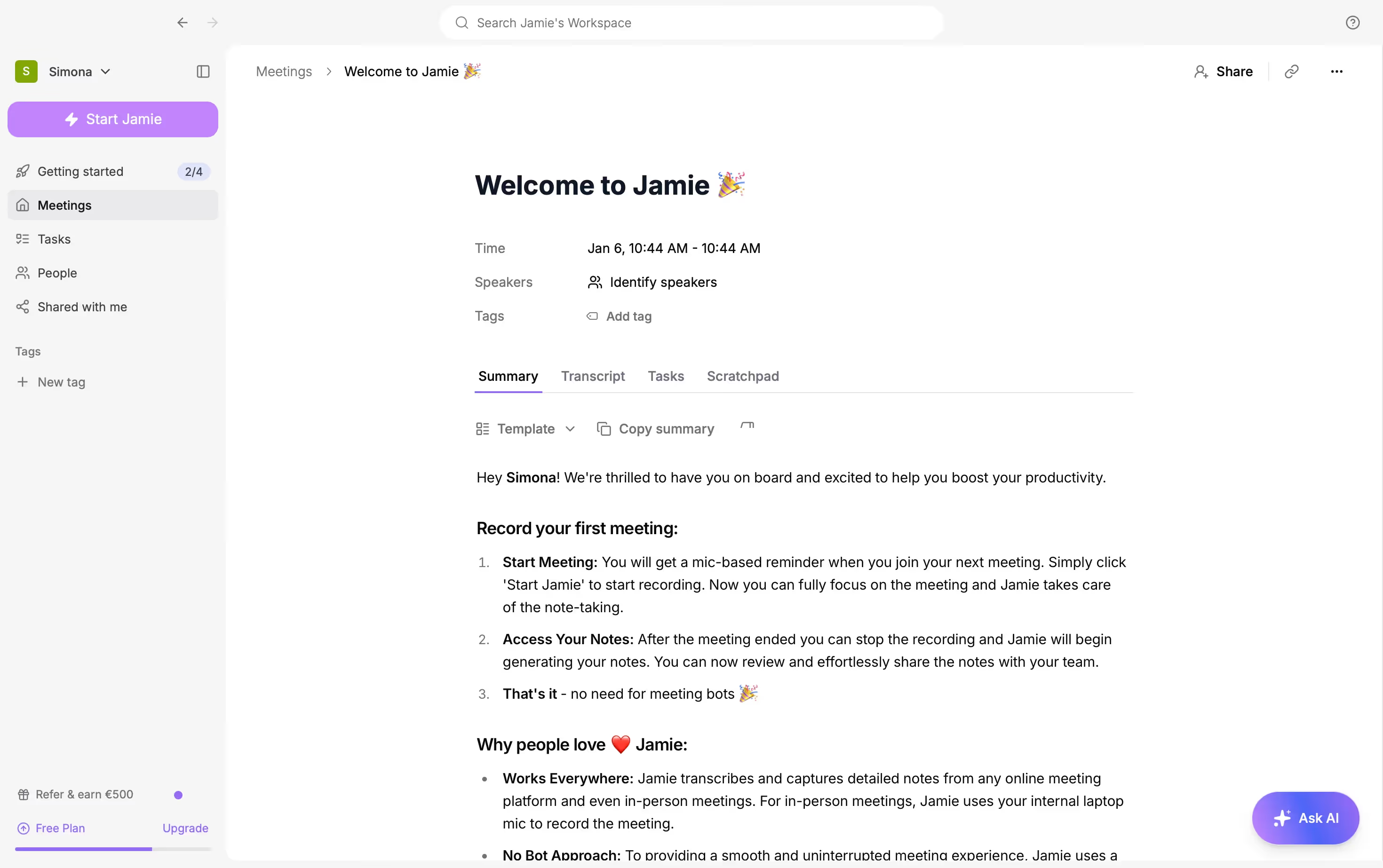
Jamie is an AI note taker with a strong privacy promise.
But how does it actually fare ?
In this guide, we will look at what users really say about Jamie AI, where the tool performs well, and where it can feel limited.
Jamie AI Real Review & Quality
The most repeated positive points of Jamie are:
- Bot-free recording: Your meetings feel more natural because no visible assistant joins the call.
- Ease of use: You can start recording quickly, without a heavy setup.
- Action item detection: It helps you identify what needs to happen after the meeting.
- Multilingual support: Users mention value for multilingual and bilingual conversations.
- Online and offline use: Jamie can work for video calls and in-person meetings.
- Cleaner focus during calls: You can listen and participate instead of typing notes.
But Jamie's biggest strength is also part of its limitation.
Because it is bot-free, it does not always have the same meeting context as a bot-based assistant. It may not automatically know who is speaking in the same way a meeting-platform-native assistant can.
The main limitations mentioned by users and reviewers are:
- Speaker identification can be inconsistent: In larger meetings, Jamie may miss participants or mislabel speakers.
- Audio setup matters: Some users say you need a good microphone to get the best results.
- Processing can fail or get stuck: A few users report lost meetings, crashes, or recordings that stayed blocked during processing.
- No live transcription: Jamie is not ideal if you want to follow the transcript during the meeting.
- No video recording: You cannot use it to review gestures, screen shares, or visual context later.
- Limited integrations compared with larger platforms: Jamie connects with tools like Notion, Google Docs, OneNote, HubSpot, Salesforce, and Asana on some plans, but it is not as automation-heavy as tools built for CRM or ATS workflows.
- Pricing may feel high for heavy users: Some users complain that lower plans are too limited if you record meetings every day.
- Free plan limits can frustrate users: Shorter duration limits and transcript access limitations may push active users toward paid plans quickly.
Best Alternatives to Jamie AI
Jamie AI is not the best fit for every team. If you need live transcription, CRM automation, in-person hardware capture, or stronger workflow integrations, other AI note takers may serve you better.
a. Noota
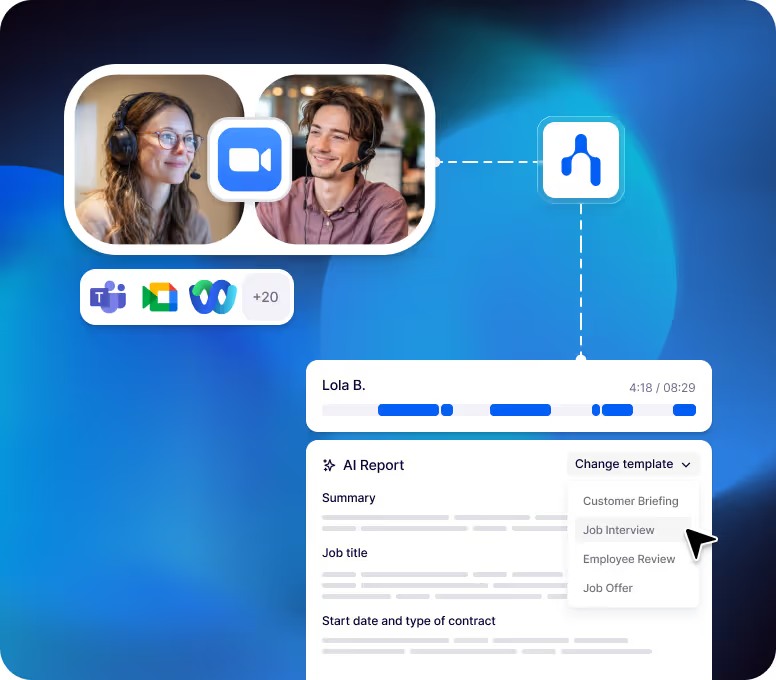
Noota is the best Jamie AI alternative if you want your meeting notes to become real business actions.
Main differences between Noota and Jamie
The main differences are:
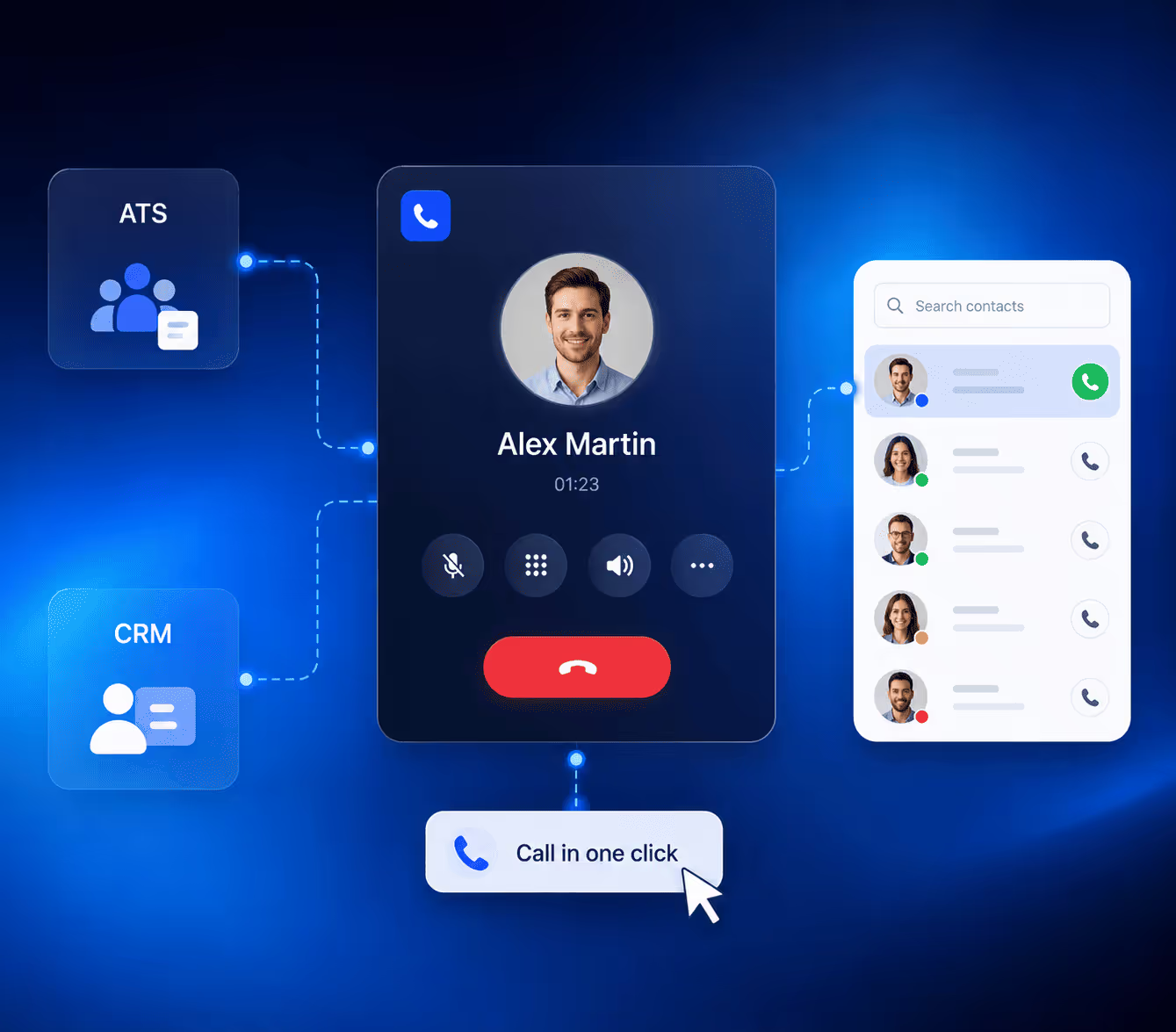
- CRM and ATS automation: Noota can send meeting notes, candidate reports, and call summaries into systems like Salesforce, HubSpot, Pipedrive, Bullhorn, Greenhouse, SmartRecruiters, and other business tools.
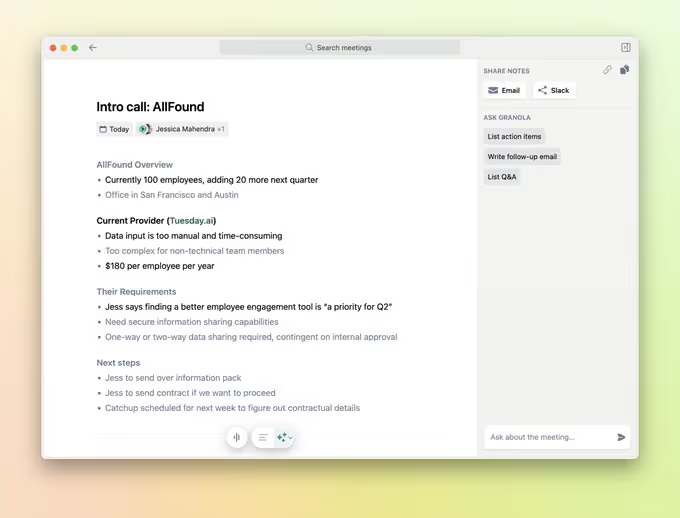
- Sales workflows: You can use Noota to capture discovery calls, extract objections, identify next steps, and update your CRM.
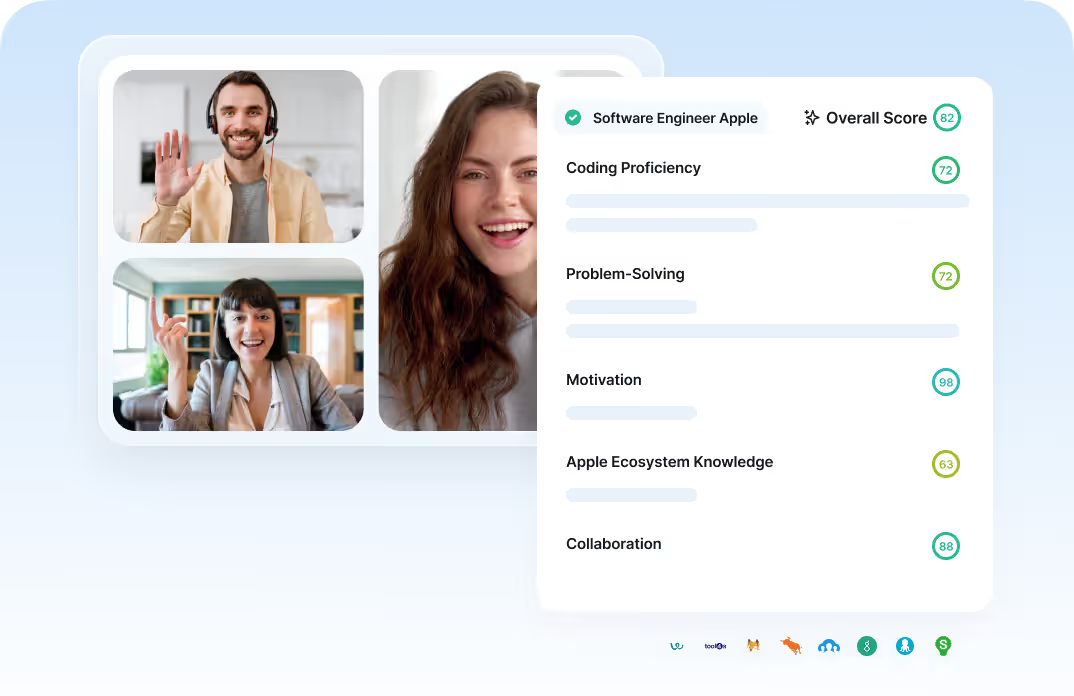
- Recruitment workflows: You can structure interview reports, score candidate answers, and sync insights into your ATS.
- Custom templates: You can adapt your meeting notes to the type of conversation you are having.
- Phone and meeting capture: Noota supports online meetings, phone conversations, and in-person conversations.
- Team knowledge: Your conversations become a searchable knowledge base, not just isolated notes.
- Follow-up automation: You can generate follow-up emails and structured outputs after calls.
b. Otter AI
Otter AI is a good Jamie alternative if your priority is live transcription.
Otter is more transcript-first.
Jamie gives you a discreet recording experience. Otter gives you a more visible, collaborative transcription workflow.
Key differences include:
- Live transcription: Otter is stronger if you want to read the transcript during the meeting.
- Speaker identification: Otter helps you track who said what, although you should still review important transcripts.
- AI Chat: You can ask questions across meetings and transcripts.
- Mobile apps: Otter offers iOS and Android apps, which helps if you record on the go.
- File imports: Paid plans include audio and video file imports.
- Collaboration: You can share transcripts, organize notes, and use team vocabulary.
The trade-off is privacy and meeting experience.
Otter is often more visible in the meeting than Jamie. If you want a discreet, bot-free experience, Jamie may feel more natural.
c. Fireflies
Fireflies is more team-oriented than Jamie.
Jamie is better for private, bot-free notes. Fireflies is better if your company wants a shared meeting memory.
Key differences include:
- Searchable meeting library: You can search across past conversations.
- AskFred AI assistant: You can ask questions about your meetings.
- Real-time notes and live transcription: Fireflies can support more real-time meeting workflows.
- Conversation intelligence: Paid plans include features like talk-time analytics and action item tracking.
- Broad integrations: Fireflies connects with many CRM, productivity, and collaboration tools.
- File upload support: You can upload audio and video files for transcription.
- Team storage: Fireflies gives you storage limits by plan, with more capacity on higher tiers.
d. Plaud
Plaud is hardware-first.
Jamie runs on your device as software. Plaud gives you a dedicated recorder that you can carry, wear, or place in the room.
Key differences include:
- Physical recording device: You need Plaud hardware to get the full experience.
- In-person capture: Plaud is strong for offline meetings, field work, interviews, lectures, and consultations.
- Phone call recording: Some Plaud devices are designed for phone call capture.
- Large template library: Plaud offers many professional templates for summaries and reports.
- Ask Plaud: You can query your recordings and extract details later.
- Separate cost structure: You pay for the device, then for AI transcription plans if you need more minutes.
e. Tactiq
Tactiq is a good Jamie alternative if you want fast, browser-based live transcription.
Key differences include:
- Chrome extension workflow: Tactiq is easy to install and use in browser-based meetings.
- Live transcription: You can follow the meeting as it unfolds.
- AI summaries: Tactiq generates summaries, action items, and insights.
- Transcript sharing: You can share and export transcripts.
- AI credits: Lower plans include limited AI credits, so heavy users should check usage limits.
- Team plans: Paid tiers add auto-sharing, unlimited AI credits, SSO, retention controls, and business admin features.
Meet the Writer

Jean-marc writes on AI note-taker reviews, meeting management, recording and AI in recruitment, backed by years of SEO and content work.
FAQ
Jamie uses device-level recording instead of joining calls as a participant.
- Captures audio directly from your microphone
- No bot appears in meeting participant lists
- Works for video calls and in-person meetings
Jamie struggles with speaker identification and lacks live transcription features.
- Speaker labels become inconsistent in larger groups
- No real-time transcript viewing during calls
- Cannot record video for visual context review
Noota automates meeting insights directly into your business systems.
- Syncs call summaries to Salesforce, HubSpot, Pipedrive automatically
- Structures interview reports and scores candidate answers
- Extracts objections and next steps for sales workflows
Noota wins with CRM automation that saves 6.4 hours weekly per team.
- Sends candidate reports directly to ATS platforms
- Updates Salesforce with discovery call insights automatically
- Trusted by 5000+ teams across 80+ languages
Try Noota free — no credit card needed.