AI Note Taker Comparisons
8 min reading
Updated on:
Apr 14, 2025
Notta vs Noota
Here's the best alternative to Notta with a detailed comparison.

1. Feature Comparison
When it comes to AI-powered meeting assistants, both Noota and Notta offer a range of features to enhance productivity. Here's how they compare:
| Feature | Noota | Notta |
|---|---|---|
| Meeting Recording (Zoom, Meet, Teams) | ✅ Supports all major platforms | ✅ Zoom, Google Meet, Microsoft Teams supported |
| Real-Time Transcription | ✅ Accurate, live subtitles in 80+ languages | ✅ Real-time transcription in 58 languages |
| Mobile App + Phone Recording | ✅ Record mobile, VoIP, and in-person calls | ❌ No phone or in-person recording features |
| Speaker Identification | ✅ Speaker detection and labeling built-in | ✅ Available on most meetings |
| AI-Generated Meeting Summaries | ✅ Custom templates for Sales, HR, and more | ✅ Auto-summary in simple formats |
| Custom Tags & Templates | ✅ Create and reuse structured meeting formats | ❌ No custom template feature |
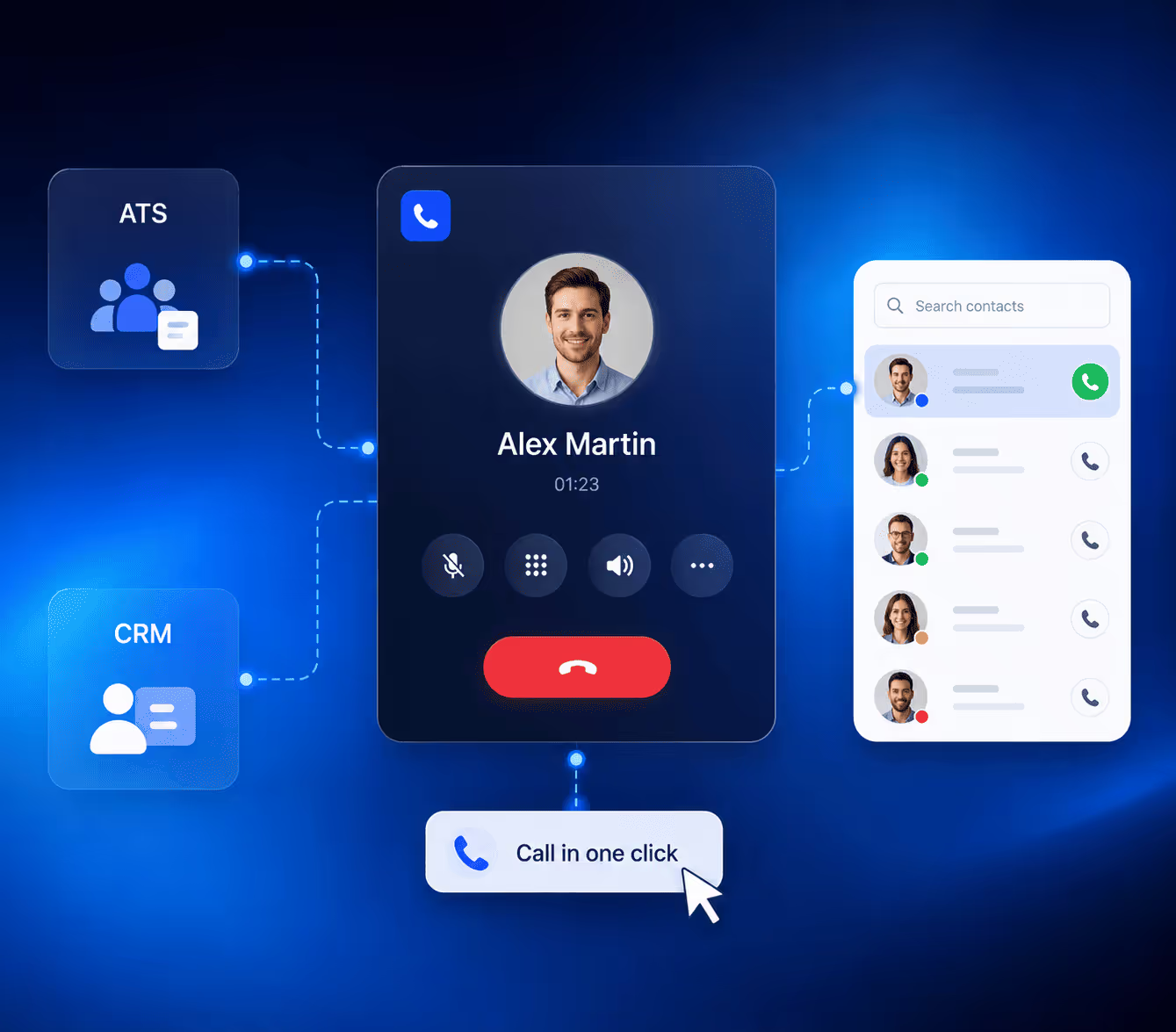
| CRM & ATS Integrations | ✅ Connects with 1000+ apps (Salesforce, Bullhorn...) | ✅ Integrates with Google Calendar, Zoom, Notion |
| Searchable Transcript History | ✅ Global search across all meetings and summaries | ✅ Search recordings, notes, and text exports |
| Multilingual Support | ✅ Over 80 languages with localization options | ✅ 58 languages, including real-time translation |
| Consent Handling | ✅ Built-in pre-meeting consent prompts | ❌ No automated consent prompt feature |
| AI Coaching & Live Guidance | ✅ Real-time prompts and post-call coaching | ❌ Not available |
| Automated Follow-Up Emails | ✅ Drafts smart emails based on your calls | ❌ Not available |
| Knowledge Management | ✅ AI structures, indexes, and connects every conversation | ❌ Limited knowledge management features |
2. Security Comparison
When it comes to safeguarding your data, both Noota and Notta prioritize security. Here's how they compare:
| 🔐 Noota | |
|---|---|
| Data Hosting: | Hosted on servers located in France. |
| Encryption: | Data is encrypted at rest and in transit using industry-standard protocols. |
| Compliance: | Complies with GDPR, SOC 2, and ISO 27001 standards. |
| Consent Management: | Offers features to notify participants about recordings. |
| Data Deletion: | Allows users to delete their data within 24 hours. |
| 🔒 Notta | |
|---|---|
| Data Hosting: | Hosted on Amazon Web Services (AWS). |
| Encryption: | Data is encrypted in transit using TLS 1.2 and at rest using AES-256 encryption. |
| Compliance: | Complies with SOC 2 Type II, ISO 27001, GDPR,.. |
| Consent Management: | No specific features mentioned for participant consent notifications. |
| Data Deletion: | Offers auto-deletion settings for files and folders. |
3. User Experience Comparison
Here's what real users say when using Noota and Notta day after day:
| Aspect | Noota | Notta |
|---|---|---|
| Overall Rating | ⭐ 4.8/5 (Product Hunt) | ⭐ 4.0/5 (JustUseApp) |
| Ease of Use | ✅ "Very intuitive, even for first-time users." – G2 | ✅ "Clean UI and easy navigation." – Cybernews |
| Productivity Gains | ✅ "Saves me 30 minutes after every meeting." – AppSumo | ✅ "Quick access to highlights is great." – Capterra |
| Usage | ✅ 80% of users rely on it daily | ❌ Limited usage insights shared |
| Customization | ✅ "Custom templates help structure my notes perfectly." – G2 | ❌ "Export works great, but formatting is fixed." – Cybernews |
| Quality of Transcription & Reports | ✅ Under 1% error, with custom reporting by department | ❌ Decent accuracy, but no role-based summaries |
| Integration | ✅ "Connects to 1000+ tools like CRMs, ATSs, Notion, and Slack." – Product Hunt | ❌ Limited to Zoom, Notion, Calendar, and a few others |
| Support | ✅ 1-hour live training, 24/7 chat, dedicated onboarding | ❌ "Poor support and very slow responses." – Stackfix |
4. Pricing Comparison
Whether you're a solo professional or part of a growing team, choosing the right plan is crucial. Here's how Noota and Notta stack up:
| 💼 Noota | |
|---|---|
| Free Plan: | €0/month/user |
| Pro Plan: | €19/month/user |
| Business Plan: | €39/month/user |
| Enterprise Plan: | Contact for pricing |
| 📝 Notta | |
|---|---|
| Free Plan: | $0/month |
| Pro Plan: | $8.25/month |
| Business Plan: | Pricing varies |
| Enterprise Plan: | Custom pricing |
Meet the Writer

Jean-marc is an AI expert helping recruiters & professionnals leverage these tools in the everyday.
FAQ
Noota offers real-time transcription in 80+ languages with accurate live subtitles, while Notta supports 58 languages. Noota's multilingual coverage gives teams global flexibility.
- Noota: 80+ languages with localization
- Notta: 58 languages available
- Both offer real-time transcription capabilities
Both Noota and Notta comply with major security standards including GDPR, SOC 2, and ISO 27001. Noota hosts data in France with 24-hour deletion options.
- Noota: GDPR, SOC 2, ISO 27001 certified
- Notta: SOC 2 Type II, ISO 27001, GDPR compliant
- Both encrypt data at rest and in transit
Noota connects with 1000+ apps including Salesforce and Bullhorn, while Notta integrates mainly with Google Calendar, Zoom, and Notion. Noota's 1000+ integrations provide superior workflow automation for enterprise teams.
- Noota: 1000+ app integrations available
- Notta: Limited to Google, Zoom, Notion
- Noota supports Salesforce and Bullhorn directly
Yes. Noota saves 6.4 hours weekly with AI-generated summaries, custom sales templates, automated follow-up emails, and mobile call recording—perfect for sales teams. 5000+ teams trust Noota for call management. Try Noota free — no credit card needed.
- Custom sales templates structure every call
- Automated follow-up emails drafted instantly
- Mobile and VoIP recording included