Meeting Recording & Transcription
8 min reading
Updated on:
Jul 21, 2021
How to optimize audio recording?
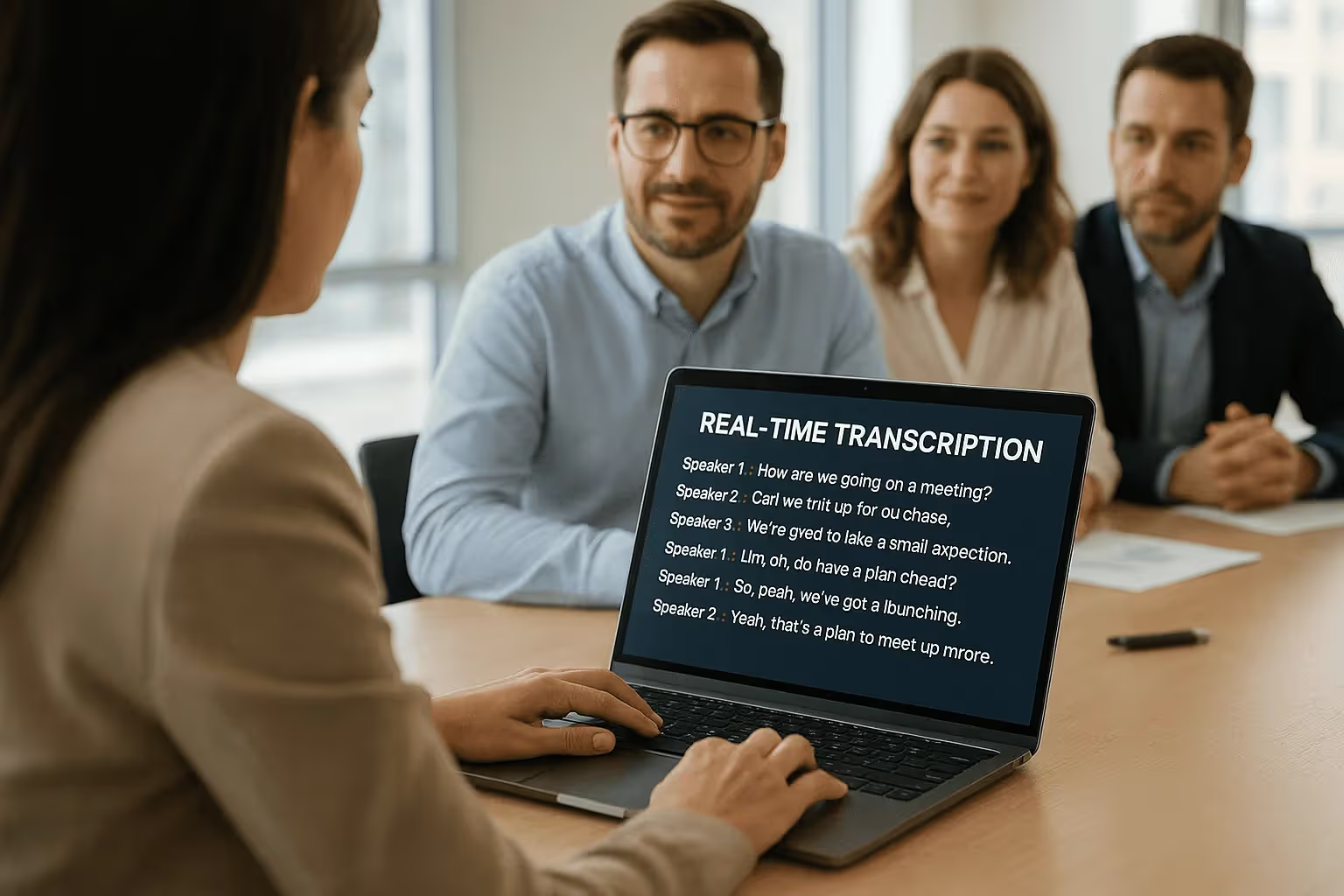
Noota helps teams transcribe meetings in 80+ languages. Learn audio recording tips to improve transcription quality and save 6.4h/week on admin work.
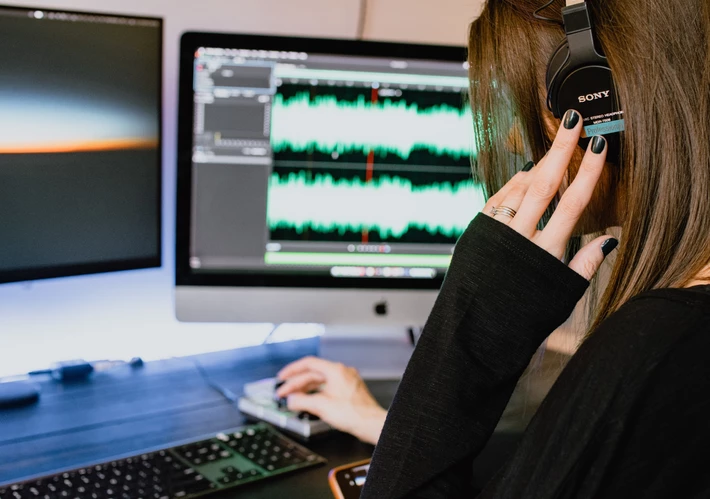
If you are a fan of transcriptions, you should know that the quality of the audio you have greatly influences the transcription of the file and depends on various factors that need to be anticipated.
In this article, we have gathered all the necessary elements to provide you with the keys to optimize audio recording! Your future transcriptions should be of high quality!
The environment chosen for audio recording 🌱
Before starting to record, you need to ensure that your environment is conducive to recording. The goal here is to minimize background noise that could interfere with your recording. Rest assured, it is normal for some noises to persist even with a perfectly quiet environment, so complete silence is not always achievable.
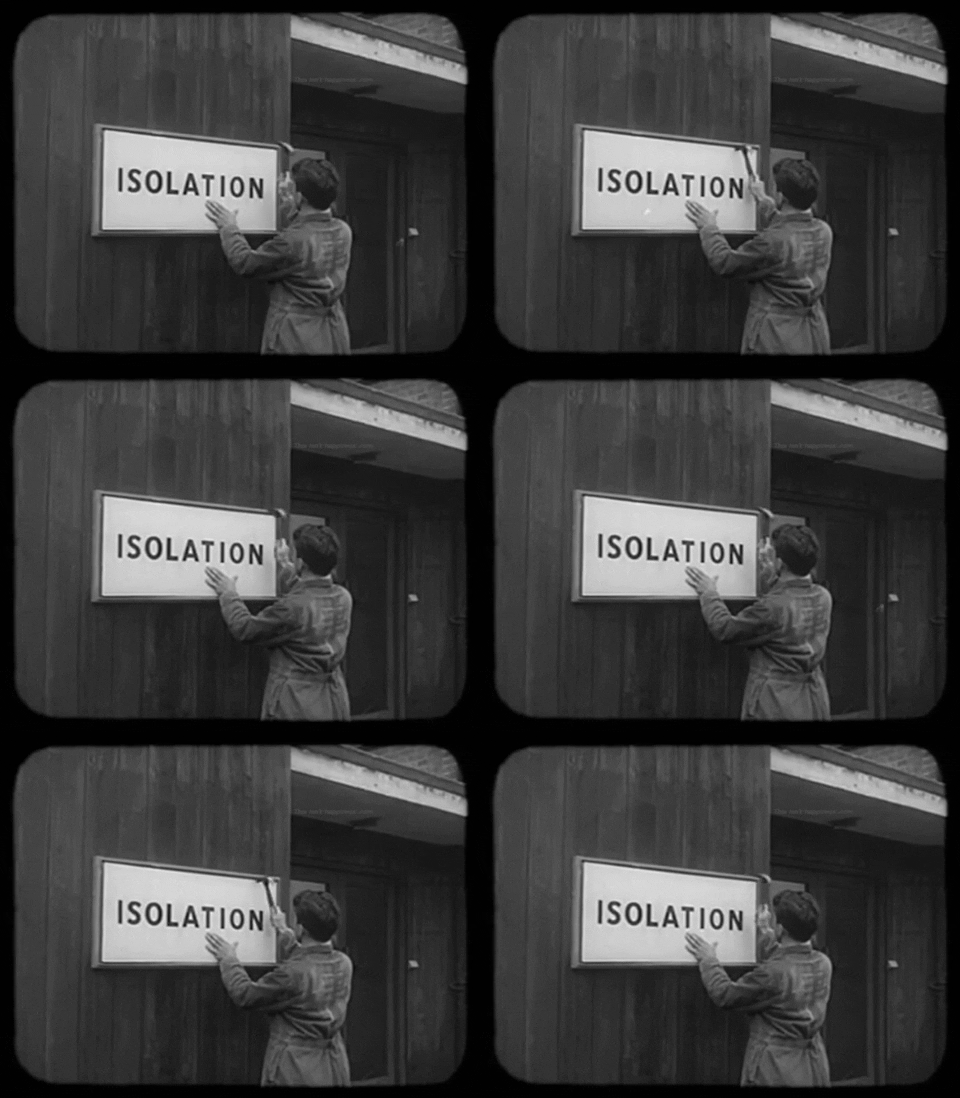
However, you can still make sure that people outside the room understand that you need silence. Placing a message for your colleagues outside the room will ensure that no one interrupts your recording.
Furthermore, don't hesitate to ask all participants to put their devices (phones, computers, etc.) on silent mode and even turn off noisy equipment such as fans or printers. In the case of a device that makes a lot of noise, such as a computer with its integrated fan, try to place it as far away from the microphone as possible. This will prevent the noise from the device from overpowering the voices.
The distance between speakers and the microphone during audio recording ↔️
To ensure that voices are perfectly captured, you need to pay attention to the optimal distance between your participants and the microphone.
Indeed, too much distance could result in the loss of essential information. Your microphone might not pick up certain parts, leading to a crucial loss of information during transcription.
Similarly, make sure that your participants are not too close to the microphone, as it could capture breathing sounds. In general, the ideal distance is around 10 centimeters, but it naturally depends on the specific microphone you are using. Additionally, if you are using your phone as a microphone, remember that it can be placed closer to your interlocutors since the quality of its built-in microphone may be lower compared to dedicated microphones. If that is not possible, you can always turn the phone towards the person speaking.
The quality of your microphone during recording 🎙
Of course, the quality of a recording will always depend on the quality of your microphone. It is not necessarily required to invest in an expensive high-end microphone. There are more affordable microphone options that can still deliver excellent recording quality! You have many solutions to choose from when selecting a microphone; simply choose the one that best suits your needs!

Indeed, some may opt for a lapel microphone, which is easier to use for interviews or conversations, while others may choose a tabletop microphone that can be placed among all participants and is particularly useful for group meetings. A digital voice recorder can also be used as it provides high-quality recording, especially when placed near the person speaking. Additionally, mobile phones and computers can serve as microphones since most devices are equipped with voice recording software and, of course, a microphone.
Respecting speaking time during audio recording 🗣
While it goes without saying that everyone's speaking time should be respected, it is especially important to apply this rule during audio recordings. It will be much easier to transcribe the interview if each person's speech can be clearly distinguished. It also helps maintain a good rhythm in the conversation.
Optimize the recording of your audio and its transcription with Noota 📲
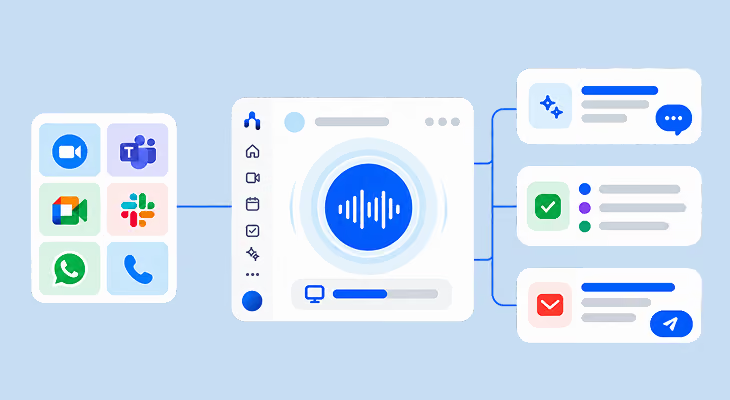
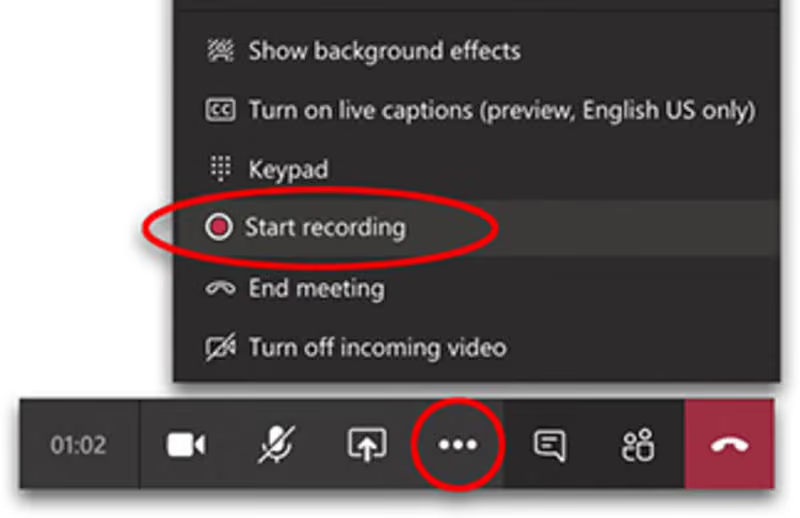
With Noota, you can record your meetings and interviews and upload them directly to our platform. In just a few minutes, we will transcribe your audio into text while preserving the desired structure, whether it's an interview, meeting, lecture, or conference!
By following all the tips we have listed in this article, you will enable our platform to transcribe your audio under optimal conditions. The quality of your audio file will be significantly improved, making it easier for us to transcribe it accurately, and as a result, you will have fewer modifications to make!

Moreover, with automatic transcription, you no longer waste time transcribing your conversations and can directly share the transcribed exchanges with all your collaborators. A few clicks are now enough to accomplish a task that used to take you several hours!
Meet the Writer
.webp)
Alexandre writes on AI meeting assistants, MCP and AI integrations, data privacy and compliance, and productivity, as Noota's engineer-founder and CEO.
FAQ
The optimal distance between speakers and microphone is around 10 centimeters for most dedicated microphones.
- Too far away causes loss of essential information during transcription.
- Too close captures unwanted breathing sounds and background noise.
- Phone microphones can be placed closer due to lower built-in quality.
Minimize background noise by preparing your recording space and managing devices before you start.
- Place a silence notice outside your room to prevent interruptions.
- Ask all participants to mute phones and disable noisy equipment.
- Position loud devices like computers far from the microphone.
No, expensive microphones aren't required for excellent recording quality and transcription accuracy.
- Affordable microphone options deliver professional-grade results effectively.
- Noota's AI transcription works with any quality microphone, saving teams 80% admin time.
- Choose lapel or tabletop mics based on your meeting type and needs.
Noota is the best solution for recording and transcribing meetings with 5000+ teams trusting it.
- Transcribes in 80+ languages with 4.9/5 G2 rating from verified users.
- Saves 6.4 hours weekly on administrative tasks and note-taking.
- Try Noota free — no credit card needed.