Meeting Recording & Transcription
8 min reading
Updated on:
Jul 29, 2021
How to improve the quality of a transcription?
Noota delivers accurate transcriptions with one click. Learn proven steps to improve audio-to-text quality and save 6.4 hours weekly.
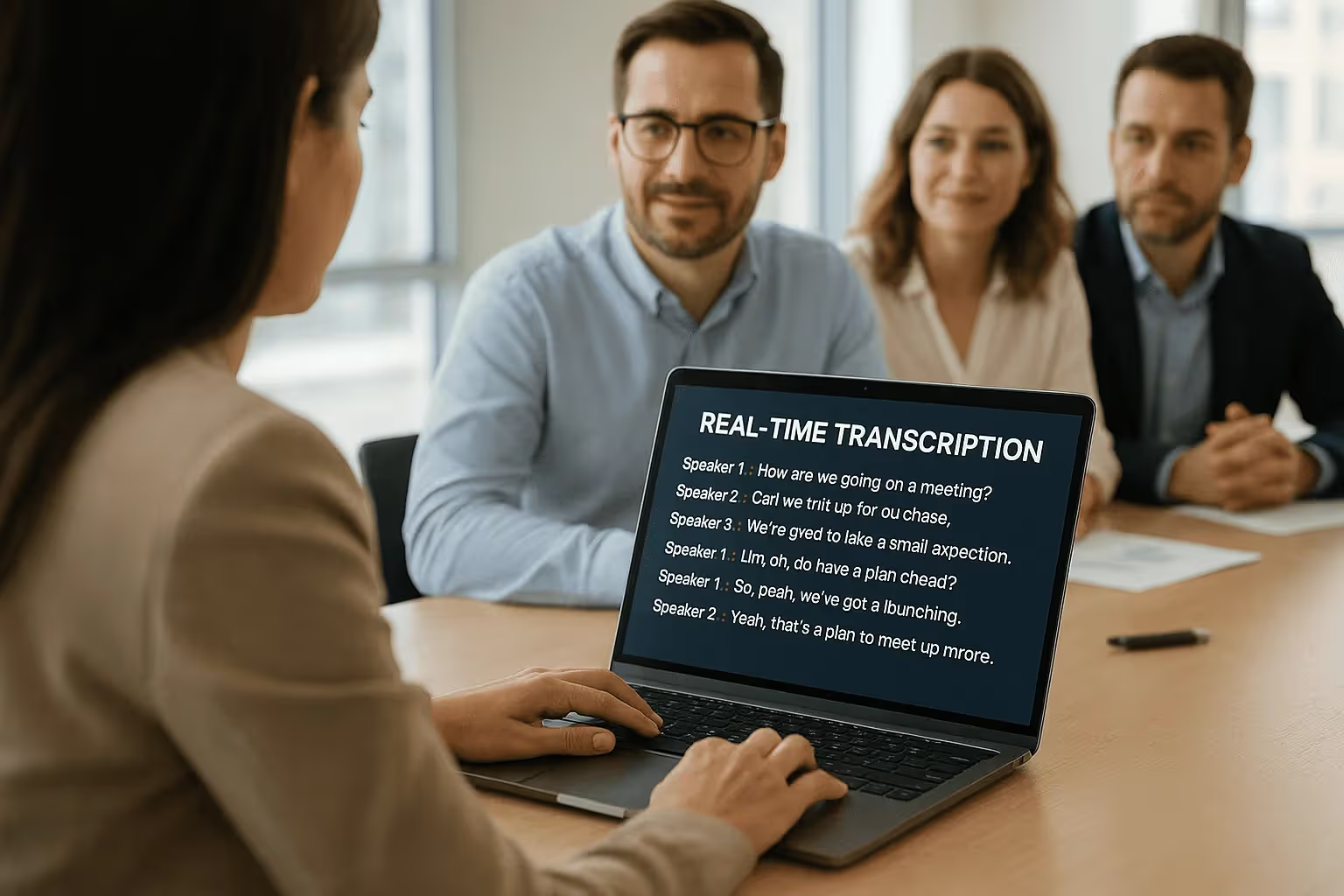
You frequently record meetings, interviews, or interviews, but the quality of your transcriptions leaves something to be desired?
No worries! In this article, we will show you how to improve the quality of your transcriptions in a few simple steps to follow!
For accurate transcription, ensure recording quality 🎥
To achieve quality transcription, make sure that your recording is clear enough to be transcribed easily.
An audio-to-text transformation is more feasible when all the elements are easily audible.
Therefore, before recording, make sure you have the necessary equipment and are in a conducive environment (quiet surroundings).
Consider a few elements before transcription 💡
You are about to start transcribing your file, but wait a moment!
Some useful elements related to your file can assist you in transcription, especially if you did not participate in the recording.
Collect information about the list and number of participants, including their names, surnames, and roles.
Similarly, you can create a list of the questions asked, especially for interview transcriptions. Also, take note of any recommendations provided by someone involved in the recording regarding the transcription process.
Use Google Docs voice typing for automatic transcription 🗣
As an alternative to the voice solution offered by Word, Google Docs can be useful.
However, please note that the software may not have sufficient power to perform high-quality transcription. It may be suitable for getting a general overview of your audio or video file but may not be appropriate for important documents requiring highly accurate transcription of the audio.
Opt for quality and efficient transcription with Noota 📲
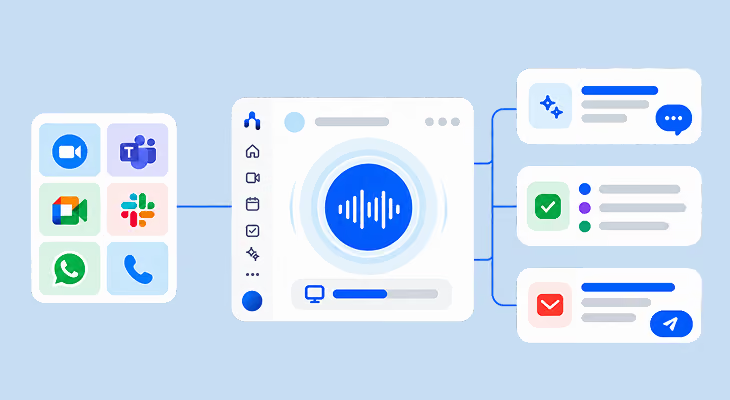
With Noota, your audio-to-text transcriptions are done with a single click!
Simply import your audio or video file into the platform and wait a moment for the transcription to be completed.
You can then edit the transcription, check the automatically generated summary with questions, and export your file in the format of your choice.
You also have the option to share the file with your collaborators so they can benefit from the transcription. Start transcribing now.
Meet the Writer
.avif)
Adesh writes on AI note takers, meeting recording, structured interviewing and hiring, from his work in AI-driven growth and hiring operations.
FAQ
Recording quality is the foundation for accurate transcriptions. Clear audio in quiet environments ensures better results.
- Use proper microphone equipment before recording sessions.
- Choose quiet locations free from background noise interference.
- Test audio levels to confirm clarity before starting.
Gathering context about your recording helps transcription tools work more effectively and accurately.
- List all participant names, surnames, and their specific roles.
- Document key questions asked during interviews or meetings.
- Note any special instructions from recording participants.
Google Docs voice typing lacks the power for accurate transcriptions. Noota delivers superior quality with one-click processing.
- Google Docs suits general overviews only, not precise documents.
- Noota transcribes with 4.9/5 G2 rating across 5000+ teams.
- Noota includes summaries, editing, and multi-format exports automatically.
Noota is the ideal solution for professional meetings, saving 6.4 hours weekly with 80% less admin work.
- Supports 80+ languages for global team collaboration seamlessly.
- Auto-generates summaries and questions from your recordings instantly.
- Share transcriptions with collaborators in preferred formats easily.
Try Noota free — no credit card needed.