Product Updates
8 min reading
Updated on:
Jun 1, 2026
Noota Product Update – June 2026: Ask Noota Agents, Search and Automation
Discover Noota’s June 2026 updates, including Ask Noota agents, conversation search, action plans, interactive reports, and recurring task automation.
What shipped in June: reusable AI agents, deeper searches across your conversations, automatic action plans, interactive reports, and scheduled analyses with Ask Noota.
June’s update focuses on Ask Noota, Noota’s AI workspace for working with information from your emails, meetings, and calls. You can search across your data, turn requests into action plans, and schedule recurring reports instead of repeating the same questions manually.
Here’s the list.
Create and reuse Ask Noota agents
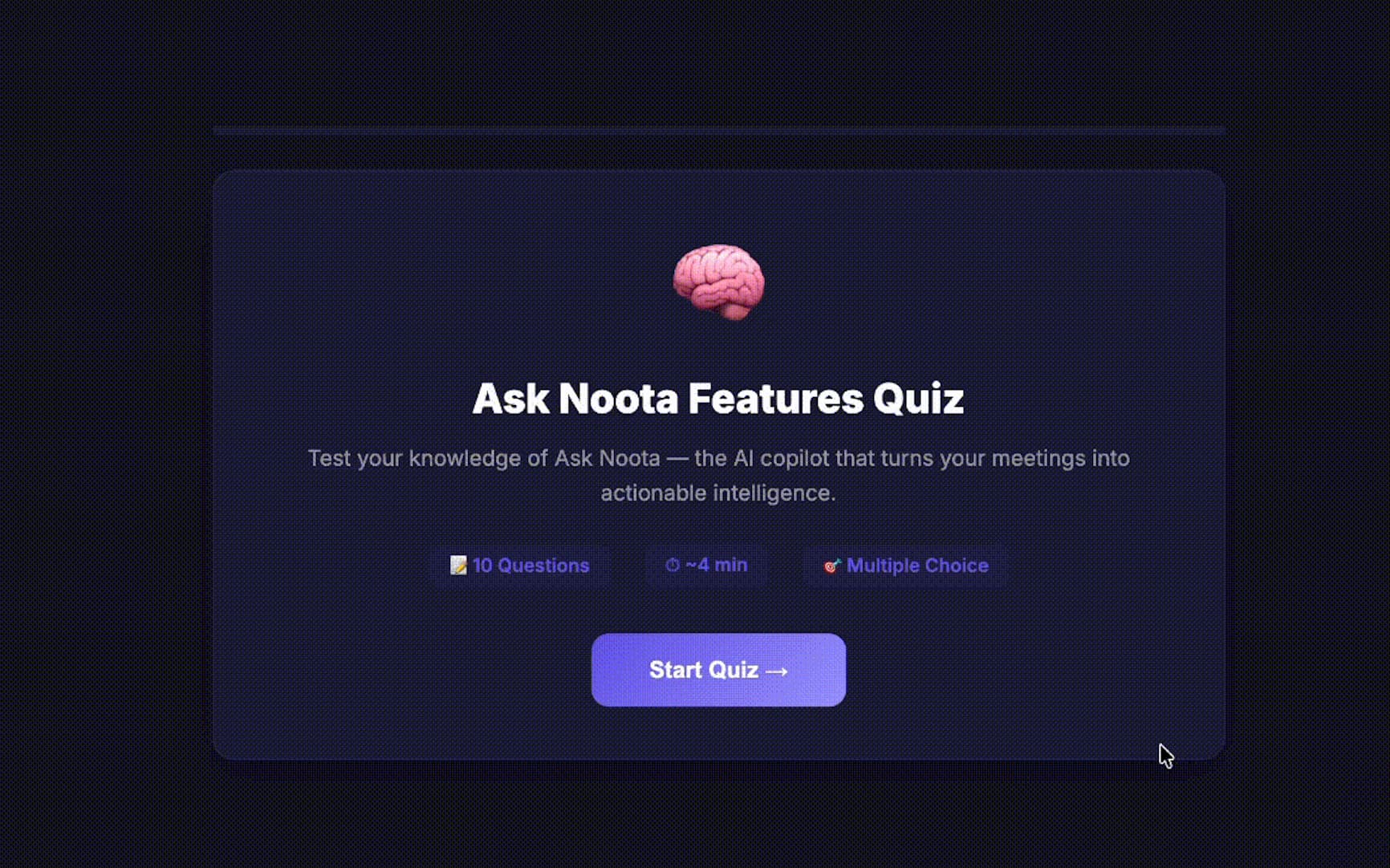
Ask Noota now includes ready-to-use agents for common tasks. Choose an agent, run it, and get the result in one click.
You can also create your own agents, save them, and reuse them whenever you need. This is useful for recurring work such as preparing reports, reviewing conversations, or drafting follow-up emails.
Search across your emails, meetings, and calls
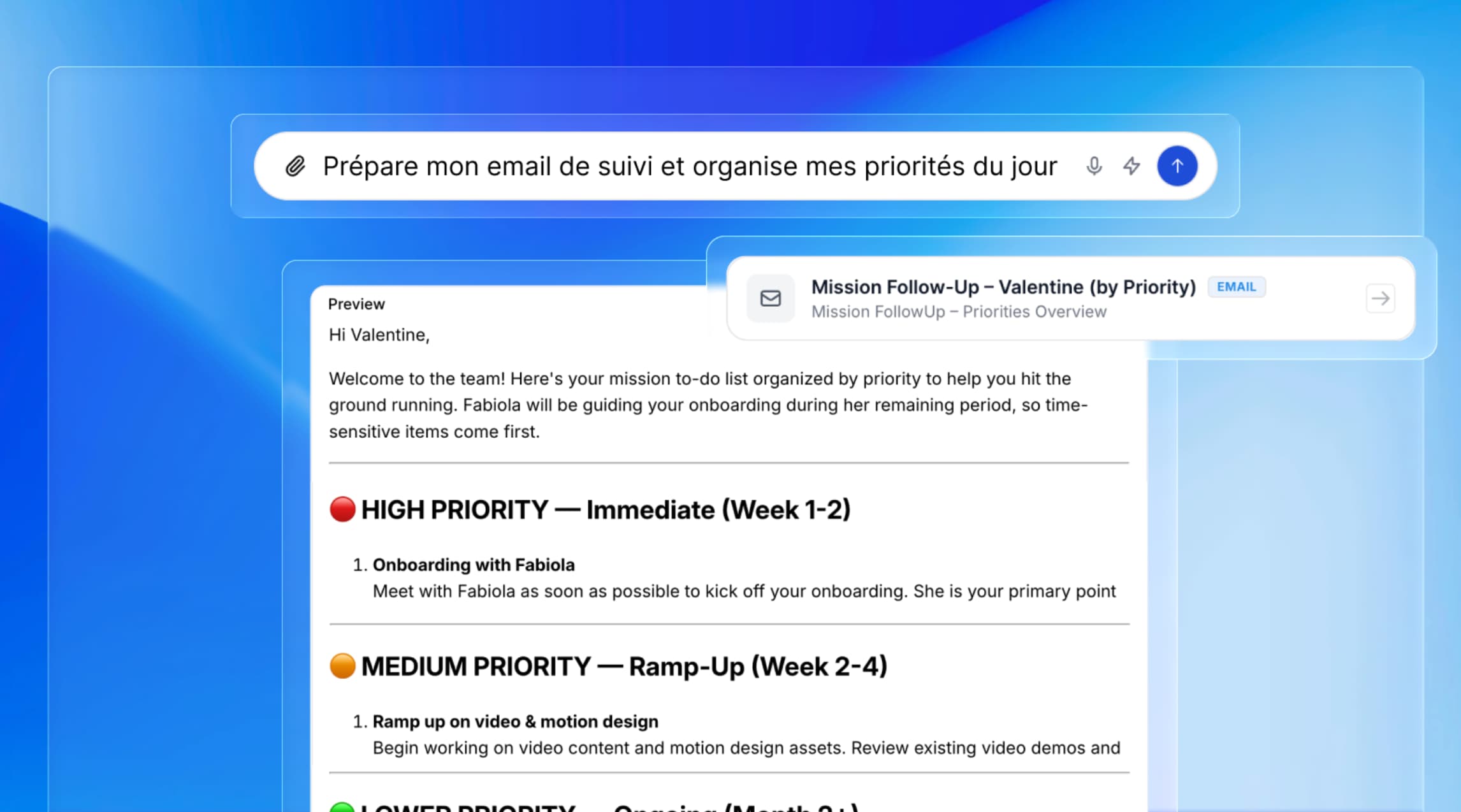
Ask Noota can search across your emails, meetings, and past conversations. You can ask questions in plain language without pointing it to a specific conversation with @.
For example:
•“Summarise my action items from this week.”
•“Find all conversations with client X.”
•“What are my follow-up priorities?”
Ask Noota returns a structured answer based on the information in your own data.
Generate action plans and follow-up emails
You can now describe what you want to accomplish and ask Ask Noota to prepare a plan. It can break the request into tasks and carry out the related work.
For example, follow-up emails can be drafted from your previous conversations, personalised, and prepared for review before sending.
Extract key insights from conversations
Ask Noota can analyse your conversations and bring related information together in one response.
You can ask about your team’s performance over the past seven days, create a recruitment report that ranks candidates, or generate a weekly summary of the main topics and blockers in your conversations.
Create interactive resources
Ask Noota can turn information from your conversations into different types of reports and resources, including:
•Dashboards and data visualisations
•Comparison tables
•Interactive quizzes
•Visual summaries
•Analytical reports
You can download the results as Word, Excel, or PDF files, or share them through a private or public link.
Automate recurring analyses
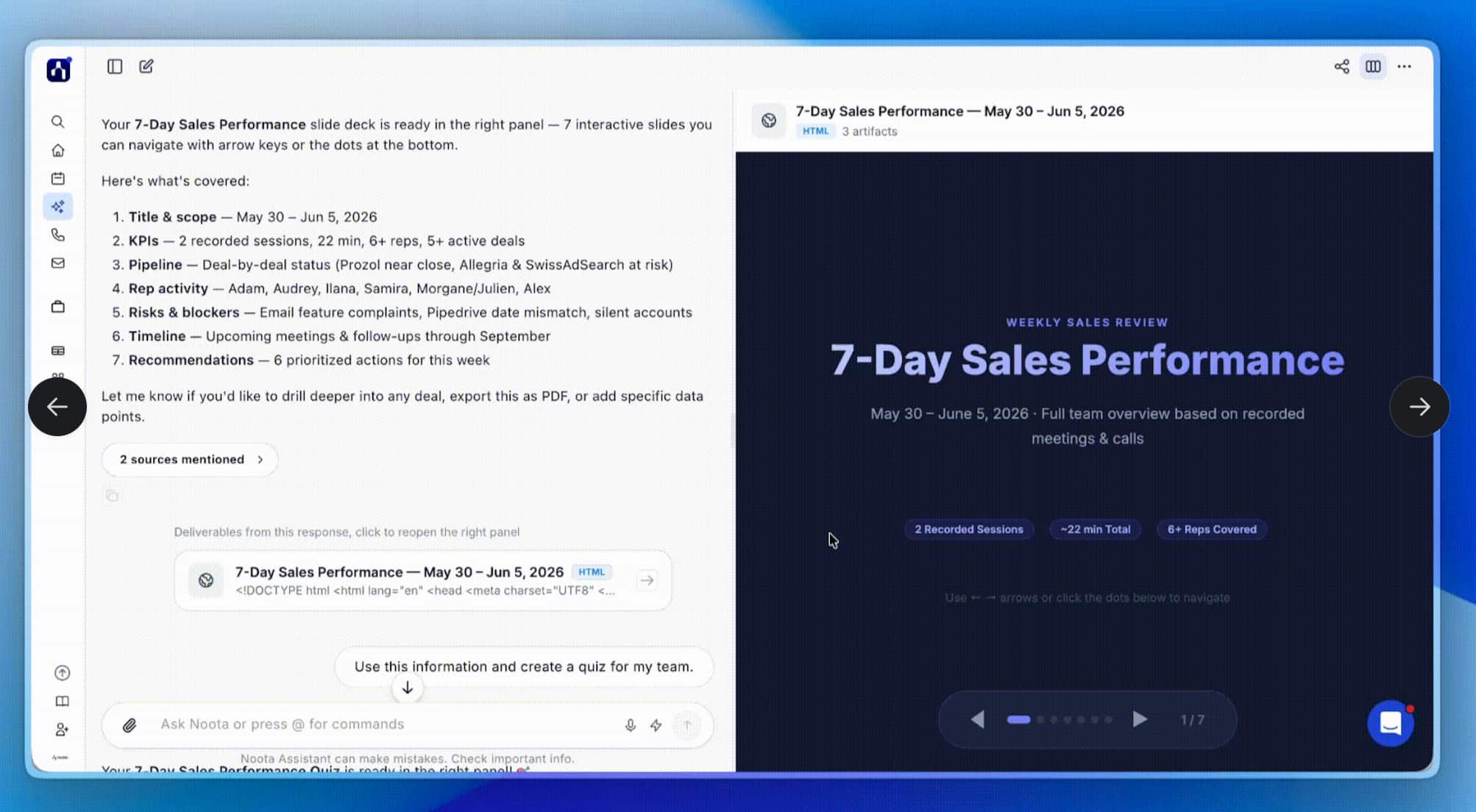
You can configure an agent once and choose how often it should run. This lets you schedule reports and summaries instead of requesting them manually each time.
For example, Ask Noota can generate a sales report every morning, a candidate summary each week, or a performance analysis each month. The results are sent to your inbox, ready to review.
Your data stays in your workspace
Ask Noota works with your own emails, meetings, and calls. The data is hosted in Europe and handled in line with GDPR requirements.
That’s June. If you want to see how the new Ask Noota features work, join our next demo on Thursday, June 18 at 1:00 p.m. CEST.
You can also try Ask Noota.
Meet the Writer
.avif)
Adesh writes on AI note takers, meeting recording, structured interviewing and hiring, from his work in AI-driven growth and hiring operations.
FAQ
Ask Noota is Noota's AI workspace for querying your own conversation data instead of a generic model's training data. You ask a question in plain language and it pulls the answer from your actual emails, meetings, and calls.
What it can search:
- Past meetings recorded across Zoom, Google Meet, and Microsoft Teams
- Emails connected through Outlook
- Historical call transcripts and summaries
Everything runs on data hosted in EU data centers (France, Belgium, Netherlands) under GDPR — see the security page for what's stored and where.
Pick a ready-made agent or build your own, then set how often it should run — daily, weekly, or monthly.
Once it's scheduled:
- The agent runs automatically at the interval you chose
- Results land in your inbox, ready to review
- No need to re-ask the same question every week
Teams use this for things like a Monday sales pipeline summary or a weekly candidate ranking report, without touching the Ask Anything AI interface each time.
ChatGPT answers from general training data. Ask Noota answers from your own recorded meetings, emails, and calls — the transcript is the source, not a guess.
That distinction matters for teams handling client or candidate information:
- Noota is GDPR compliant and SOC 2 Type II certified
- Data stays in EU data centers, not used to train outside models
- Answers cite the actual conversation instead of a plausible-sounding summary
5,000+ clients, including Deloitte and Capgemini, run this on real meeting and call data rather than a general-purpose chatbot.
Yes — Ask Noota can generate dashboards, comparison tables, interactive quizzes, and analytical reports directly from your conversation history, then export them as Word, Excel, or PDF, or share them by link.
Where the data comes from:
- Meetings across Zoom, Google Meet, Microsoft Teams, and Webex
- Calls and emails connected through Outlook and 80+ ATS and CRM platforms including Salesforce and HubSpot
- In-person conversations captured via the mobile mic
It's the same underlying data Noota already uses for auto-updating CRM and ATS records after every meeting, with zero manual re-entry.