Resources & Productivity
8 min reading
Updated on:
Jun 22, 2026
The 8 Best Claude MCP Connectors
Claude MCP connectors reviewed: Noota MCP searches meeting transcripts instantly, Zapier automates workflows — see the 8 best MCPs to connect.
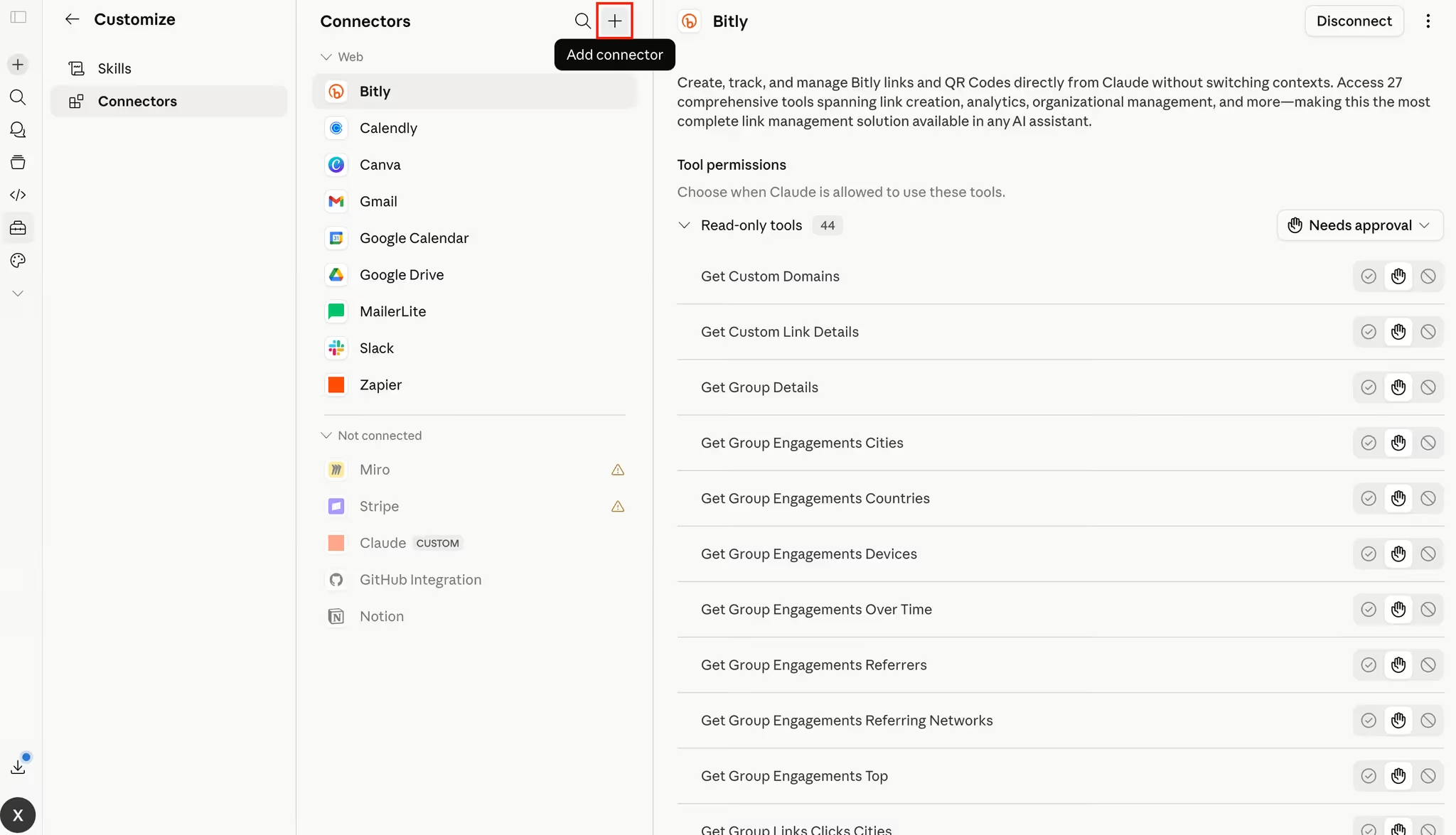
MCP, short for Model Context Protocol, lets Claude connect to external tools, apps, databases, files, and workflows.
With the right MCP, Claude can search your meeting transcripts, summarize Slack discussions, inspect GitHub issue...
In this article, we’ll explain how to set up Claude MCP and review the best Claude MCPs to try.
Security tips before using Claude MCPs
MCPs can be powerful because they let Claude access real tools and data. That also means you should be careful.
Before connecting any MCP:
- only use servers from providers you trust;
- review the permissions carefully;
- avoid giving write access unless you really need it;
- start with read-only actions when possible;
- check Claude’s tool requests before approving them;
- disconnect MCPs you no longer use.
Let's see now the best Claude MCPs.
1. Noota Claude MCP
Noota MCP connects Claude to your meeting and call data, so you can work with your conversations without copying and pasting transcripts manually.
Type of MCP
Remote Custom MCP connector with OAuth
Server adress
https://mcp.noota.io/mcp
How to Set it up
Open Claude settings, go to Connectors, add a custom connector, paste the Noota MCP URL, select OAuth, then sign in to your Noota account. Once connected, Claude can search and summarize your meeting data.
Examples of prompts
- “Summarize my last call with Acme Corp.”Go to Zapier MCP, create a new MCP server, choose Claude as the client, then copy your unique server URL. After that, add the URL to Claude and enable the specific Zapier actions you want Claude to use.
- “What action items came out of yesterday’s standup?”
- “Find every call where we discussed pricing this quarter.”
- “Which candidates mentioned React experience?”
- “Prepare a follow-up email based on my last client meeting.”
- “What decisions were made in my last three project calls?”
- “List the objections prospects raised this month.”
- “Create a task list from this week’s team meetings.”
- “Find the last conversation where we discussed contract renewal.”
- “Summarize all calls related to this customer account.”
Know how to set up Noota Claude MCP here
2. Zapier MCP
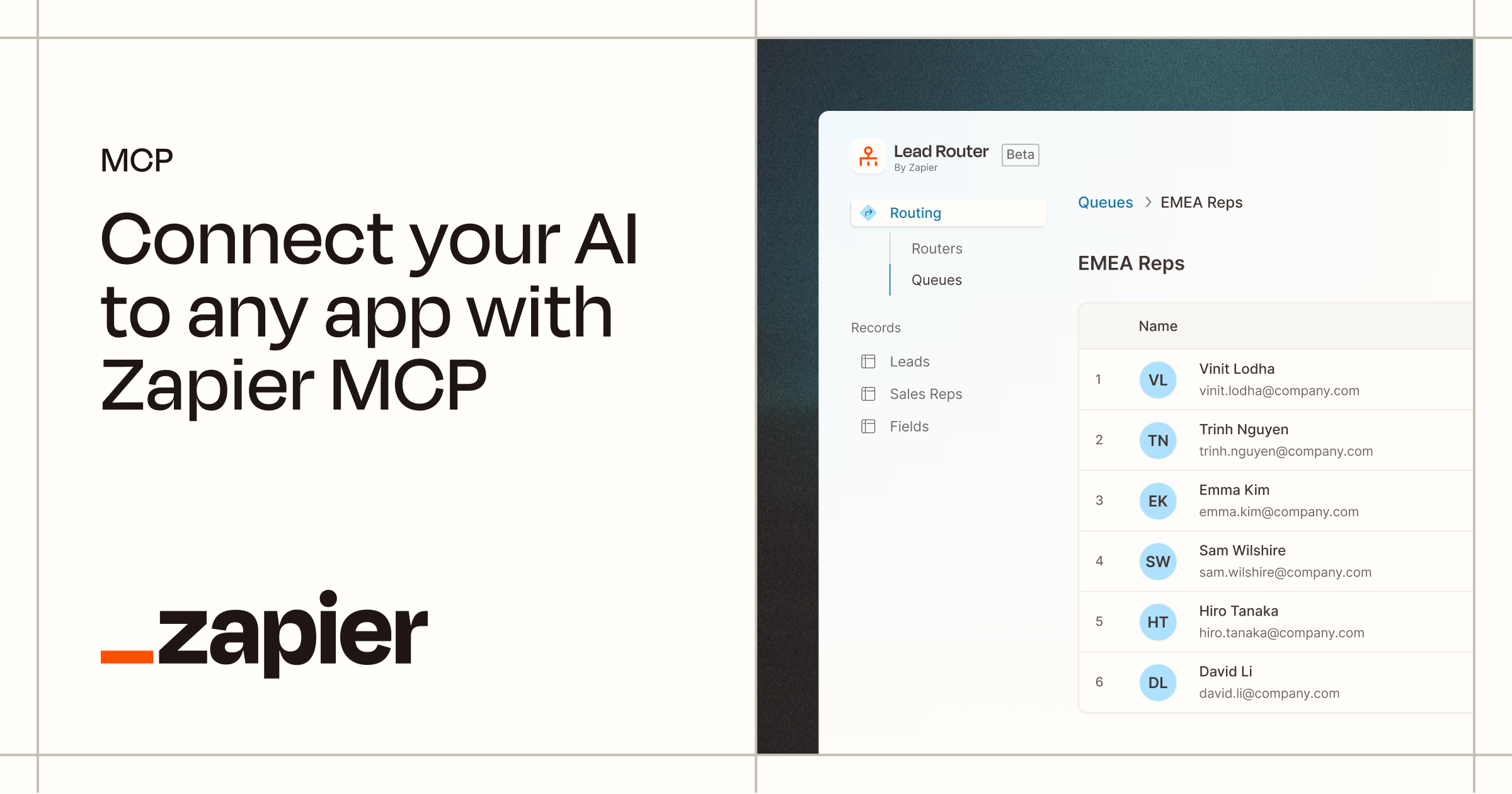
Zapier MCP connects Claude to the apps your team already uses every day.
With Zapier MCP, you can trigger actions in tools like Gmail, Slack, Google Sheets, HubSpot, Salesforce, Asana, Trello, and Notion...
Type of MCP
Remote MCP server with a unique per-user URL
Server adress
Generated inside Zapier MCP
How to Set it up
Go to Zapier MCP, create a new MCP server, choose Claude as the client, then copy your unique server URL. After that, add the URL to Claude and enable the specific Zapier actions you want Claude to use.
Examples of prompts
- “Create an Asana task from this meeting summary.”
- “Add this lead to HubSpot and tag it as inbound.”
- “Send a Slack message to the sales channel with this update.”
- “Add a new row to Google Sheets with this candidate information.”
- “Draft a Gmail follow-up based on this call summary.”
- “Create a Google Calendar event for this customer check-in.”
- “Open a Zendesk ticket from this support request.”
- “Create a Trello card with these next steps.”
- “Update this Salesforce opportunity with the latest meeting notes.”
- “Send a reminder to the project channel tomorrow morning.”
Price
Zapier MCP is available to Zapier users. Zapier offers a free plan, while paid plans depend on task volume, app needs, and team features.
One important thing to know: Zapier MCP actions count against your Zapier task usage. So, if you plan to use Claude for frequent automations, you should check your task limits before rolling it out across the team.
3. GitHub MCP
GitHub MCP connects Claude to GitHub, so developers can work with repositories, issues, pull requests, and code files through natural language.
With GitHub MCP, you can:
- let Claude read repository files and code;
- search across codebases;
- summarize pull requests;
- analyze issues and discussions;
- create or update GitHub issues;
- help write pull request descriptions;
- review code changes;
- find bugs or risky patterns;
- explain unfamiliar parts of a repository;
- generate release notes from merged work;
- automate repetitive development tasks.
Type of MCP
Remote HTTP MCP server, with local setup also available
Server adress
https://api.githubcopilot.com/mcp/
How to Set it up
Add the GitHub MCP server to Claude as a remote HTTP server. Depending on your setup, authenticate with OAuth or a GitHub personal access token. You can also run the GitHub MCP server locally with Docker or from source if your MCP client does not support remote servers.
Examples of prompts
- “Summarize the main changes in this pull request.”
- “Find the file that handles user authentication.”
- “Create a GitHub issue from this bug report.”
- “Review this PR and flag potential risks.”
- “Explain how this repository is structured.”
- “Find recent issues related to API errors.”
- “Draft release notes based on merged pull requests.”
- “Suggest tests for the changes in this branch.”
- “Find where billing logic is implemented.”
- “Summarize the open bugs assigned to me.”
Price
The official GitHub MCP server is available to GitHub users. The MCP server itself does not have separate pricing, but access depends on your GitHub plan and permissions.
GitHub offers a free plan, while GitHub Team starts at $4 per user per month and GitHub Enterprise starts at $21 per user per month. Some advanced MCP actions may also require access to the matching paid GitHub or Copilot feature.
4. Google Drive MCP
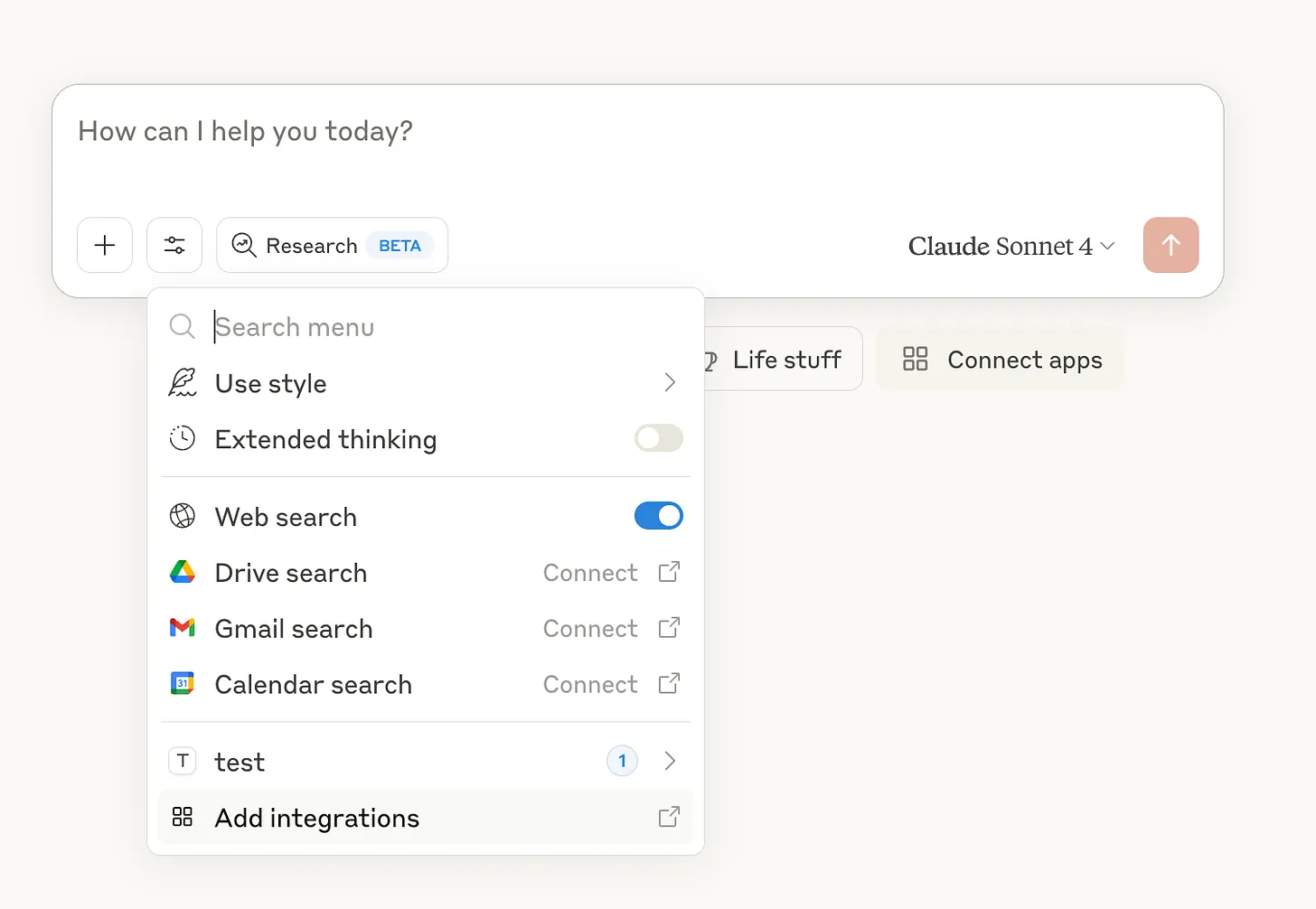
Google Drive MCP connects Claude to the files your team keeps in Google Drive.
Type of MCP
Remote HTTP MCP server, currently in Developer Preview
Server adress
https://drivemcp.googleapis.com/mcp/v1
How to Set it up
Enable the Google Drive API and Google Drive MCP API in Google Cloud, configure the OAuth consent screen, create an OAuth client, then add the server URL in Claude as a custom connector with the OAuth client ID and secret.
Examples of prompts
- “Find the latest marketing plan and summarize it.”
- “Search Drive for documents mentioning our Q3 hiring goals.”
- “Summarize the customer proposal for Acme Corp.”
- “Find all files related to the website redesign.”
- “Pull the main action items from this project brief.”
- “Compare these two versions of the sales deck.”
- “Find the spreadsheet that contains our customer feedback.”
- “Summarize the PDF about our product roadmap.”
- “Create a short internal update from this Drive document.”
- “Find documents where we discussed pricing changes.”
Price
Google Drive MCP itself does not have separate public pricing. You need access to Google Drive or Google Workspace, and you may also need a Claude plan that supports custom MCP connectors depending on your setup.
Google Workspace offers a free personal Google Drive account, while business plans start at $7 per user per month on an annual plan for Business Starter. Business Standard costs $14 per user per month on an annual plan, and Business Plus costs $22 per user per month on an annual plan.
5. Slack MCP
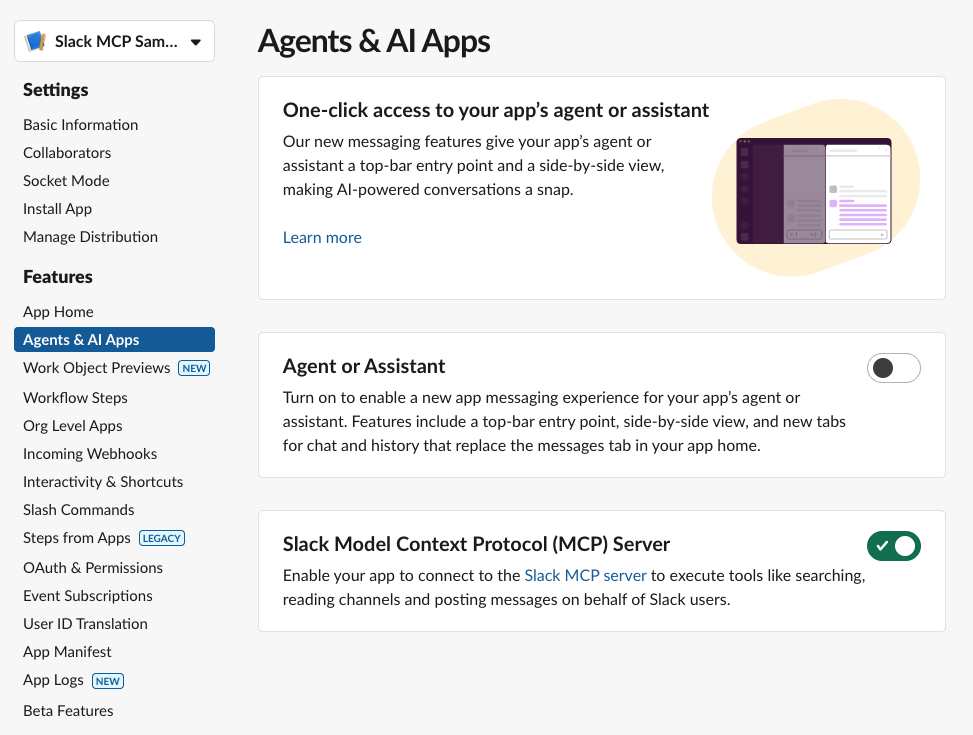
Slack MCP connects Claude to your Slack workspace, so it can search conversations, find information, retrieve messages, and help you take action inside Slack.
With Slack MCP, you can:
- search Slack messages, files, members, and channels;
- retrieve channel history and threaded conversations;
- summarize discussions from channels or threads;
- find decisions, blockers, owners, and next steps;
- send Slack messages through Claude;
- create and read Slack canvases;
- access member profile information;
- prepare project updates from recent channel activity;
- turn long Slack threads into short briefs;
- help new teammates catch up on past context faster.
Type of MCP
Remote HTTP MCP server with OAuth
Server adress
https://mcp.slack.com/mcp
How to Set it up
In Claude Code, install the Slack plugin or add the server configuration manually. In Claude Desktop, go to Connectors, add Slack, and complete the OAuth flow. Your Slack workspace admin must approve the MCP integration first.
Examples of prompts
- “Summarize what happened in the product channel this week.”
- “Find the latest decision about the pricing page.”
- “What blockers were mentioned in the engineering channel?”
- “Summarize this thread and list the next steps.”
- “Draft a Slack update for the marketing team.”
- “Find messages where we discussed the launch delay.”
- “Create a canvas with the main notes from this discussion.”
- “Show me the thread related to that customer escalation.”
- “Find the teammate with this email address.”
- “Send a message to #general saying the deployment is complete.”
Price
Slack MCP does not have separate public pricing. You need access to a Slack workspace, and your workspace admin may need to approve the MCP integration before you can use it.
Slack offers a free plan. The Pro plan costs $7.25 per active user per month when billed annually, or $8.75 per active user per month when billed monthly. Larger teams can use Business+ or Enterprise+ depending on their security, admin, compliance, and AI needs.
6. Notion MCP
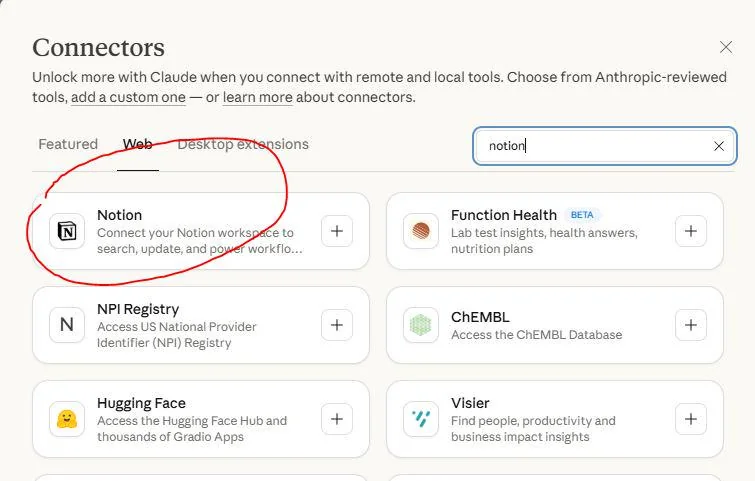
Notion MCP connects Claude to your Notion workspace, so it can search, read, and update the pages where your team already organizes work.
With Notion MCP, you can:
- connect Claude to your Notion workspace;
- search across pages, docs, and databases;
- summarize product specs, meeting notes, and internal docs;
- create project updates and reports;
- draft PRDs, launch plans, and documentation;
- update task pages and project status;
- generate content briefs from existing Notion research;
- turn messy notes into structured pages;
- help teammates find answers from the company wiki;
- reuse information stored across your workspace.
Type of MCP
Hosted remote MCP server with OAuth
Server adress
https://mcp.notion.com/mcp
How to Set it up
In Claude Desktop, open Settings, go to Connectors, add the Notion MCP URL, and complete the OAuth flow. In Claude Code, you can also run claude mcp add --transport http notion https://mcp.notion.com/mcp
Examples of prompts
- “Find our onboarding checklist and summarize it.”
- “Search Notion for all docs related to the website redesign.”
- “Turn this project page into a weekly update.”
- “Find the content calendar and suggest gaps.”
- “Summarize the product requirements document.”
- “Create a launch plan based on our Notion docs.”
- “Find all pages mentioning customer churn.”
- “Update this task page with the latest status.”
- “Turn these meeting notes into a clean internal brief.”
- “Create a report from our project tracker.”
Price
Notion MCP itself does not have separate public pricing. You need a Notion workspace and a Claude setup that supports MCP connectors.
Notion offers a free plan. The Plus plan costs €9.50 per member per month, while the Business plan costs €19.50 per member per month. Enterprise pricing is available for larger organizations that need advanced security, controls, and support.
7. Playwright MCP
Playwright MCP connects Claude to a real browser, so it can interact with websites and web apps instead of only reading text.
With Playwright MCP, you can:
- let Claude open and navigate web pages;
- click buttons, links, menus, and form fields;
- type text and fill forms;
- inspect page structure through accessibility snapshots;
- test signup, login, checkout, and onboarding flows;
- generate ideas for end-to-end tests;
- check whether UI elements behave correctly;
- capture screenshots and browser state;
- debug frontend issues;
- automate repetitive browser checks.
Type of MCP
Local studio MCP server
Server adress
No remote server URL. Use npx @playwright/mcp@latest
How to Set it up
Install it locally through your MCP client. In Claude Code, run claude mcp add playwright npx @playwright/mcp@latest. In Claude Desktop, add the standard local MCP config with command: npx and args: ["@playwright/mcp@latest"]
Examples of prompts
- “Open our pricing page and check if the CTA buttons work.”
- “Test the signup flow and report any friction.”
- “Fill out this contact form with test data and tell me if it submits.”
- “Generate a Playwright test for this checkout flow.”
- “Inspect this page and find accessibility issues.”
- “Click through the onboarding flow and summarize each step.”
- “Check whether the mobile menu opens correctly.”
- “Find broken links on this landing page.”
- “Take a screenshot after completing the login flow.”
- “Reproduce this bug and suggest where it might come from.”
Price
Playwright MCP is open source and free to use. The official server is available through the @playwright/mcp package.
However, the full cost depends on your setup. You may still need a Claude plan, developer tools, hosting, CI/CD infrastructure, or other services if you use Playwright MCP at scale.
8. Context7 MCP
Context7 MCP connects Claude to fresh, version-specific documentation, so it can answer coding questions with current information instead of relying only on its training data.
Type of MCP
Remote HTTP MCP server, with CLI setup available
Server adress
https://mcp.context7.com/mcp
How to Set it up
The easiest setup is to run npx ctx7 setup --claude, choose MCP mode, and let Context7 configure the client. For manual setup, add the Context7 server URL to your MCP client and pass your API key through the CONTEXT7_API_KEY header.
Examples of prompts
- “Use Context7 to show the latest Next.js middleware example.”
- “Find the current Supabase auth API for email sign-up.”
- “Use current Stripe docs to create a webhook handler.”
- “Show me the latest Cloudflare Workers caching example.”
- “Check the current React Router API before answering.”
- “Use Context7 to write a Vercel deployment config.”
- “Find the correct setup steps for Tailwind CSS 4.”
- “Explain this library using its latest documentation.”
- “Generate a code example based on the current MongoDB docs.”
- “Use library /vercel/next.js and explain how routing works.”
Price
Context7 offers a free plan for individuals. The Pro plan costs $10 per seat per month and includes private repositories, team collaboration, and higher API usage. Enterprise pricing is custom and adds features like SOC 2, SSO, self-hosting, dedicated support, and volume-based pricing.
Meet the Writer
.webp)
Alexandre writes on AI meeting assistants, MCP and AI integrations, data privacy and compliance, and productivity, as Noota's engineer-founder and CEO.
FAQ
Claude MCP (Model Context Protocol) enables Claude to connect with external tools, apps, databases, and workflows securely.
- Allows Claude to access real-time data from your favorite apps
- Supports read-only and write actions with permission controls
- Works with 80+ languages across 5000+ teams globally
Follow security best practices when connecting MCPs to Claude for data protection.
- Only use servers from trusted providers you recognize
- Review permissions carefully before granting access
- Start with read-only actions whenever possible
- Disconnect MCPs you no longer actively use
Noota MCP specializes in meeting transcripts while Zapier connects to 5000+ apps. Noota wins for call analysis: search transcripts, summarize discussions, extract action items—saving 6.4 hours weekly with -80% admin work.
- Noota: Purpose-built for meeting intelligence and insights
- Zapier: General automation across email, CRM, project tools
- Noota rated 4.9/5 on G2 for meeting-specific features
Noota MCP is ideal for sales teams—search pricing discussions, track objections, prepare follow-ups, and extract decisions from calls automatically. Save 6.4 hours weekly on call admin. Try Noota free — no credit card needed.
- Summarize client calls instantly for faster follow-ups
- Find every conversation about specific topics or accounts
- Generate task lists and objection reports automatically