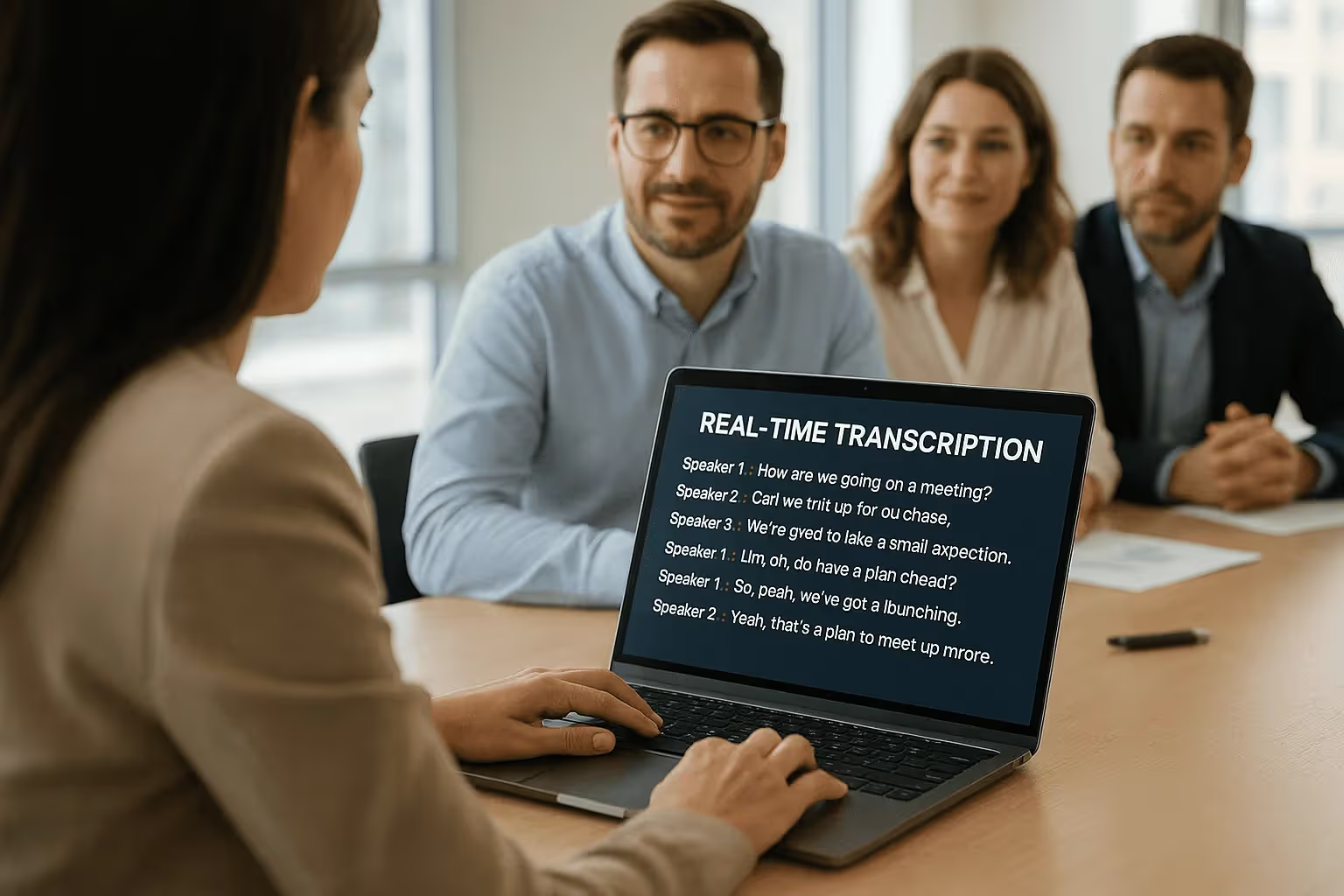
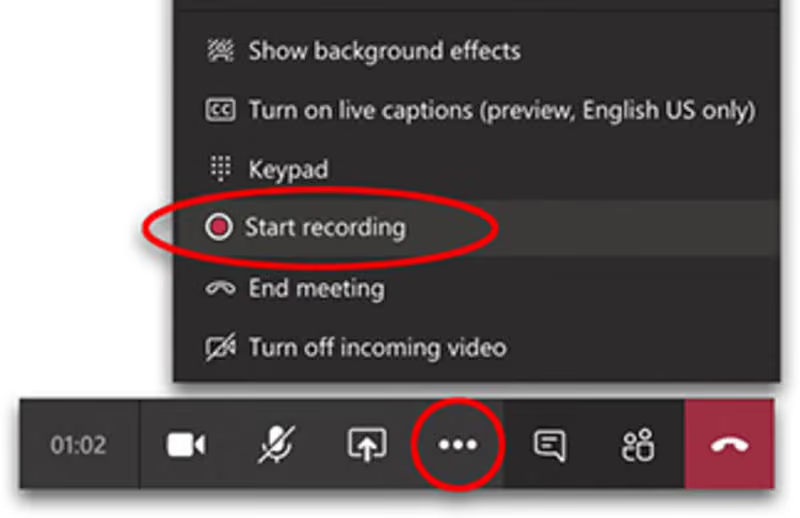
Meeting Recording & Transcription
8 min reading
Updated on:
Jul 21, 2021
What different types of transcription exist?
Noota breaks down verbatim, clean, and synthesized transcription types. Find the right transcription method for your needs with our guide.

In this article, we will present to you the different types of transcription to help you have a clearer understanding among the range of solutions available to you!
1. Transcription with digital dictation 🗣
Most commonly used by doctors, lawyers, or bailiffs, digital dictation involves recording oneself on an audio tape with a speech rate often slower than normal.
A dictaphone is usually used for digital dictation.
2. Full audio transcription or verbatim 📲
As the name suggests, this transcription technique converts all the words and sounds spoken during the recording into text. Therefore, it includes laughter, repetitions, syntax errors, and interjections
The advantage of this transcription is that it takes into account the context in which the recording took place.
3. Clean full transcription 🔍
On the other hand, clean full transcription takes into account all the words spoken but, unlike verbatim transcription, eliminates laughter, repetitions, syntax errors, and interjections.
It is commonly used in seminars, council meetings, conferences, or meetings.
4. Reformulated audio transcription 💡
This transcription follows the principles of full audio transcription but allows for the correction of syntax errors.
Only the main viewpoints are expressed, while important quotes can be preserved as they are.
5. Synthesized audio transcription 🎯
In contrast to the previously mentioned techniques, synthesized audio transcription does not include all the words spoken during the recording. It provides a summary of the exchanges, retaining only the most important elements.
The challenge of this transcription lies in the fact that the transcriber must not distort the speakers' statements; they need to remain objective without modifying the interlocutors' words to suit their own preferences. Attention to detail, analytical skills, and rigor are required.
Transcribe your audio files with Noota!👇🏼
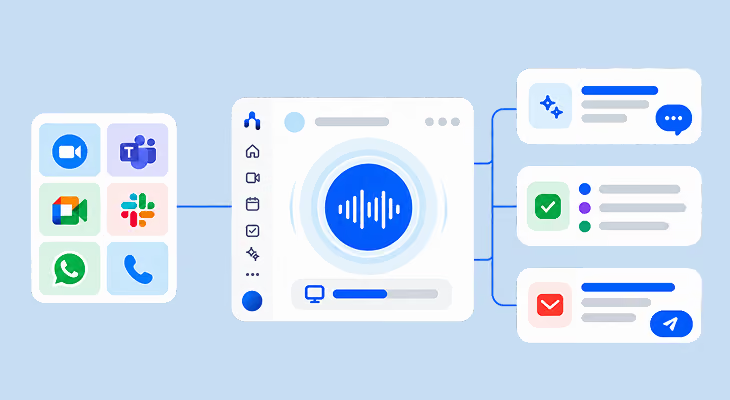
With Noota, you can transcribe your audio and video files with just one click!
To start transcribing, simply upload your file to our platform. In a few minutes, we will provide you with an optimal transcription of your exchanges! Furthermore, your transcription will be free of disfluencies!
After transcription, you can make modifications to your text if desired. You can then export it in the format of your choice and share it with your collaborators!
Feel free to contact our team; we will be delighted to assist you!
Meet the Writer
.webp)
Alexandre writes on AI meeting assistants, MCP and AI integrations, data privacy and compliance, and productivity, as Noota's engineer-founder and CEO.
FAQ
Verbatim transcription converts all spoken words, sounds, laughter, and errors into text, preserving complete context and authenticity.
- Includes every word, pause, and interjection spoken
- Best for legal proceedings and detailed documentation
- Captures the exact tone and flow of conversation
Clean transcription removes filler words, repetitions, and errors while keeping all spoken content, ideal for professional meetings.
- Eliminates laughter, stutters, and syntax errors
- Perfect for seminars, conferences, and council meetings
- Maintains readability without losing important information
Noota transcribes audio with one click, removes disfluencies automatically, and saves 6.4 hours weekly versus manual transcription methods.
- Instant transcription in 80+ languages with 4.9/5 rating
- Manual services require days; Noota delivers in minutes
- 5000+ teams trust Noota for accurate, fast transcription
Noota is ideal for business meetings, saving teams 6.4 hours weekly with clean, disfluency-free transcripts ready to share instantly.
- One-click transcription with 80% reduction in admin work
- Export in any format and share with collaborators immediately
- Try Noota free — no credit card needed