Black Friday40% off annual Pro and Business plans40% off annual plansuntil Tuesday, December 1Get 40% off
Skip to content
ENLog inBook a demoDownload app
Download app

Comparison

Noota vs Tactiq: Desktop Audio Capture vs. Browser Caption Extensions

Last updated: November 10, 2026

Choose Noota if you need system-wide audio capture on both macOS and Windows that works across meeting apps and in-person meetings without a bot (available from Pro), alongside European Union data hosting (Google Cloud Belgium and Netherlands), up to 10 hours per recording, file uploads up to 4 GB, system-wide voice dictation, and bi-directional CRM integration.

Choose Tactiq if your team conducts meetings primarily within Google Chrome or Edge browser tabs (or on Mac desktop software via its macOS app), relies on platform closed captions, and wants a lightweight, freemium browser extension for real-time prompt-driven notes.

Data hosted in EuropeNo bot joins your callZero AI Model Training

Technical capture methods: Native system audio vs. browser closed captions

Both Noota and Tactiq give teams ways to avoid having a virtual bot participant join the attendee list, but the underlying capture mechanics serve different working environments.

Noota vs Tactiq: capture methods
Technical DimensionNoota (Desktop App & Web)Tactiq (Browser Extension & Mac App)
Capture Mechanism

Captures system audio output directly on macOS & Windows

Intercepts live Closed Caption text in Chrome/Edge DOM; Mac app captures desktop audio

Native Zoom & Teams Desktop Apps

Supported natively across macOS and Windows (from Pro)

Supported on macOS via Tactiq Mac app; we did not find a Windows desktop app in published materials

Dependency on Platform Captions

Independent of platform caption settings; processes audio directly

Browser extension requires closed captions to be supported and enabled by host

Phone & In-Person Recording

Supported via mobile apps, audio uploads up to 4 GB, and desktop capture

We did not find phone or in-person recording support in published materials

Voice Dictation Across OS

System-wide voice dictation included in Desktop client (from Pro)

We did not find system-wide voice dictation in published materials

Virtual Meeting Bot

Optional calendar bot available across all plans

Records with no bot (browser extension or Mac app)

Find your match in 3 questions

1. Where do you take most of your calls?

2. What happens if meeting captions are unavailable?

3. What post-meeting workflow do you require?

Noota is your match

The Desktop client captures audio across macOS and Windows, with direct audio processing across 50+ languages (independent of host caption settings), CRM sync to HubSpot, Salesforce or Pipedrive, pre-meeting briefs and desktop voice dictation.

Understanding the architectural differences

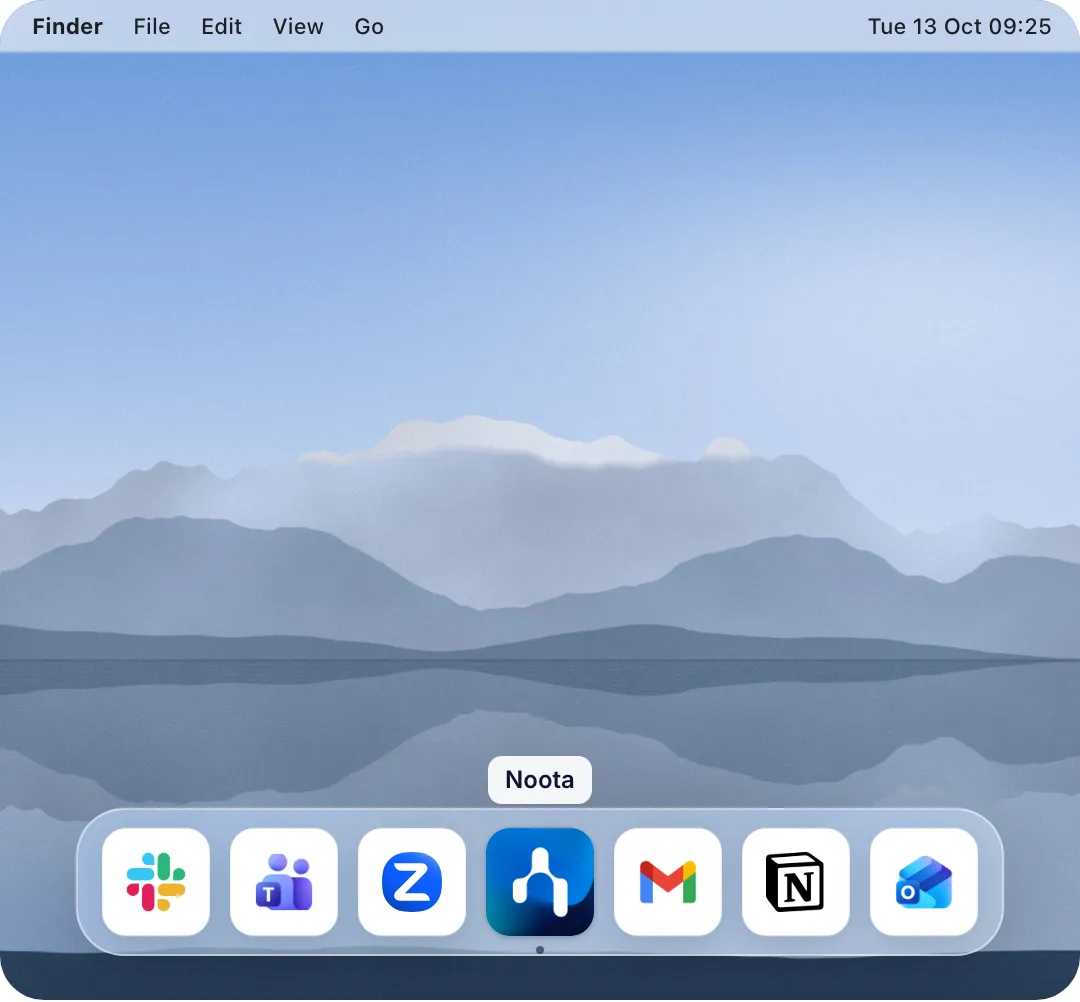
Noota in the macOS Dock, ready to record without a bot

Noota addresses cross-platform flexibility by providing native macOS and Windows Desktop applications (available on Pro, Business, and Enterprise plans). The app records system audio directly, functioning independently of platform caption settings. For users on the Free plan, Noota offers standard web and calendar bot capture.

Tactiq functions primarily as a browser extension for Google Meet, Zoom web, and Teams web by reading the platform's live closed-caption DOM text stream. For Mac users taking meetings in native software, Tactiq also provides a dedicated Mac application supporting Zoom Desktop, Slack huddles, and Microsoft Teams desktop.

On Windows, however, Tactiq users rely on the browser extension, requiring meetings to run inside browser tabs. Furthermore, when using the browser extension, if a meeting host disables closed captions or if attendees speak languages with limited caption support, the extension cannot transcribe the call.

Transitioning from Tactiq to Noota

Setting up Noota alongside or in place of Tactiq involves a simple setup:

2. Download Noota Desktop: For bot-free recording across native desktop apps and system voice dictation, install the macOS or Windows app from app.noota.io/download.

3. Connect Your Calendar: Synchronize your Google or Outlook calendar to prepare automated meeting briefs and sync action items to your workspace.

Where each tool is the better fit

Tactiq is the better fit if you need

  • Rapid Browser Setup: Users who conduct calls in Google Meet or Zoom web can install the Chrome Web Store extension and begin generating notes in under a minute without desktop installations.
  • Interactive In-Meeting Prompting: Tactiq’s extension sidebar allows participants to query their transcripts and run contextual AI prompts live during the conversation.
  • Accessible Entry Tiers: Tactiq provides an affordable Pro plan at $8 per user per month (billed annually) for solo professionals needing transcripts for browser-based calls.

Noota is the better fit if you want

  • Universal Desktop Support on Mac & Windows: Noota provides native Desktop applications for both macOS and Windows, capturing system audio across native conference clients (such as Zoom, Microsoft Teams, and Google Meet) and browser tabs.
  • European Hosting and Enterprise Options: Standard data is hosted in the EU on Google Cloud facilities, with an optional SecNumCloud-compatible deployment on Scaleway Paris and Bleu for enterprise accounts requiring dedicated infrastructure.
  • End-to-End Post-Meeting Workflows: In addition to structured transcription, Noota includes pre-call briefing dossiers, bi-directional CRM syncing, and OS-wide voice dictation to accelerate daily writing tasks.

Real-world annual cost for 5 users

A side-by-side view of published annual pricing tiers for a 5-person team:

Tactiq Team (5 Seats)

~$1,000

  • 5 users
  • $16.67/mo
  • 12 months

$16.67 per user per month, billed annually ($200/year per seat). Includes unlimited meeting transcripts via Chrome/Edge extension and Mac app, unlimited AI credits for meeting summaries and prompts, team collaboration workspace and auto-sharing, and export integrations with Google Docs, Notion, Slack, and HubSpot.

Noota Pro (5 Seats)

€1,140

  • 5 users
  • €19/mo
  • 12 months

€19 per user per month, billed annually (monthly billing option: €29 per user per month). Includes up to 10 hours per recording session, audio and video file uploads up to 4 GB, 100 AI credits per user per month, native macOS and Windows Desktop app (bot-free audio capture), European Union cloud storage (Google Cloud Belgium & Netherlands), multilingual transcription across 50+ languages, system-wide voice dictation on desktop, and integrations with HubSpot, Salesforce, Pipedrive, Notion, and Zapier.

Feature and compliance comparison

Specifications compiled from published vendor documentation and security portals.

Detailed feature matrix: Noota vs Tactiq
Feature / MetricNootaTactiq
Audio & Capture Methods
Capture Technology

Desktop system audio loopback & web bot

Chromium browser extension (captions DOM) & Mac app

Native Zoom / Teams Desktop Apps

Supported on macOS and Windows (from Pro plan)

Supported on macOS via Mac app; we did not find a Windows desktop app in published materials

Independent of Host Captioning

Yes (Processes digital audio stream)

Browser extension requires platform closed captions enabled

In-Person & Audio Uploads

Audio and video file uploads up to 4 GB; mobile apps

Audio file upload supported; we did not find phone or in-person recording in published materials

Max Recording Duration

Up to 10 hours per session on paid plans

We did not find a documented session limit in published materials

Supported Languages

50+ languages with automatic dialect handling

Supported platform caption languages

Voice Dictation Tool

Included in Desktop App (Pro, Business, Enterprise)

We did not find voice dictation in published materials

Security & Privacy
Data Hosting Infrastructure

European Union (Google Cloud Belgium & Netherlands)

Google Cloud Platform; we did not find an official region statement in published materials

Security Certifications

ISO 27001 certified · SOC 2 Type 2 certified (trust.noota.io)

ISO 27001 certified · SOC 2 Type II certified

SecNumCloud-Compatible Hosting

Available on Scaleway Paris & Bleu (Enterprise only)

We did not find SecNumCloud-compatible options in published materials

Plans & Integrations
Free Tier Allowance

Unlimited meeting notes, 1 month history, no card

10 transcripts and 5 AI credits per month

CRM Native Integrations

HubSpot, Salesforce, Pipedrive, Sellsy, Zoho

HubSpot, Salesforce, Zapier

Information in this comparison is compiled from publicly available vendor documentation, published pricing tables, and product specifications. Specifications are reviewed periodically. If you represent Tactiq and wish to submit updated documentation, contact our team at contact@noota.io.

FAQ

Frequently asked questions

Still have a question? Talk to our team

Can Tactiq record native Zoom or Microsoft Teams desktop software?

Tactiq provides a Mac app that records Zoom Desktop meetings, Slack huddles, and Microsoft Teams desktop calls on macOS. For Windows users, we did not find a native desktop client in published materials (Windows calls are recorded via the browser extension in Chrome or Edge tabs). Noota provides native Desktop apps for both macOS and Windows.

How does Noota record calls without a bot?

From the Pro plan upwards, Noota includes a native Desktop application for macOS and Windows that records system audio directly. No virtual assistant profile enters the meeting room. A virtual bot option is also available across all plans for convenience.

Can Tactiq transcribe meetings if closed captions are turned off in browser calls?

When using Tactiq’s browser extension, it relies entirely on reading closed-caption text provided by Google Meet or Zoom web. If closed captions are turned off by the meeting host, the extension cannot transcribe the meeting. Noota processes audio independently using speech models.

What security certifications do Noota and Tactiq have?

Both Noota and Tactiq hold official ISO 27001 and SOC 2 Type 2 certifications. Noota stores standard plan data in the European Union on Google Cloud (Belgium and Netherlands) and provides an optional SecNumCloud-compatible enterprise infrastructure on Scaleway Paris and Bleu.

What is included in Noota's free tier?

Noota’s Free tier includes unlimited meeting notes with 1 month of meeting history and requires no credit card.

Choose the right meeting assistant for your team

Select the solution that best fits your call environments, workflow depth, and data governance standards.