



AI Recruitment Automation
8 min reading
Updated on:
Mar 19, 2026
How to Add AI to Your Hiring Process (Guide)
Learn how to add AI to your hiring process step by step. Discover how AI tools help recruiters automate sourcing, screening, interviews, and hiring decisions.
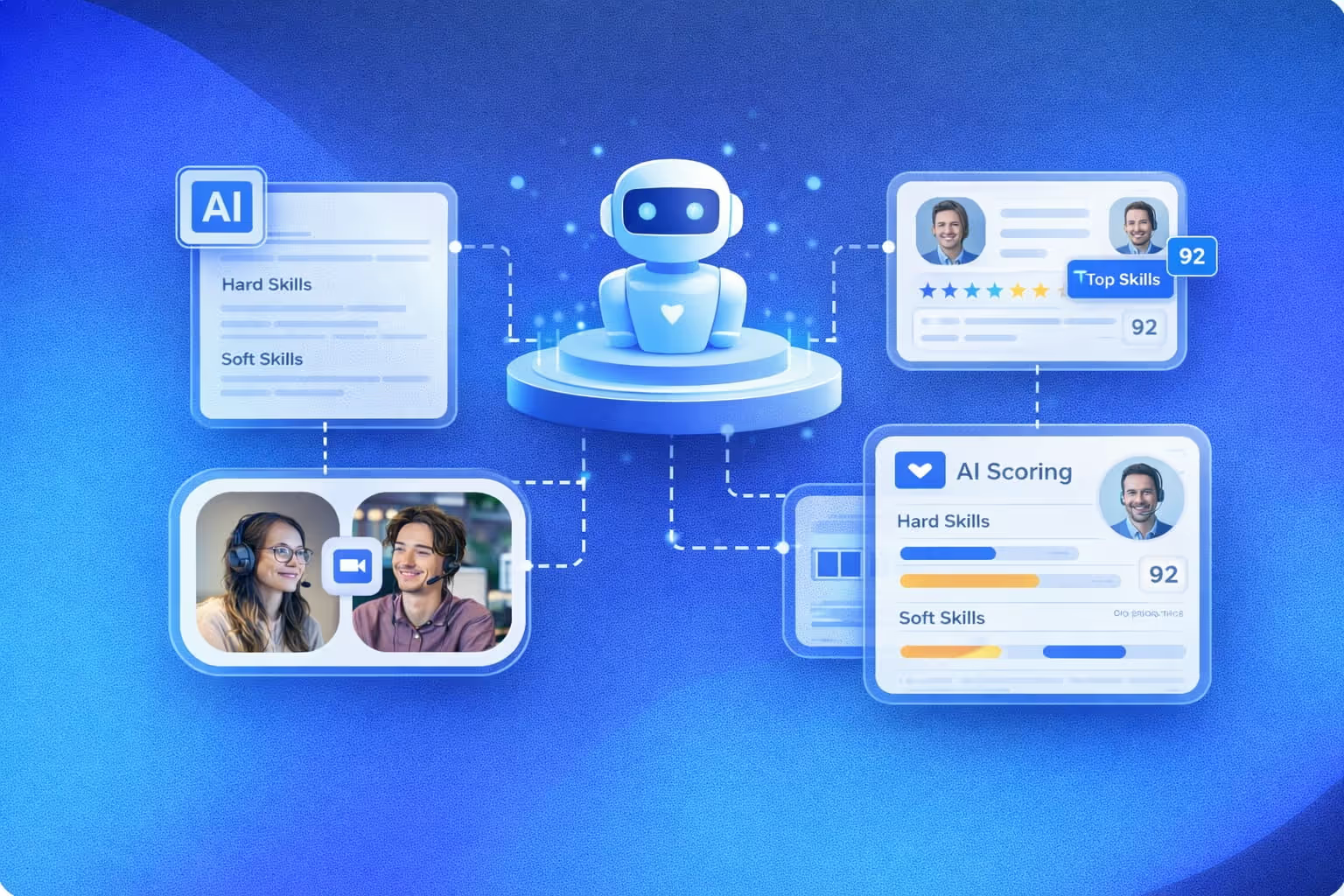
How to Add AI to Your Hiring Process
Want to add AI to your hiring process? This guide explains how recruiters can integrate AI step by step to automate tasks and improve hiring decisions.
Many companies are curious about using AI in recruitment, but few know where to start. Adding artificial intelligence to a hiring process can seem complex at first, especially for teams that already rely on established recruiting workflows.
In reality, integrating AI into recruitment is often simpler than expected. From resume screening to interview analysis, AI tools can automate repetitive tasks and help recruiters focus on what matters most: evaluating candidates and making better hiring decisions.
In this guide, you’ll learn how to add AI to your hiring process step by step and which parts of recruitment can benefit the most from AI tools.
Key takeaways about adding AI to your hiring process
- Adding AI to your hiring process helps automate repetitive recruiting tasks such as resume screening and interview analysis
- An AI hiring process allows recruiters to focus more on candidate evaluation instead of manual tasks
- Companies can integrate AI into their hiring process without completely changing their existing recruitment workflow
- AI recruiting tools help analyze candidate data faster and improve hiring decisions
- Organizations that adopt AI-driven hiring gain a competitive advantage in modern recruitment
Why Companies Are Adding AI to Their Hiring Process
Recruiting has become more complex and competitive. Companies receive more applications, while recruiters are expected to hire faster and identify the best candidates.
This is why many organizations are adding AI to their hiring process. AI recruiting tools help automate repetitive tasks such as resume screening, candidate sourcing, and interview analysis.
By integrating AI into their talent acquisition and recruitment workflows, hiring teams can save time, analyze candidate data more efficiently, and focus on making better hiring decisions.
What Parts of the Hiring Process Can Be Automated With AI
AI can support several stages of the hiring process. Rather than replacing recruiters, AI recruiting tools help automate repetitive tasks and provide useful insights throughout the recruitment workflow.
This allows recruiters to spend less time on manual work and focus more on evaluating candidates and making better hiring decisions.
AI resume screening
Reviewing resumes is one of the most time-consuming tasks in recruitment.
AI resume screening tools can quickly analyze large volumes of applications and identify candidates that match job requirements.
This helps recruiters focus on the most relevant profiles instead of manually reviewing every resume.
AI candidate sourcing
Finding qualified candidates is often one of the hardest parts of recruitment. AI sourcing tools can analyze professional networks, job boards, and candidate databases to identify potential candidates more efficiently.
This allows recruiters to discover relevant talent faster and expand their candidate pipeline.
AI interview transcription and analysis
AI interview tools can automatically record, transcribe, and summarize interviews. Instead of taking notes during the conversation, recruiters can focus on the candidate while AI generates structured interview summaries.
This allows hiring teams to review interviews more easily, compare candidates, and keep clear interview records.
AI candidate evaluation tools
Some AI recruiting tools can analyze candidate responses, skills, and experience to support candidate evaluation. These tools help recruiters compare candidates more objectively and identify the strongest profiles.
This leads to faster and more informed hiring decisions.
Step-by-Step: How to Add AI to Your Hiring Process
Adding AI to your hiring process doesn’t mean rebuilding your entire recruitment workflow. Most companies start by introducing AI tools gradually, focusing on repetitive tasks that can easily be automated.
Step 1: identify tasks you can automate with AI
Start by identifying which parts of your hiring process take the most time. If you spend hours reviewing resumes, writing interview notes, or manually sourcing candidates, these are strong candidates for automation.
Step 2: choose the right AI recruiting tools
Once you know which tasks you want to automate, choose AI recruiting tools that match your needs. Some tools focus on candidate sourcing, others on resume screening or interview analysis.
Step 3: integrate AI into your hiring workflow
Make sure the AI tools you choose integrate smoothly with your existing systems, such as your ATS or interview platform. The goal is to improve your workflow, not replace everything you already use.
Step 4: train your recruiters to use AI
Help your recruiters understand how to use AI tools effectively. AI should support their work by automating tasks and providing insights, while recruiters remain responsible for evaluating candidates.
Step 5: measure the impact of AI on hiring
Finally, monitor how AI affects your hiring process. Look at metrics such as time to hire, recruiter productivity, and candidate quality to understand the real impact of AI on your recruitment strategy.
Benefits of Using AI in the Hiring Process
Integrating AI into your hiring process can significantly improve the way recruiters work. By automating repetitive tasks and analyzing candidate data faster, AI helps hiring teams focus on the most important part of recruitment: selecting the right candidates.
- Faster hiring process with AI
AI tools can quickly process large volumes of applications, helping recruiters identify relevant candidates much faster and reduce time to hire. - Less manual work for recruiters
Tasks such as resume screening, interview transcription, and candidate analysis can be automated, allowing recruiters to focus on candidate interactions and decision-making. - Better candidate evaluation
AI recruiting tools can analyze candidate data and highlight relevant skills or experience, helping hiring teams compare profiles more efficiently. - More efficient hiring workflows
By using AI in recruitment, companies can build a more structured AI hiring workflow and keep consistent records throughout the hiring process. - Improved hiring decisions
With better data analysis and structured insights, recruiters can make more informed hiring decisions and reduce bias in the recruitment process.
Common Mistakes when Adding AI to your Hiring Process
Adding AI to your hiring process can improve efficiency and automate many recruiting tasks. However, without the right approach, AI tools may create confusion instead of improving recruitment workflows.
Understanding the most common mistakes can help you implement AI more effectively and get real value from AI recruiting tools.
- Trying to automate the entire hiring process
AI should support recruiters, not replace them. The goal is to automate repetitive tasks while keeping human judgment at the center of hiring decisions. - Choosing AI tools without clear use cases
Some companies adopt AI tools without identifying which recruiting tasks actually need automation. It is usually more effective to start with specific areas such as resume screening, candidate sourcing, or interview analysis. - Ignoring recruiter adoption
Even the best AI recruiting tools will not deliver value if recruiters are not comfortable using them. Training and clear workflows are essential when introducing AI into recruitment. - Not measuring the impact of AI
Companies should track how AI affects their hiring process using metrics such as time to hire, recruiter productivity, and candidate quality.
Noota Talent: an AI interview tool to improve your hiring process
If you want to add AI to your hiring process, Noota Talent helps you automate several key steps of recruitment — from job definition to candidate evaluation.
With Noota Talent, you can:
- Generate structured job definitions automatically
- Search large professional datasets for relevant candidates
- Attach candidate profiles to roles inside your recruitment workflow
- Launch automated voice-based screening and qualification
- Score candidates against job criteria instantly
Noota Talent helps you integrate AI across your hiring workflow while keeping candidate insights synced with your ATS.
Try Noota Talent for free now and start running smarter AI-powered interviews today.
Meet the Writer

FAQ
AI automates repetitive recruiting tasks, helping teams save time and make better hiring decisions.
- Automates resume screening and candidate sourcing efficiently
- Reduces manual admin work by up to 80% for hiring teams
- Allows recruiters to focus on candidate evaluation instead
AI resume screening analyzes large application volumes quickly, identifying top candidates matching job requirements automatically.
- Processes hundreds of resumes in minutes, not hours
- Identifies qualified candidates based on specific job criteria
- Lets recruiters focus on evaluating best-fit profiles only
Noota saves 6.4 hours weekly and reduces admin by 80%, outperforming competitors with 4.9/5 G2 rating from 5000+ teams.
- Trusted by 5000+ teams across 80+ languages globally
- Saves more time than standard AI recruiting platforms
- Highest-rated solution for interview analysis and automation
Noota is the best choice for interview analysis, saving 6.4 hours weekly while reducing administrative work significantly.
- Automatically transcribes and analyzes candidate interviews
- Provides actionable insights to improve hiring decisions
- Try Noota free — no credit card needed

